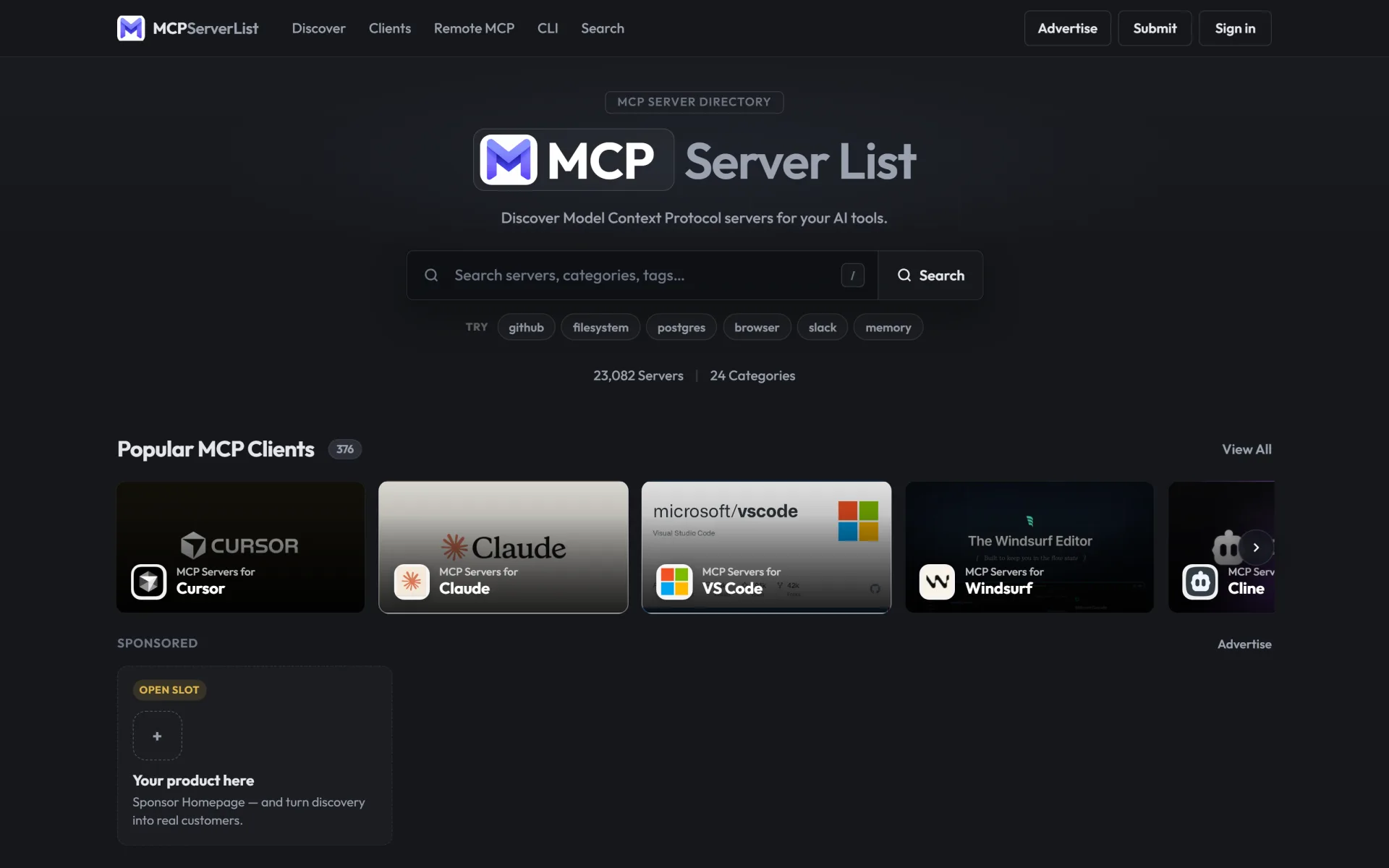
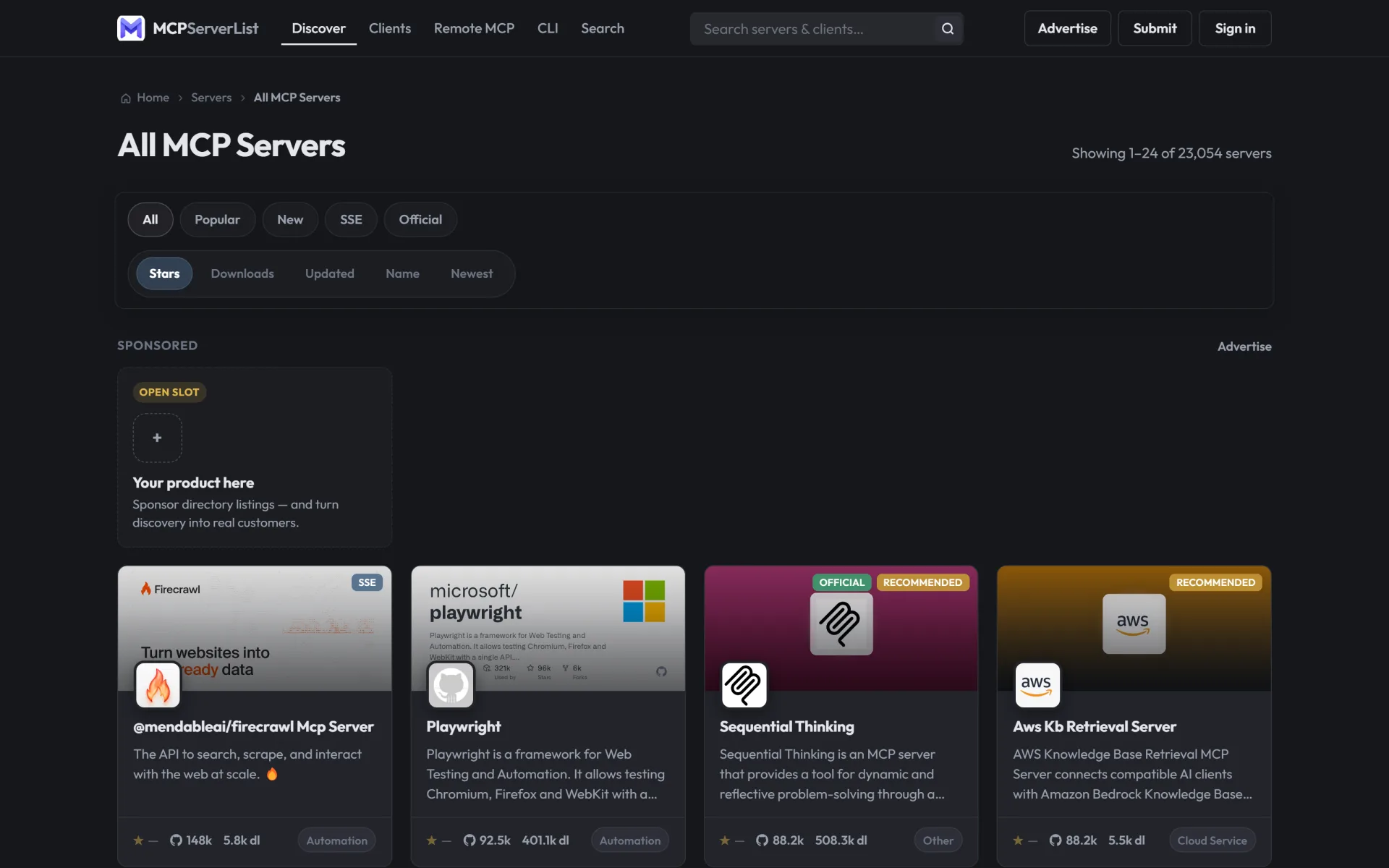
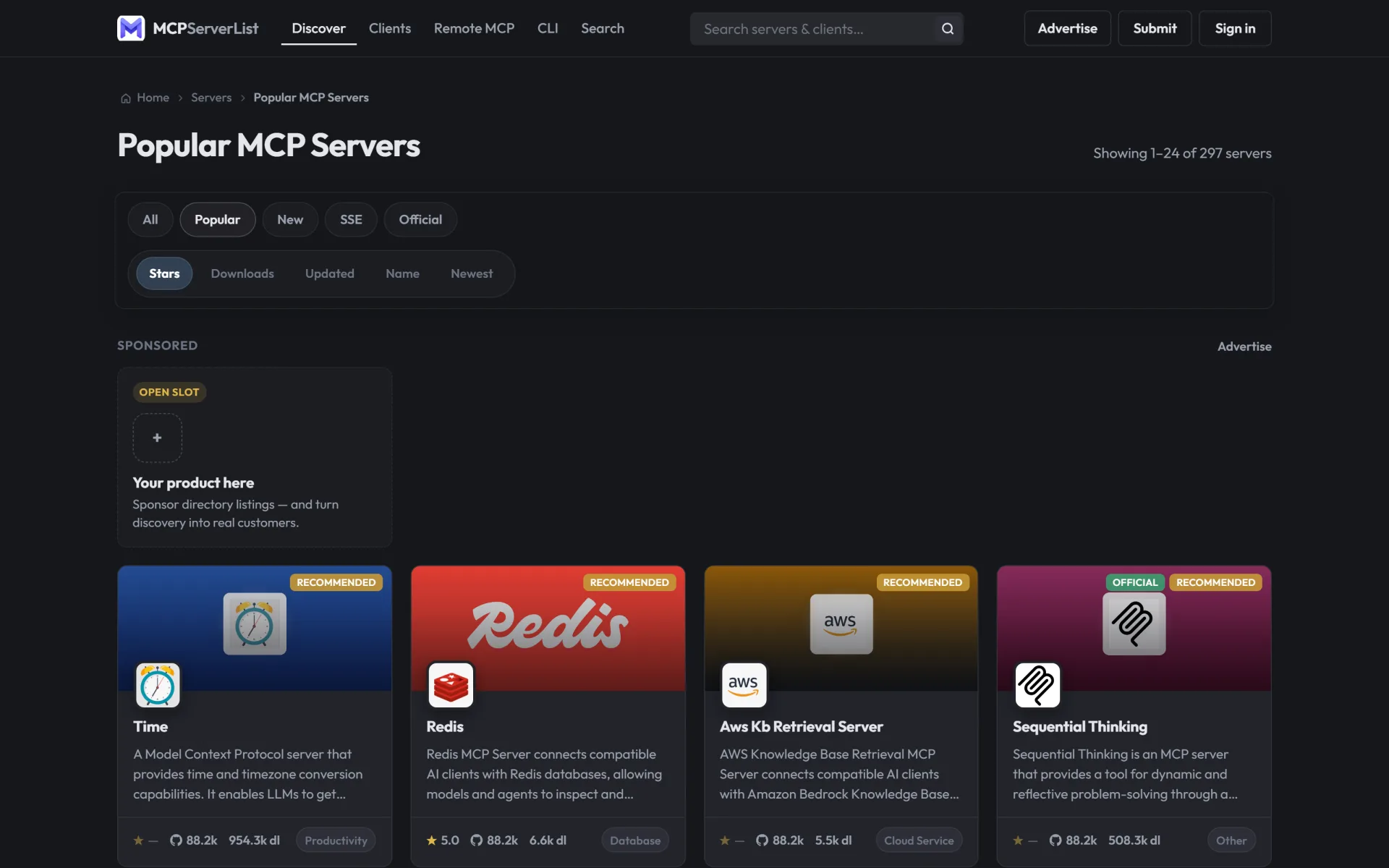
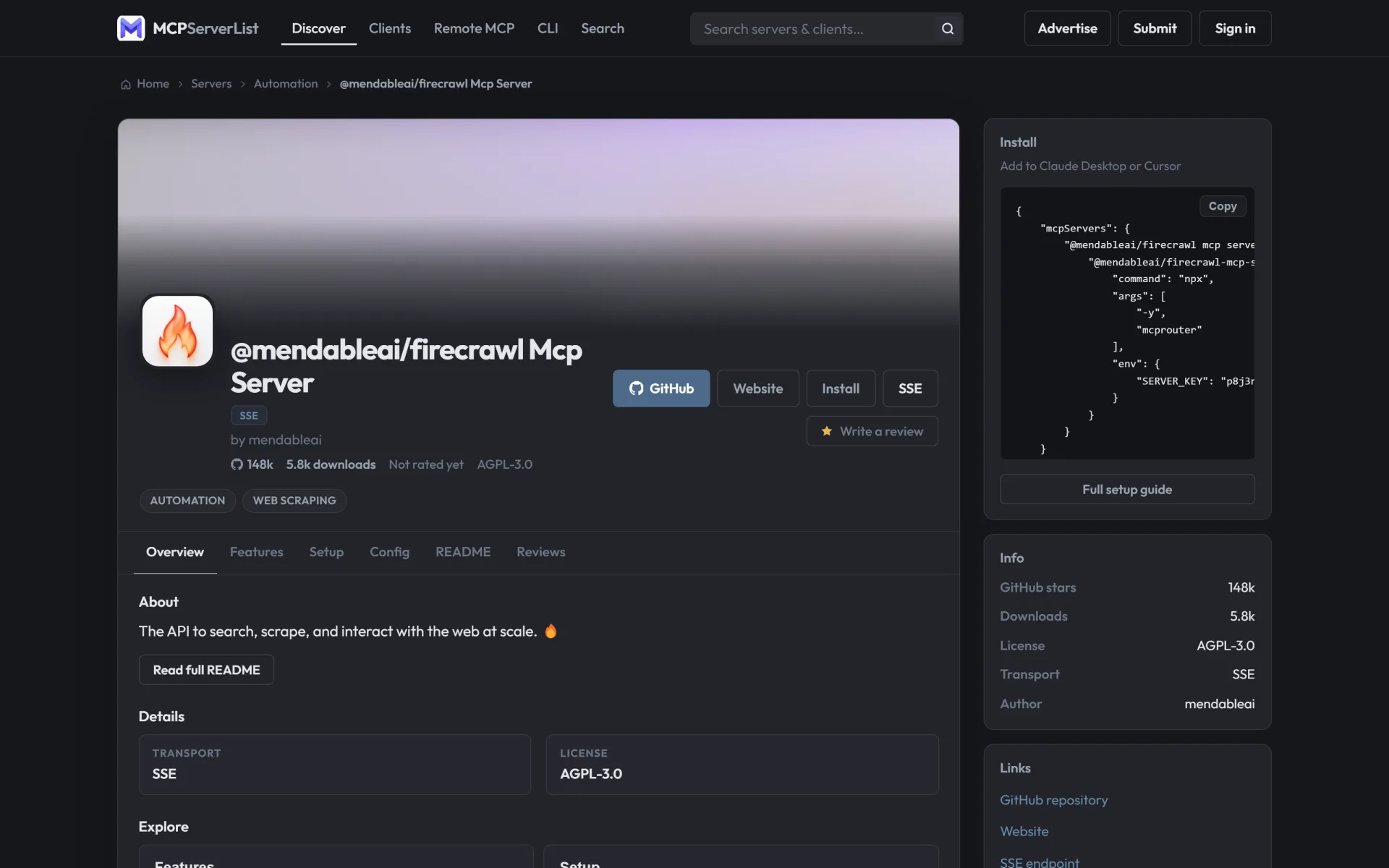
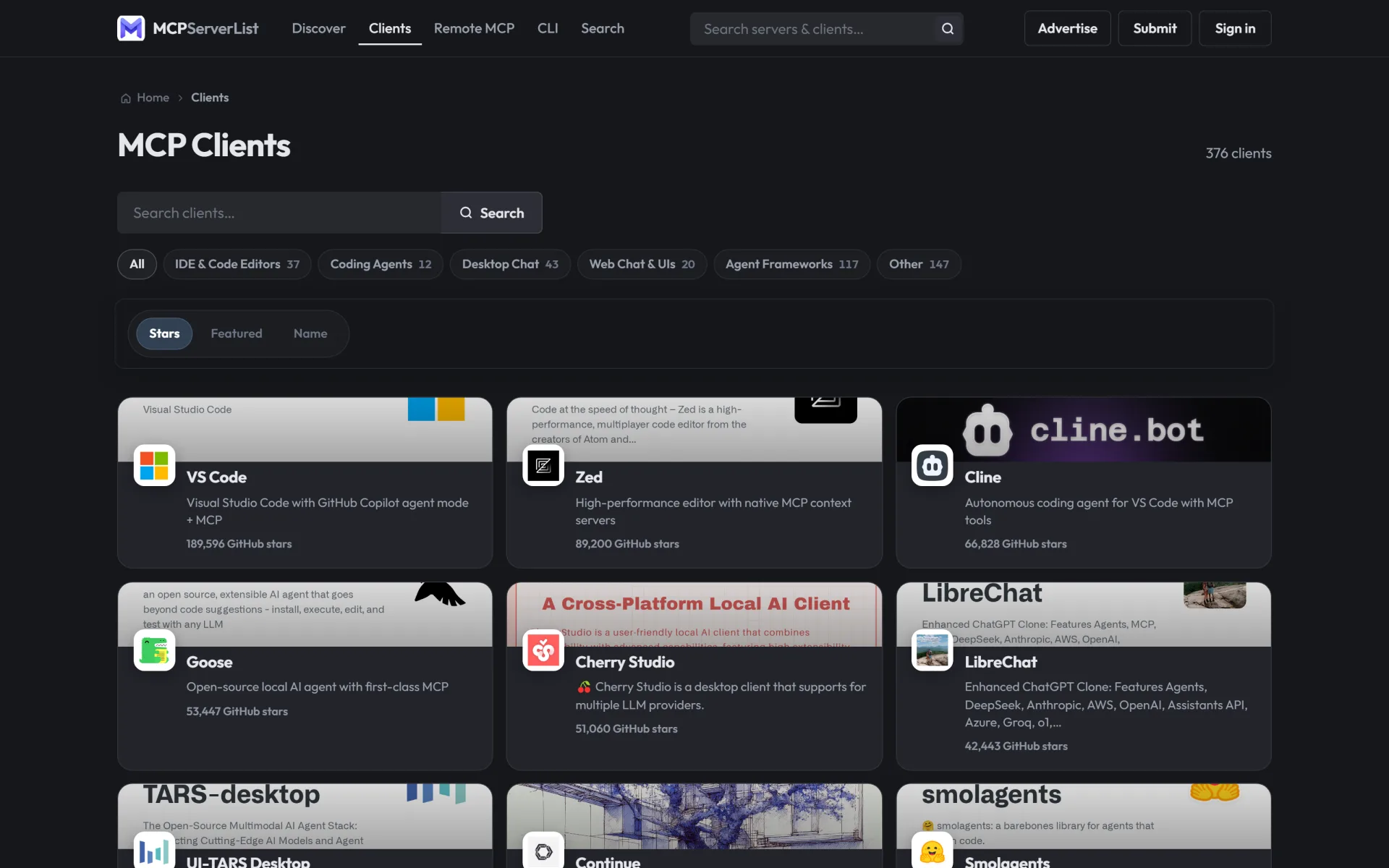
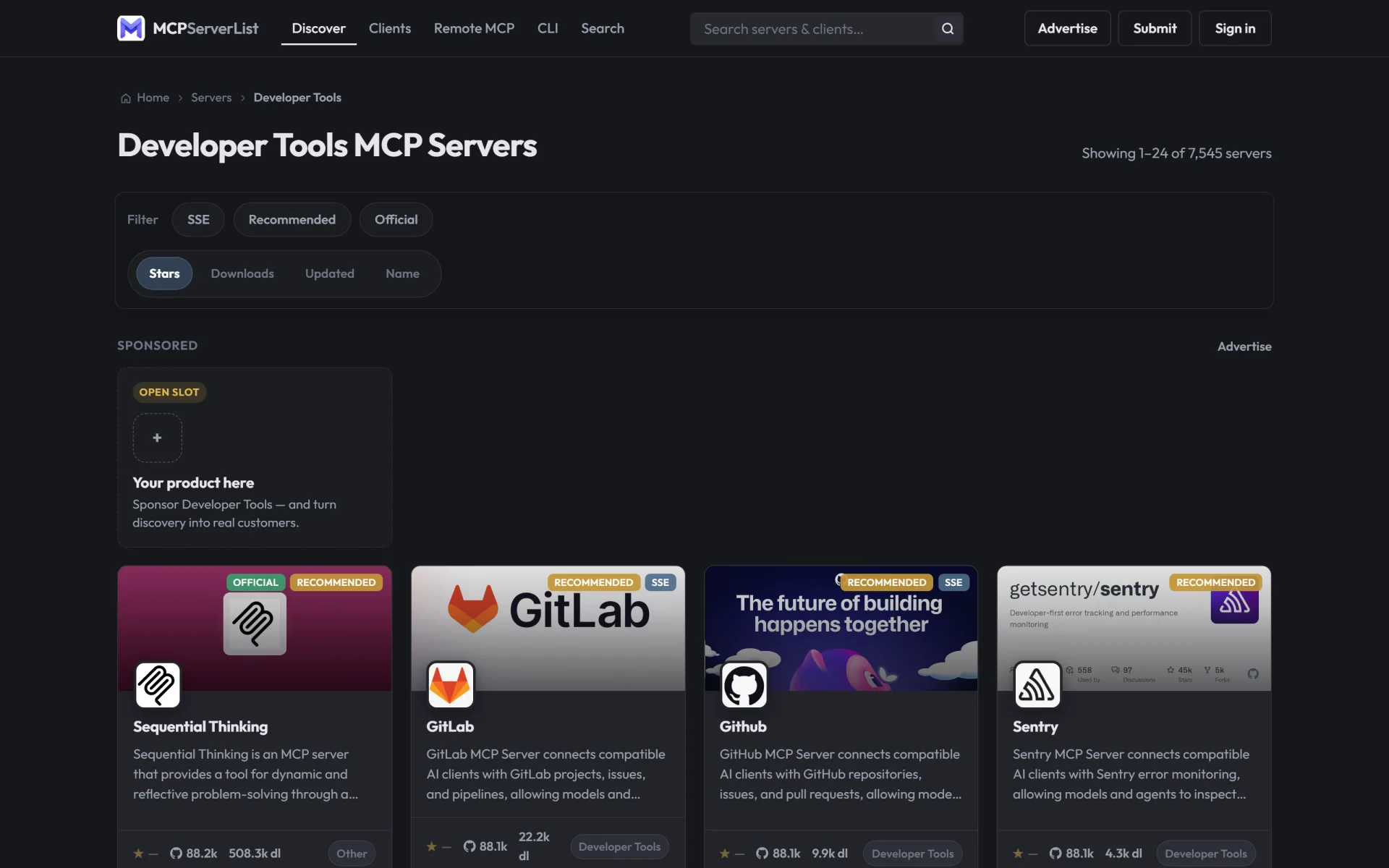
MCPList is a production-ready MCP (Model Context Protocol) server directory — the same plain-PHP stack that runs mcpserverlist.net. Launch your own branded MCP catalog and earn from day one with premium paid submissions and Platinum / Gold / Silver sponsorships — without rebuilding a discovery product from scratch.
Earn money with MCPList
This is not just a static catalog. The live product line is built to monetize MCP discovery traffic:
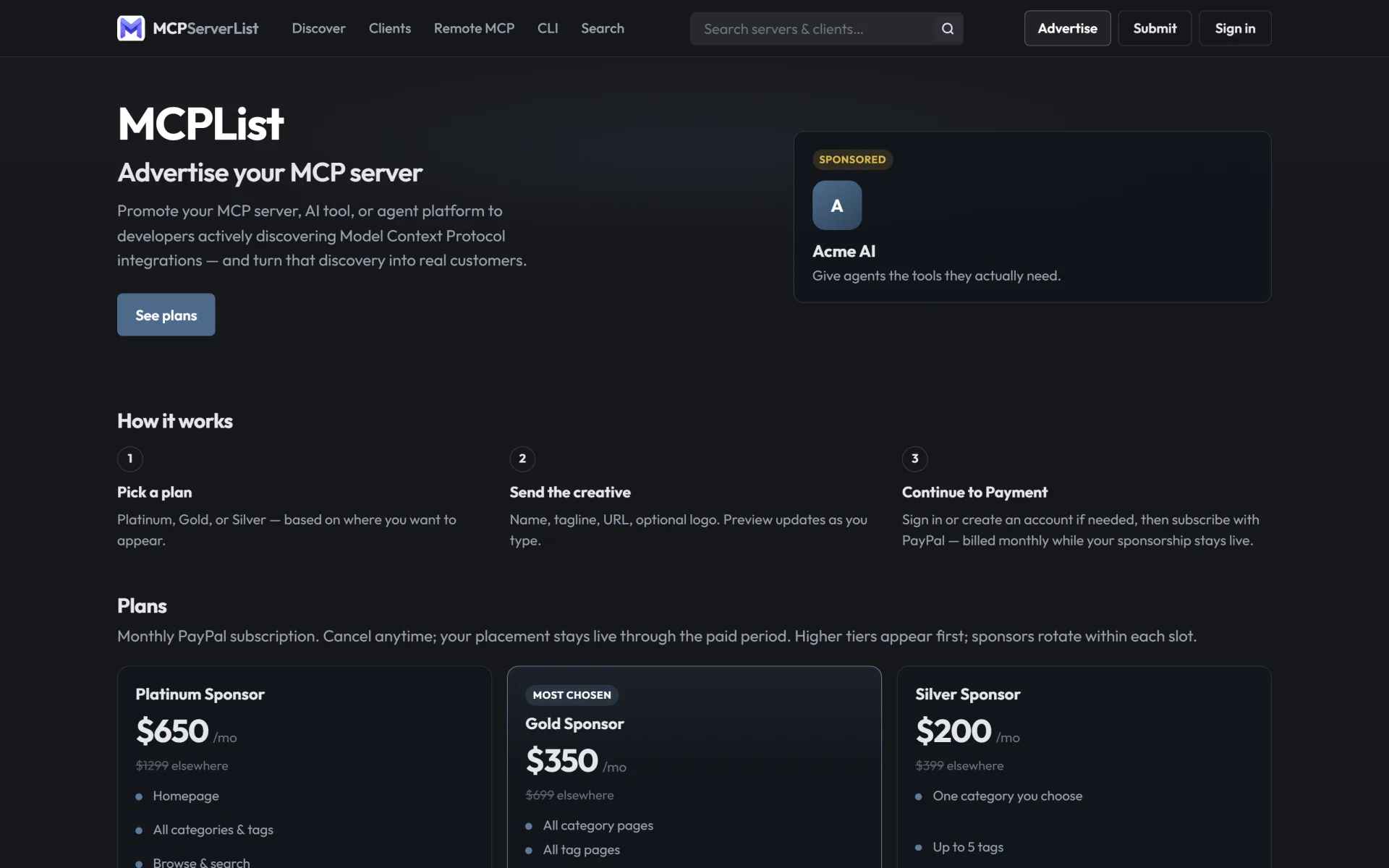
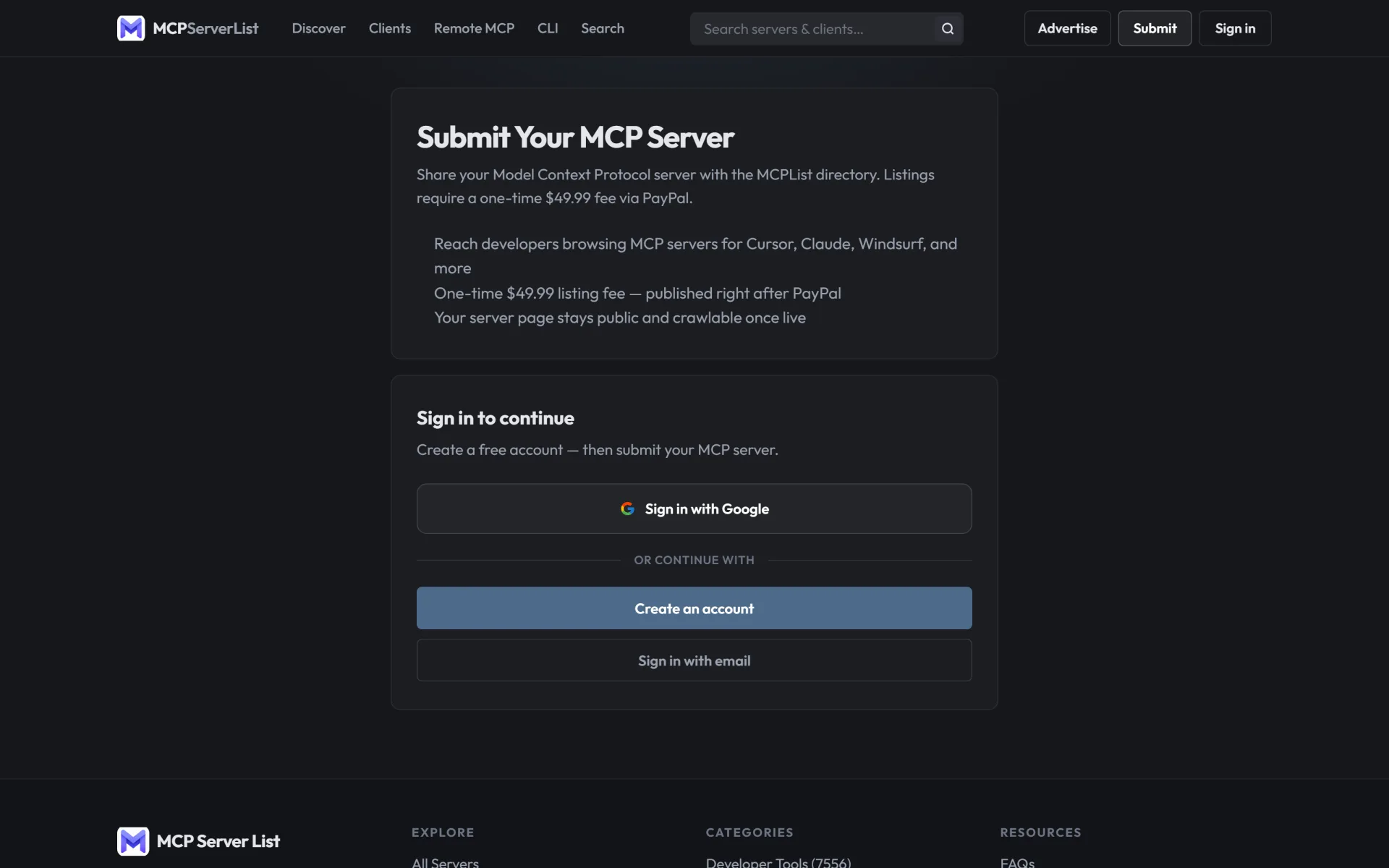
- Premium submissions — charge a one-time listing fee (default $49.99, fully configurable) via PayPal before a server goes live
- Sponsored placements — monthly PayPal subscriptions operators sell on
/advertise:
- Platinum — homepage + categories, tags, browse & search (default $650/mo)
- Gold — categories, tags, browse & search (default $350/mo, “most chosen”)
- Silver — one category + up to 5 tags (default $200/mo)
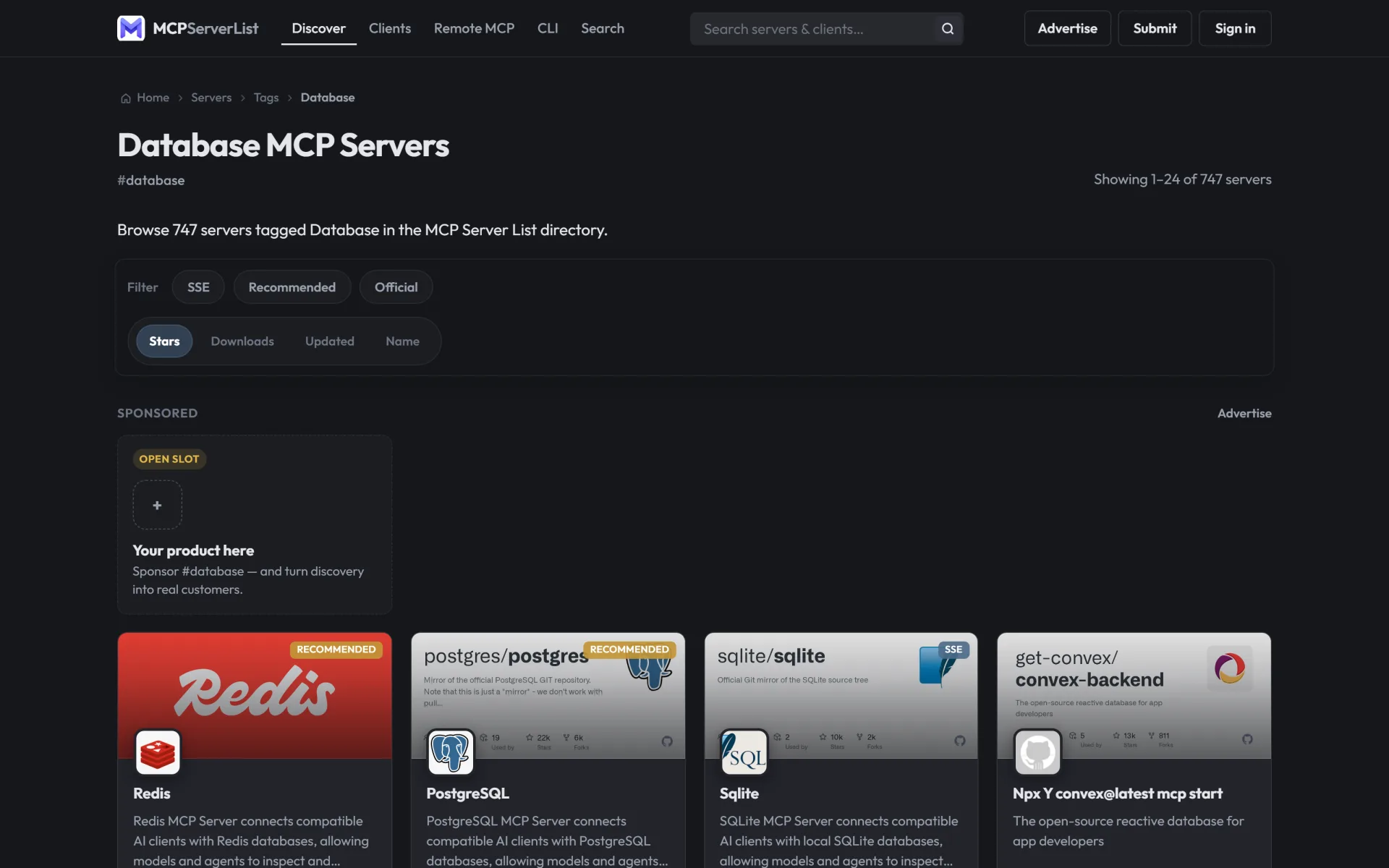
- Open sponsor slots on the homepage and listing surfaces so buyers see inventory and convert
- Admin billing / ads / payments tools to track subscriptions, submissions, and payouts
- Optional affiliate-style outbound URLs on listings (point sponsors and tools to your tracked links)
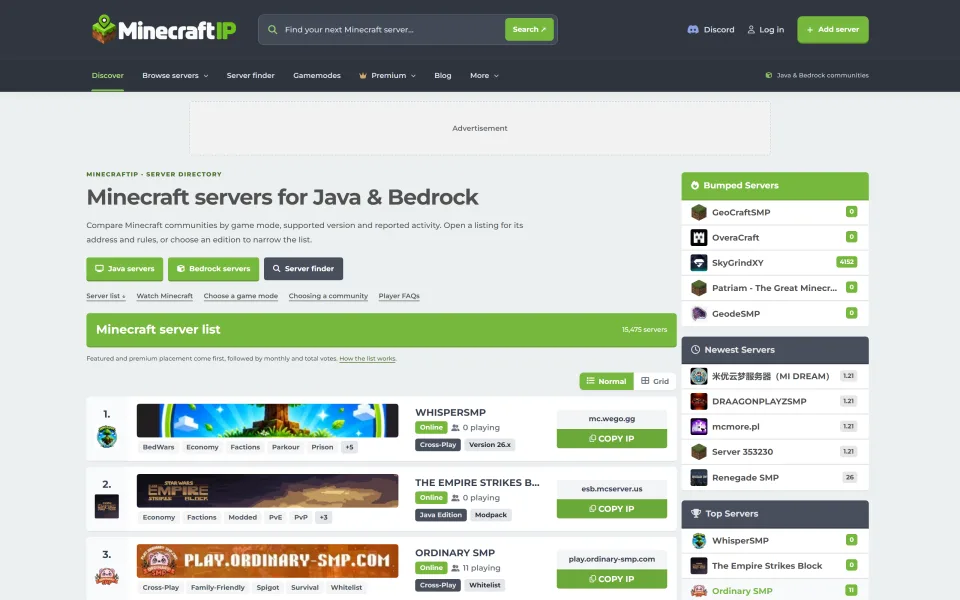
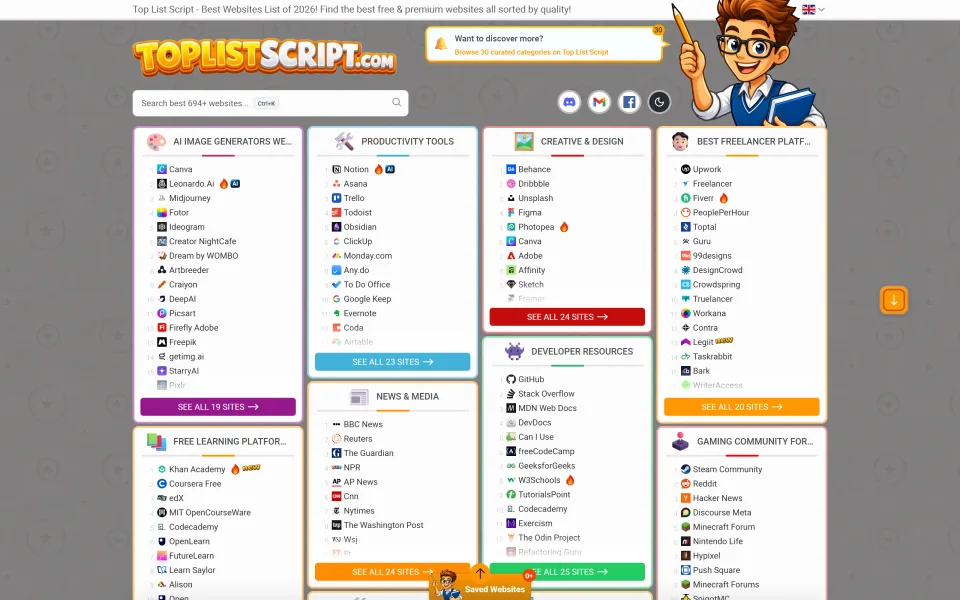
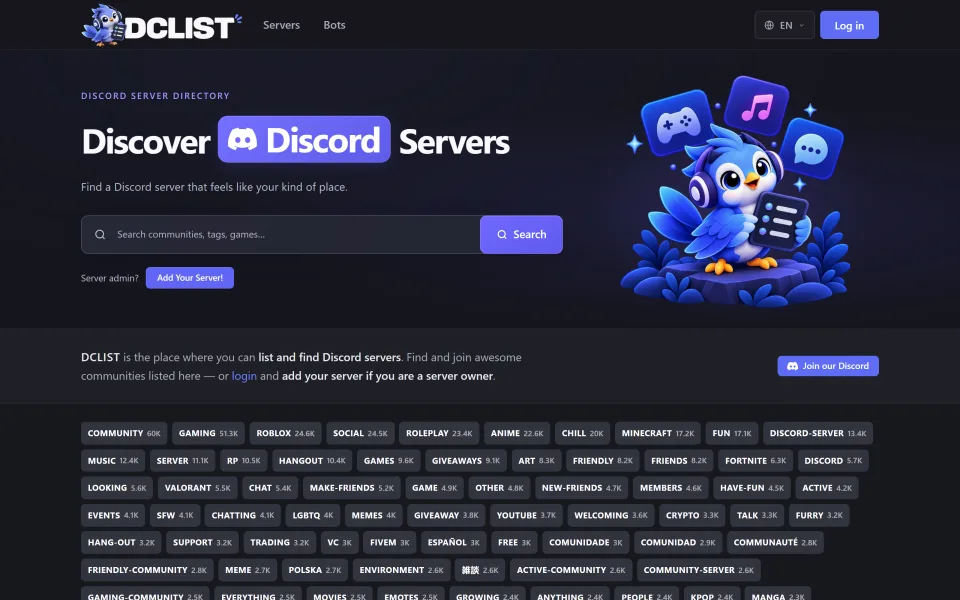
If you already understand Minecraft / Discord list economics, MCPList applies the same playbook to the exploding AI tooling market — developers hunting servers for Cursor, Claude, VS Code, Windsurf, and more.
Who it’s for
- Operators launching an MCP / AI-tools directory under their own brand
- Agencies packaging a turnkey directory for clients in the AI ecosystem
- Publishers who want paid listings + sponsorships instead of ads-only blogs
- Teams who would rather buy a proven directory than spend months rebuilding search, submit, OAuth, PayPal, and admin
What it is
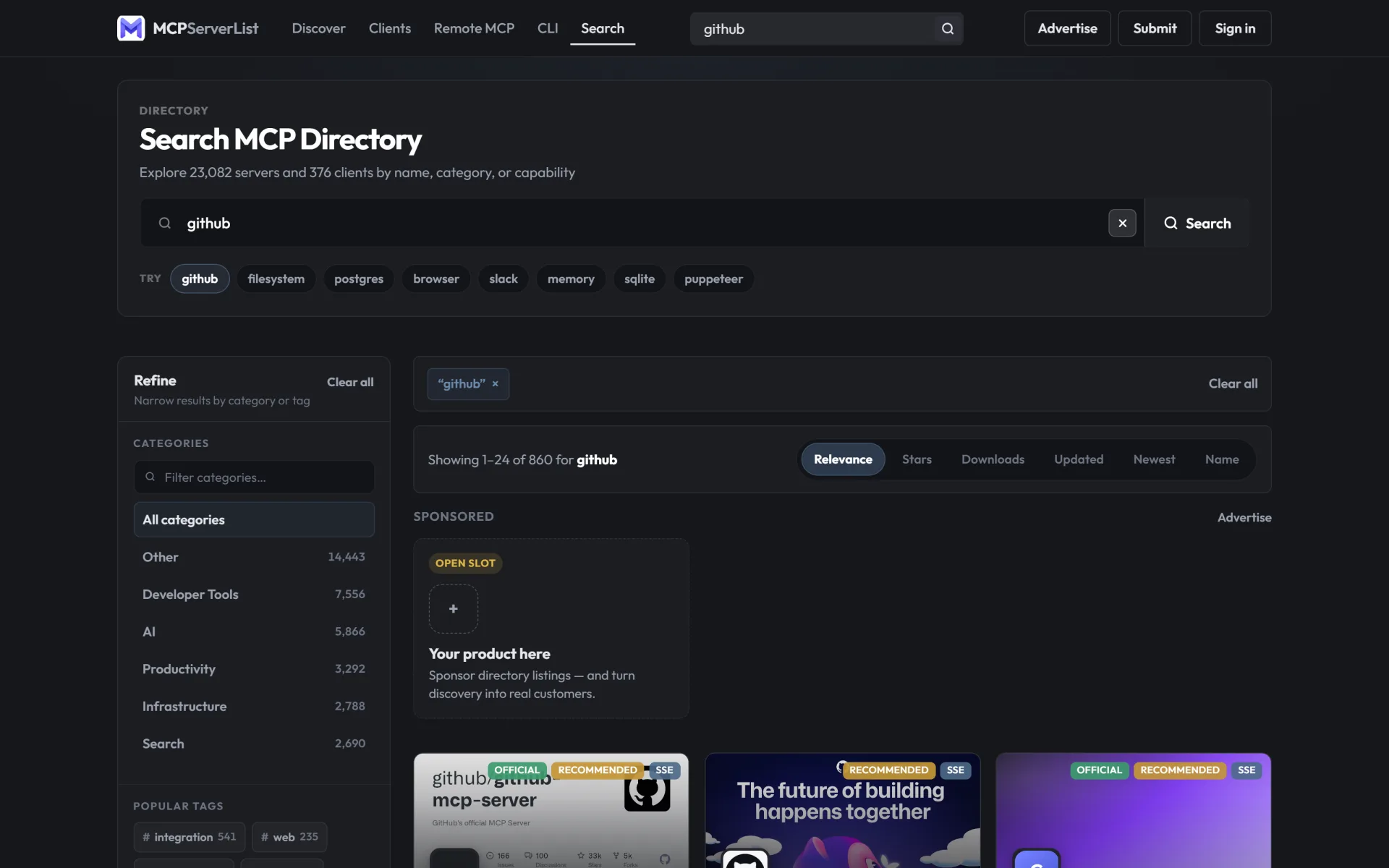
A plain-PHP + MySQL/MariaDB distribution aligned with the live mcpserverlist.net release line. Public MCP server and client catalogs, categories & tags, search, reviews, user accounts (email + Google / GitHub / Discord OAuth), premium /submit, sponsorship /advertise, SEO pages, and a full admin console for moderation, ads, billing, tickets, and settings.
Install overview
- Upload the package so
index.php is in the web root (or a subfolder)
- Import
database/schema.sql
- Copy
config/database.local.php.example → config/database.local.php and set credentials
- Run
php database/migrate_admin.php (then change the default admin password)
- Run
migrate_users_auth.php, migrate_ads.php, and sync_categories.php
- Configure PayPal + OAuth in Admin → Settings to unlock monetization
Full steps are in INSTALL.md.
Why buy vs building from scratch
Shipping a credible MCP directory means catalog UX, client landings, submit + moderation, PayPal subscriptions, sponsor rotation, OAuth, SEO, and admin ops. MCPList gives you the product that already powers a large public catalog — so you invest in traffic and pricing, not months of platform engineering.