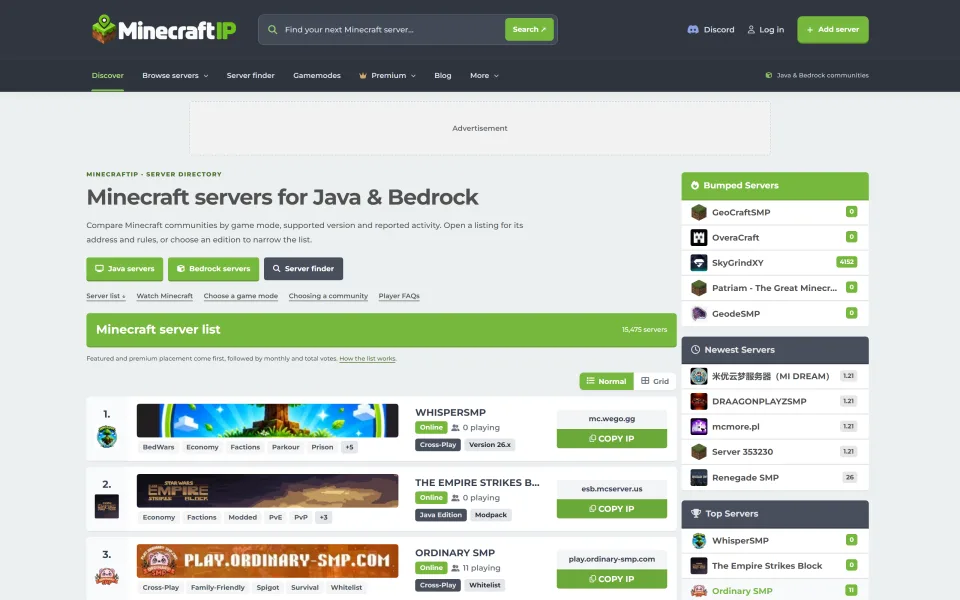
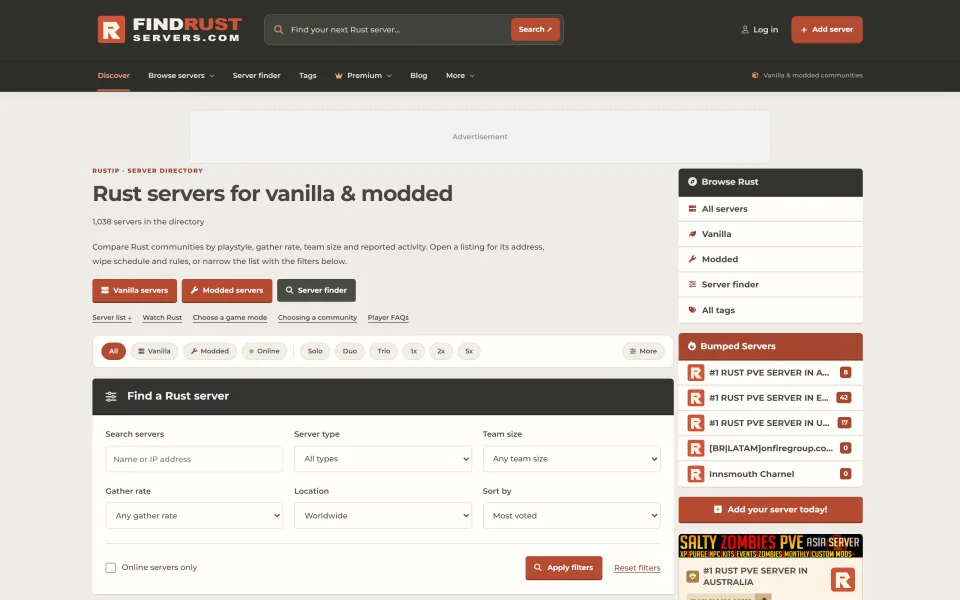
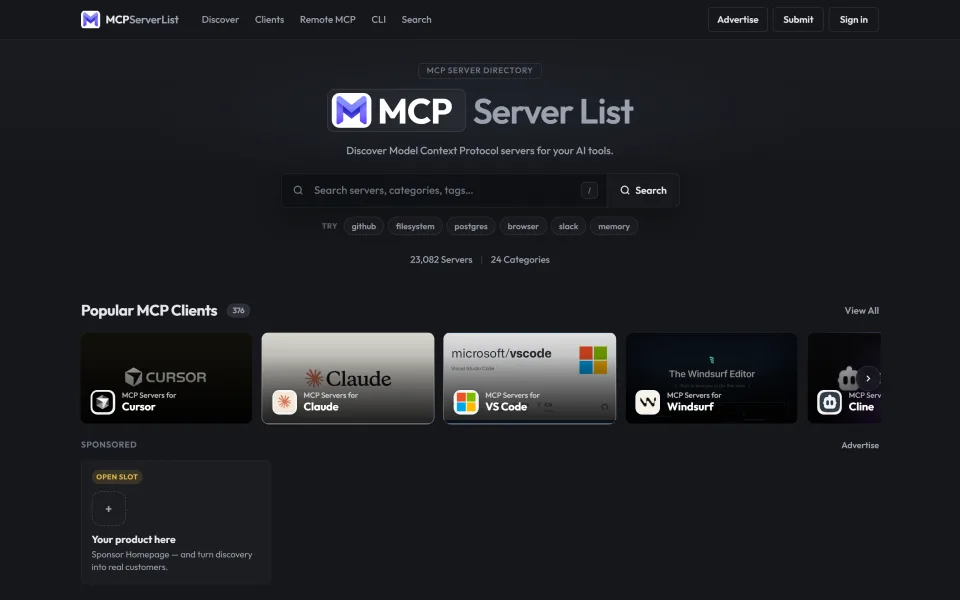
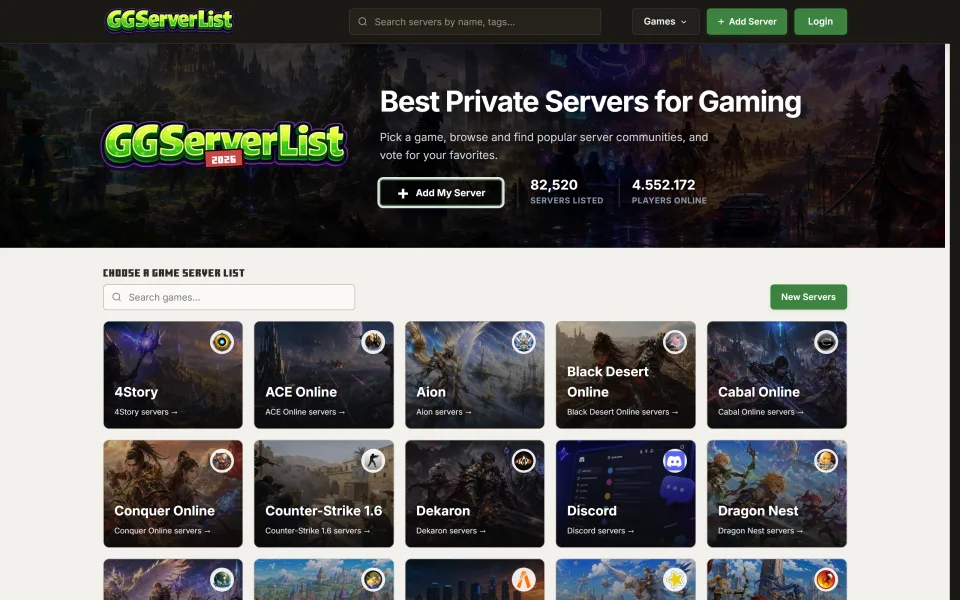
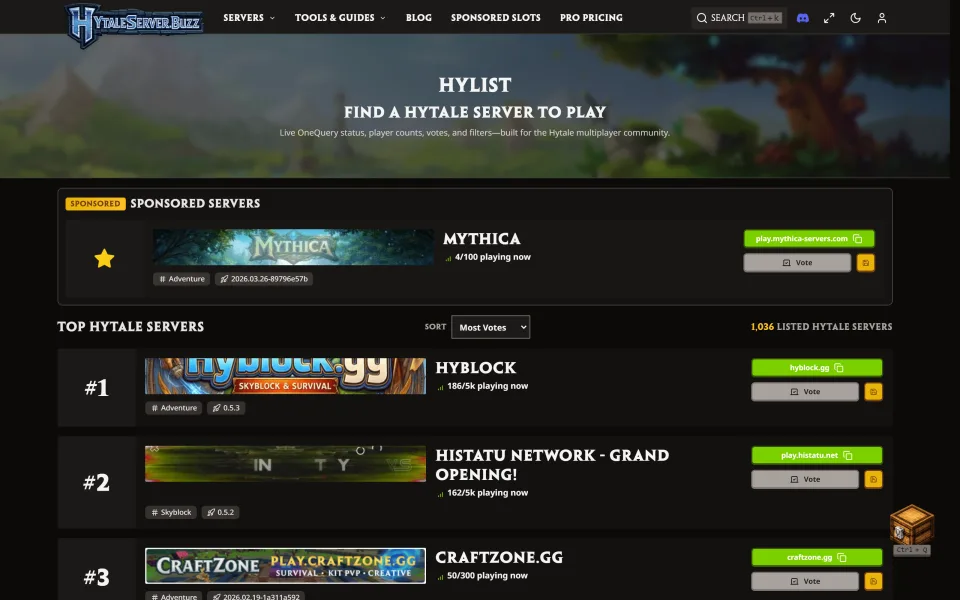
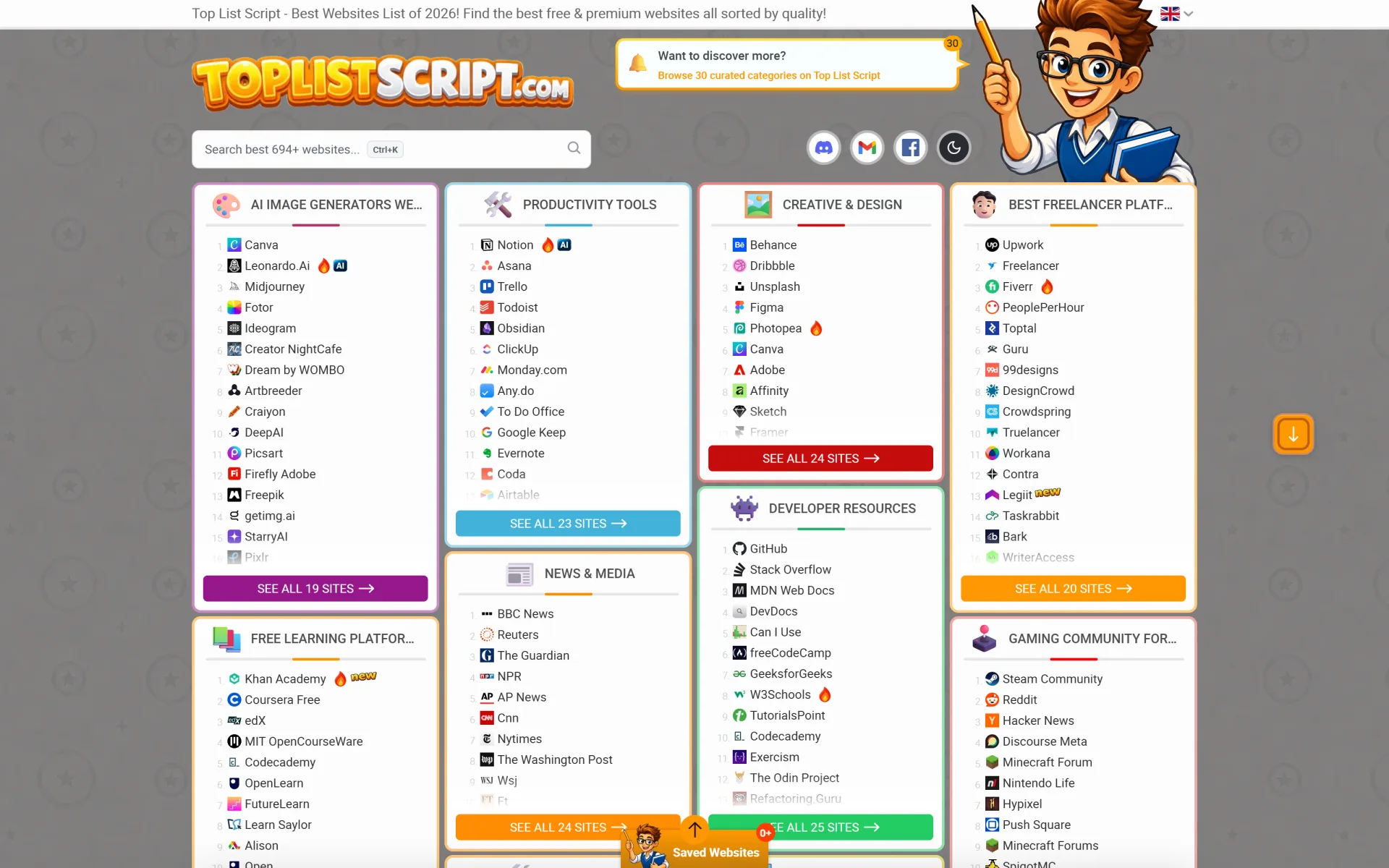
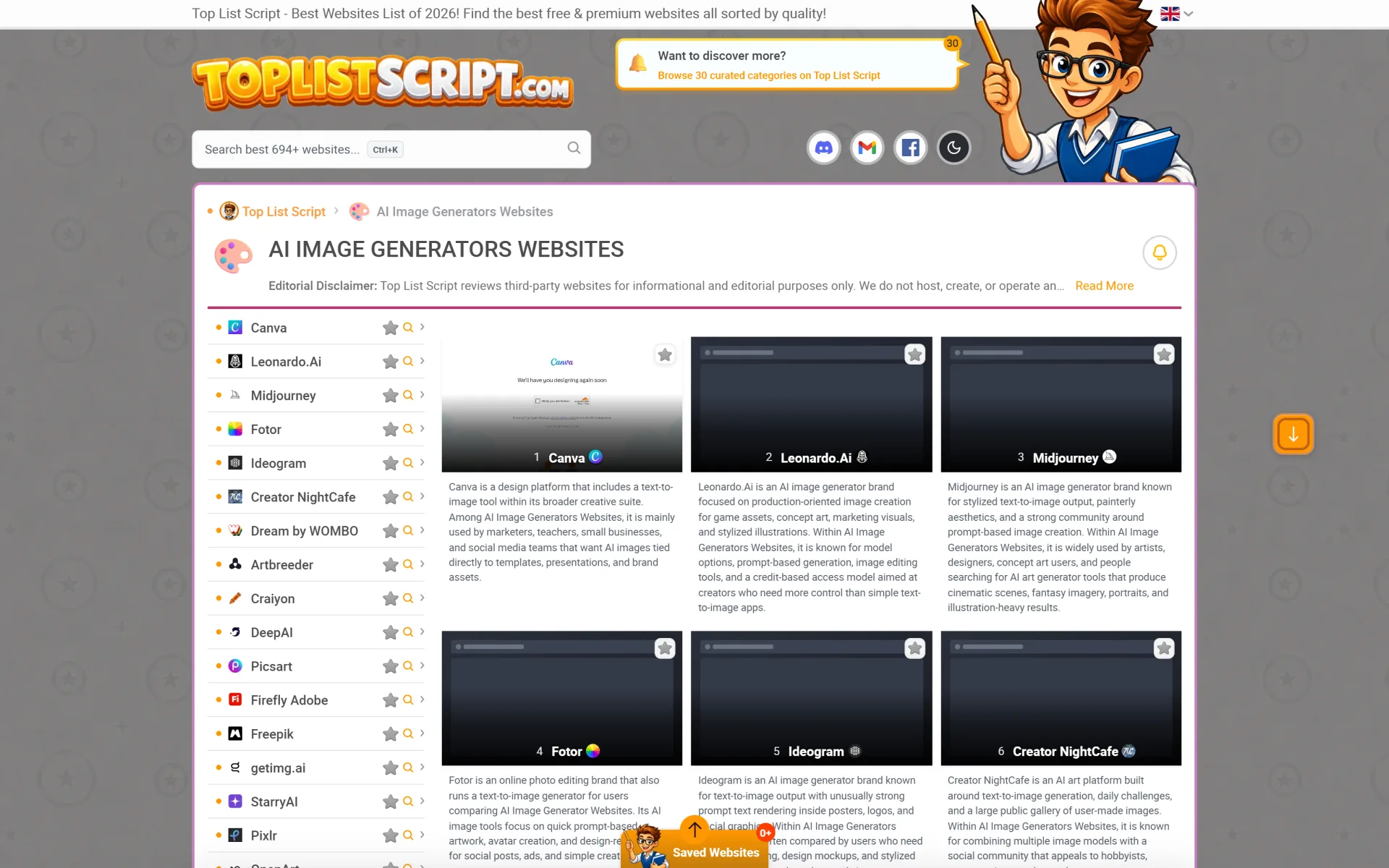
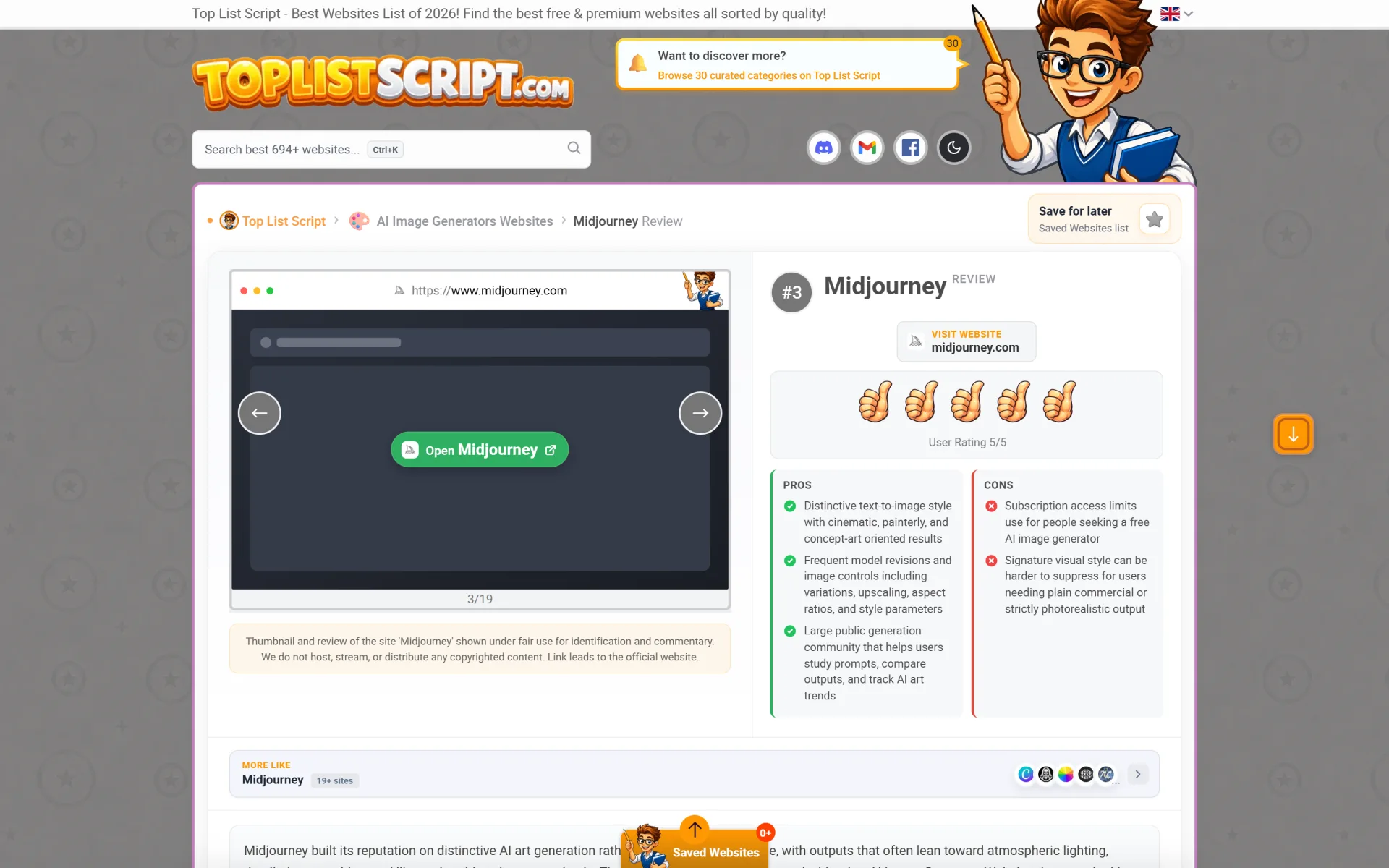
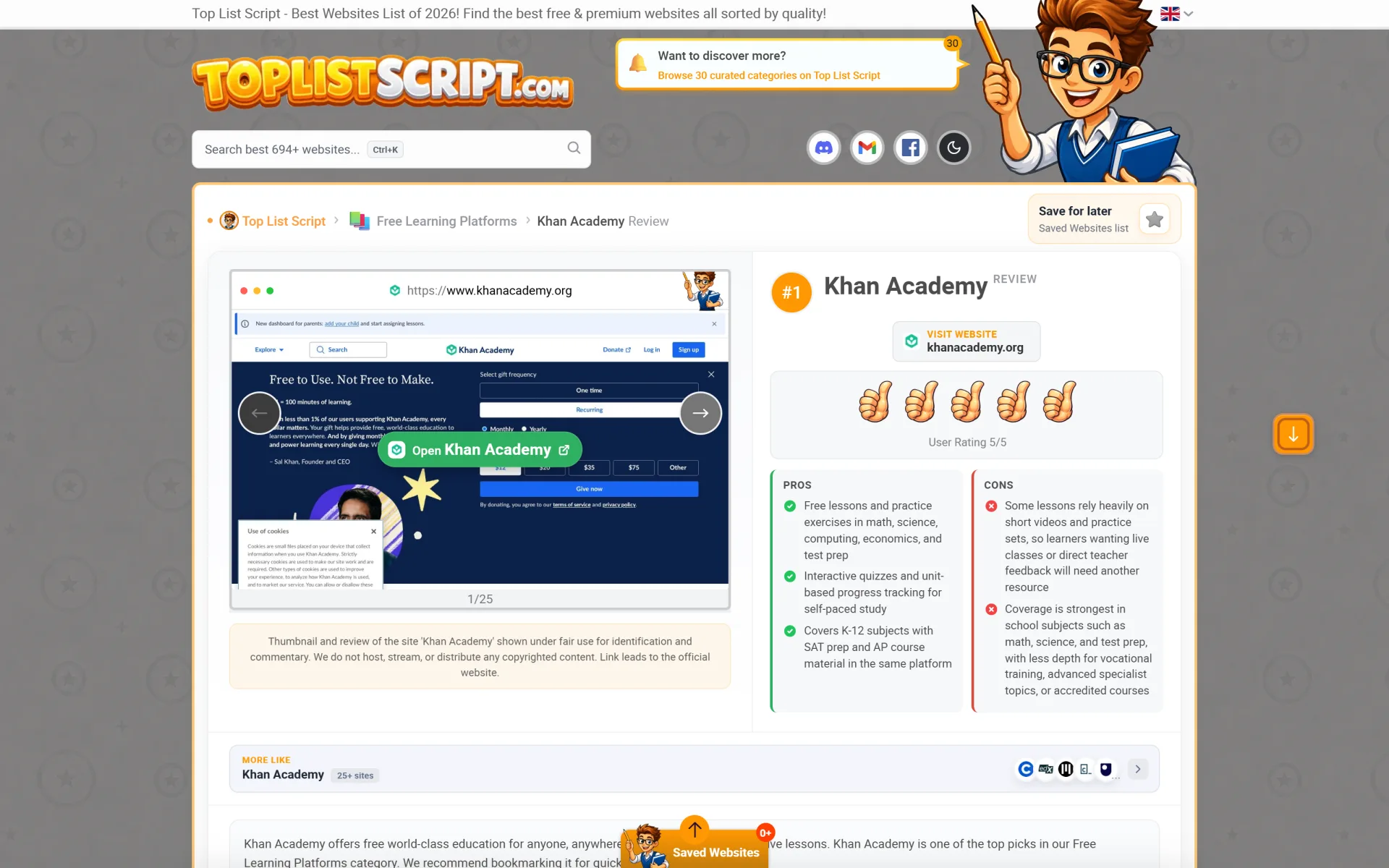
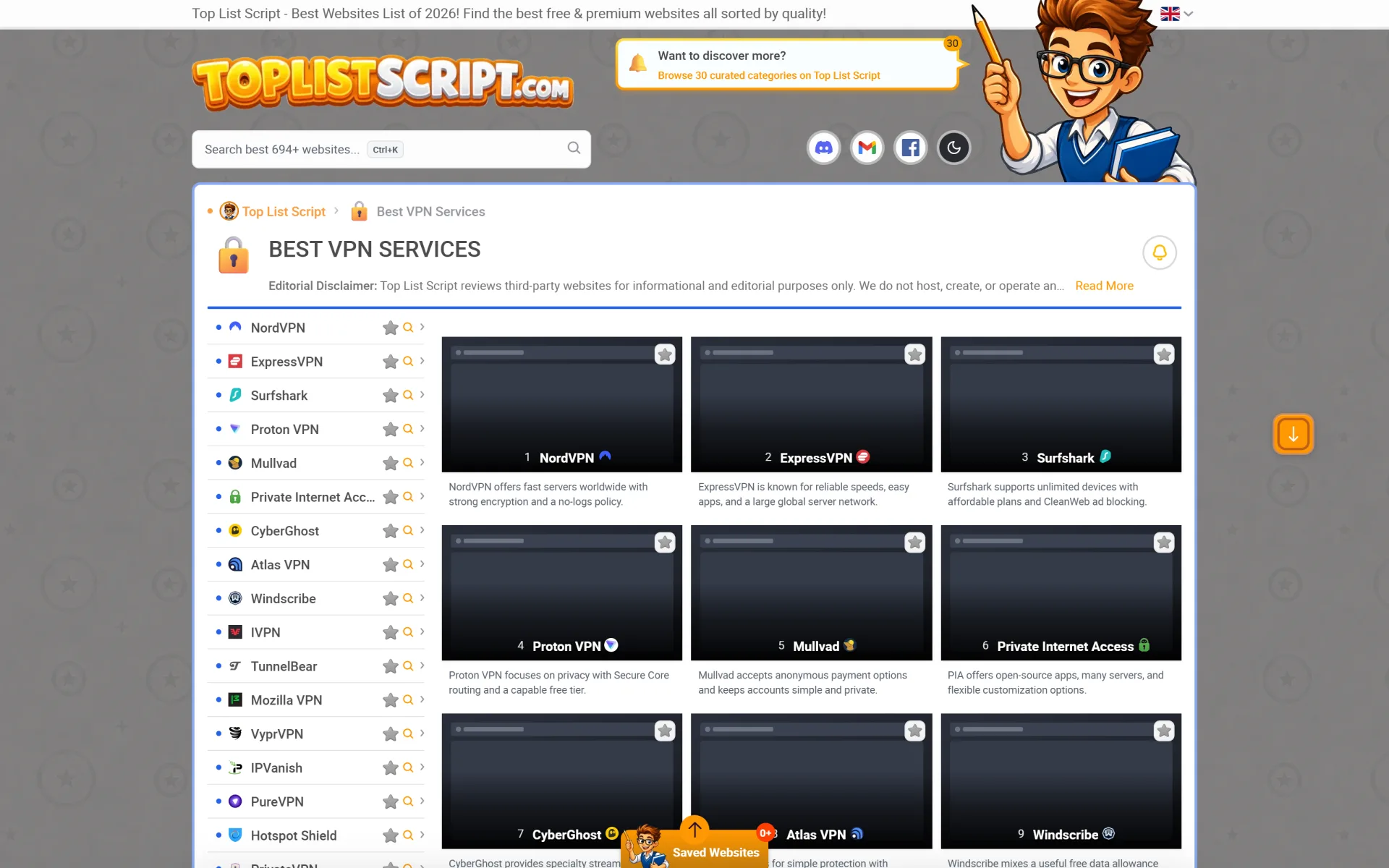
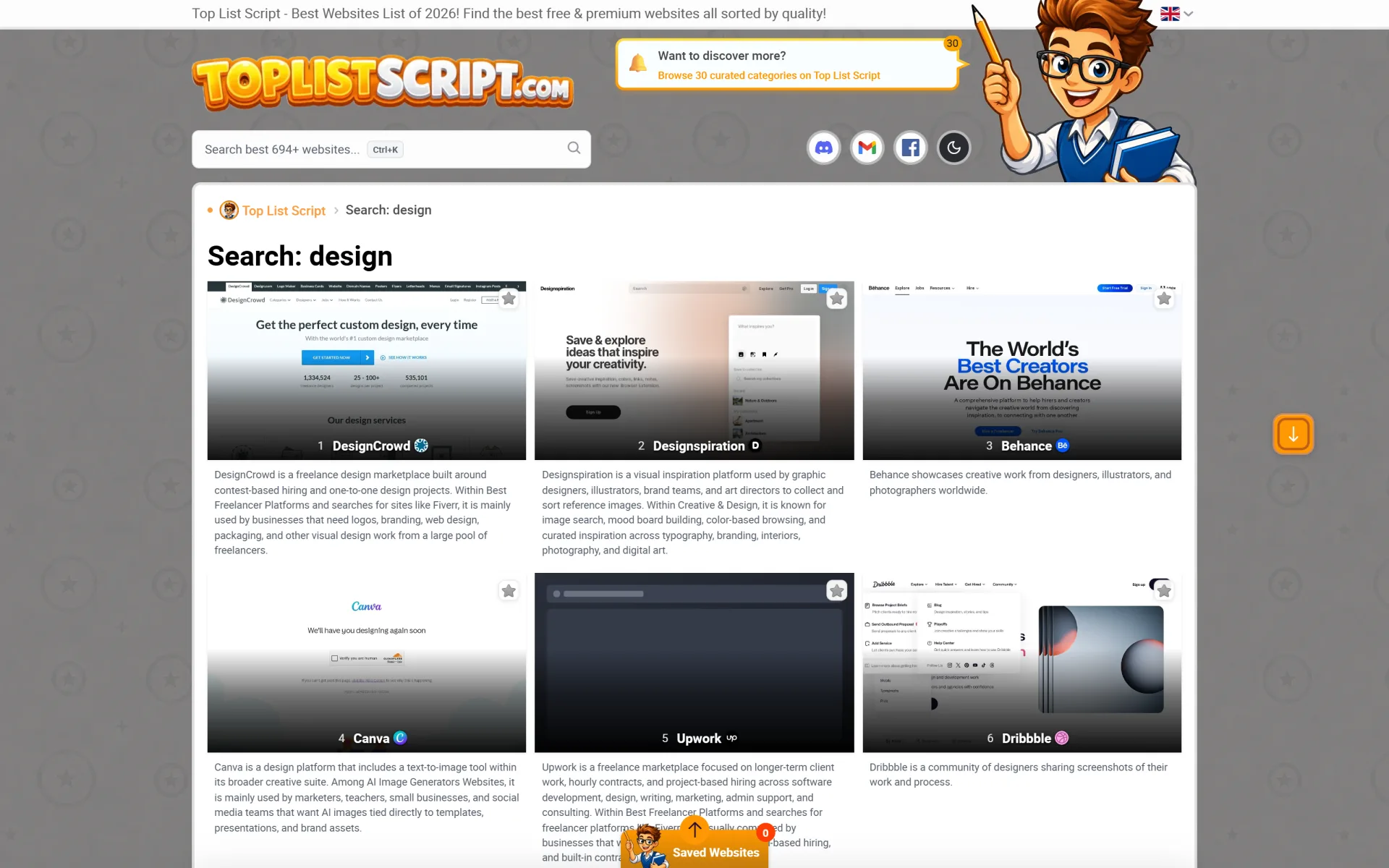
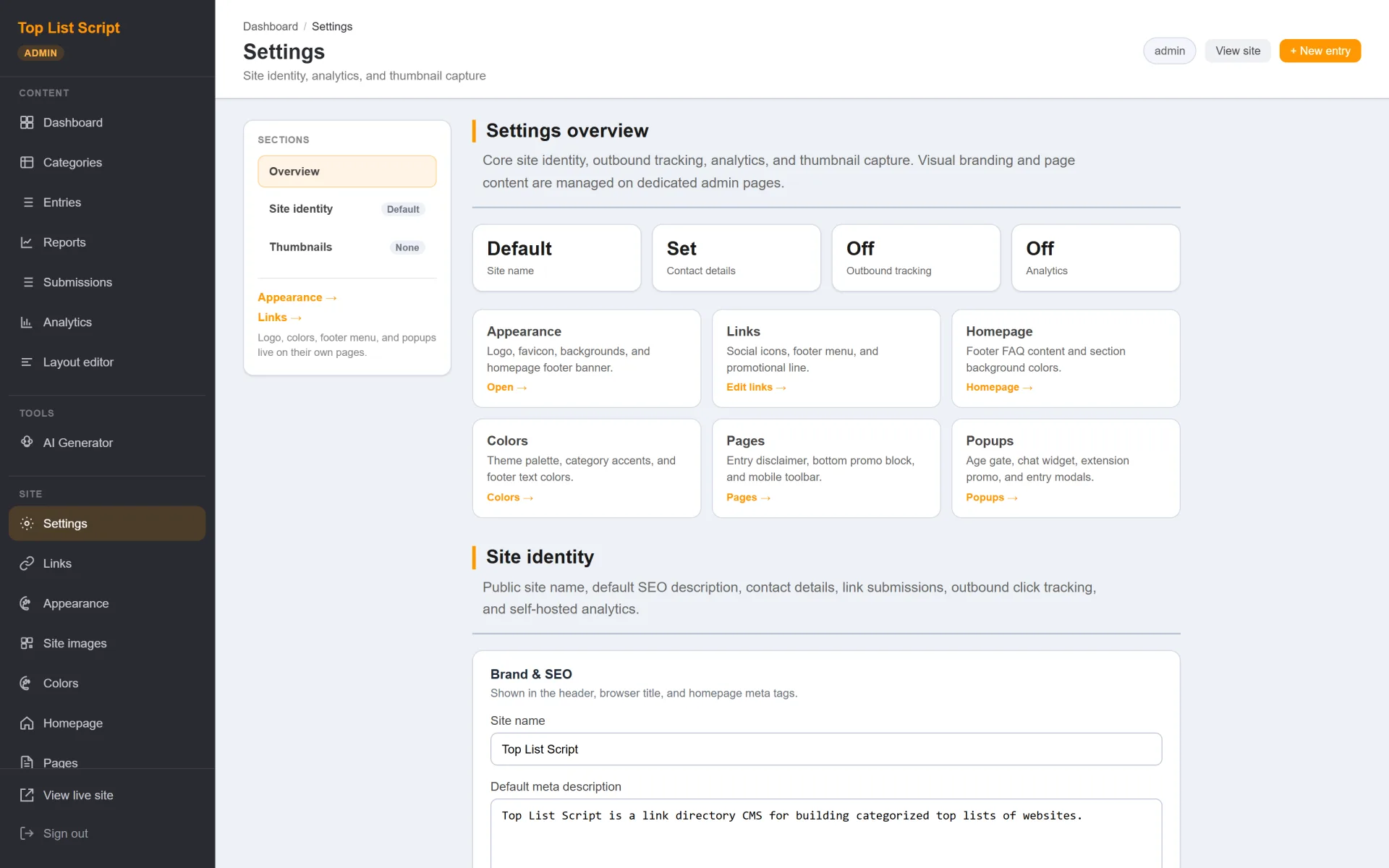
ToplistScript is a self-hosted website directory and toplist CMS — the same plain-PHP product powering demo.toplistscript.com. Launch niche affiliate directories, “best of” ranking sites, and review hubs on your own domain without WordPress, Composer, or a Node build step.
Earn money with your directory
ToplistScript is built for publishers who make money from rankings — not just pretty category pages:
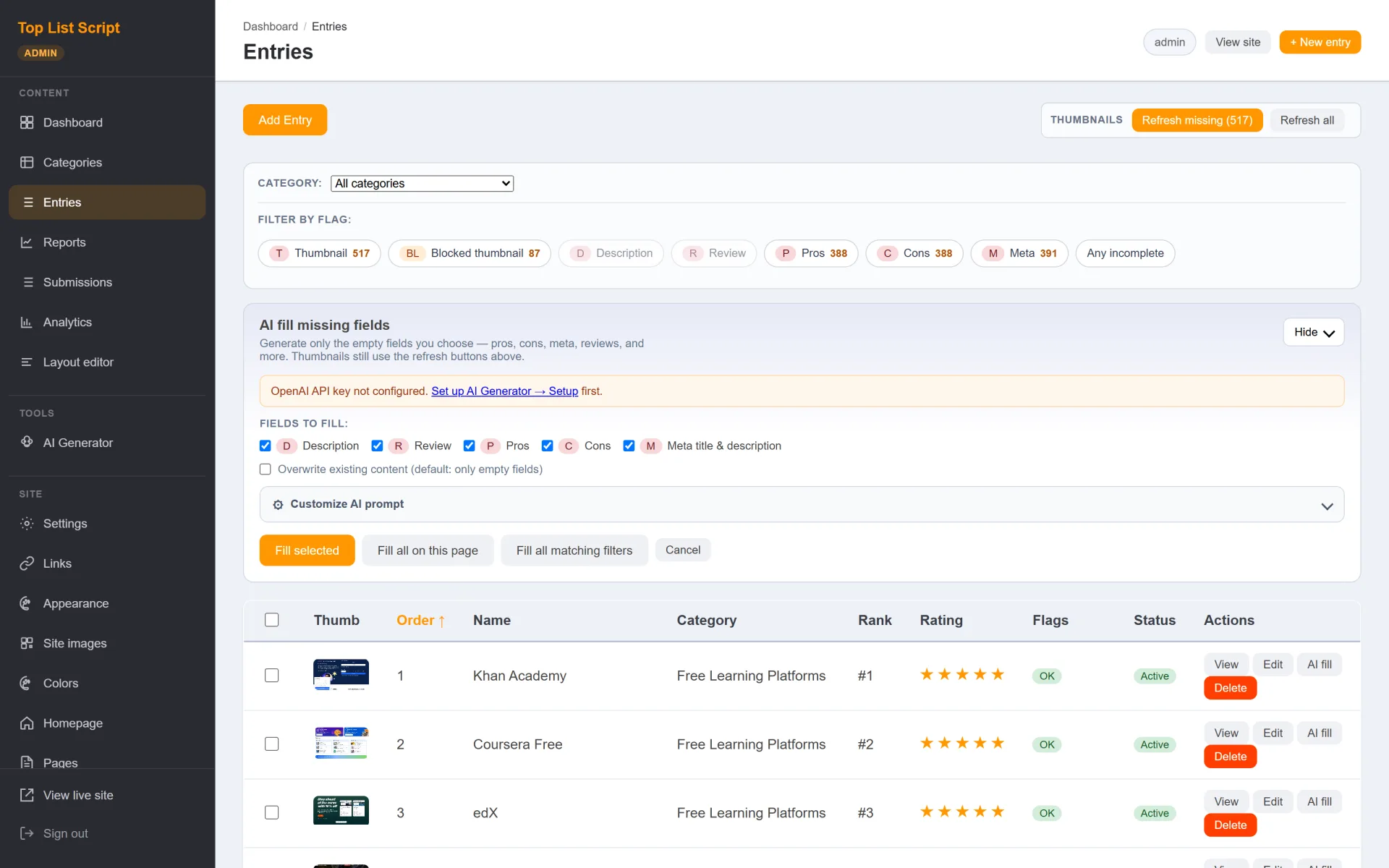
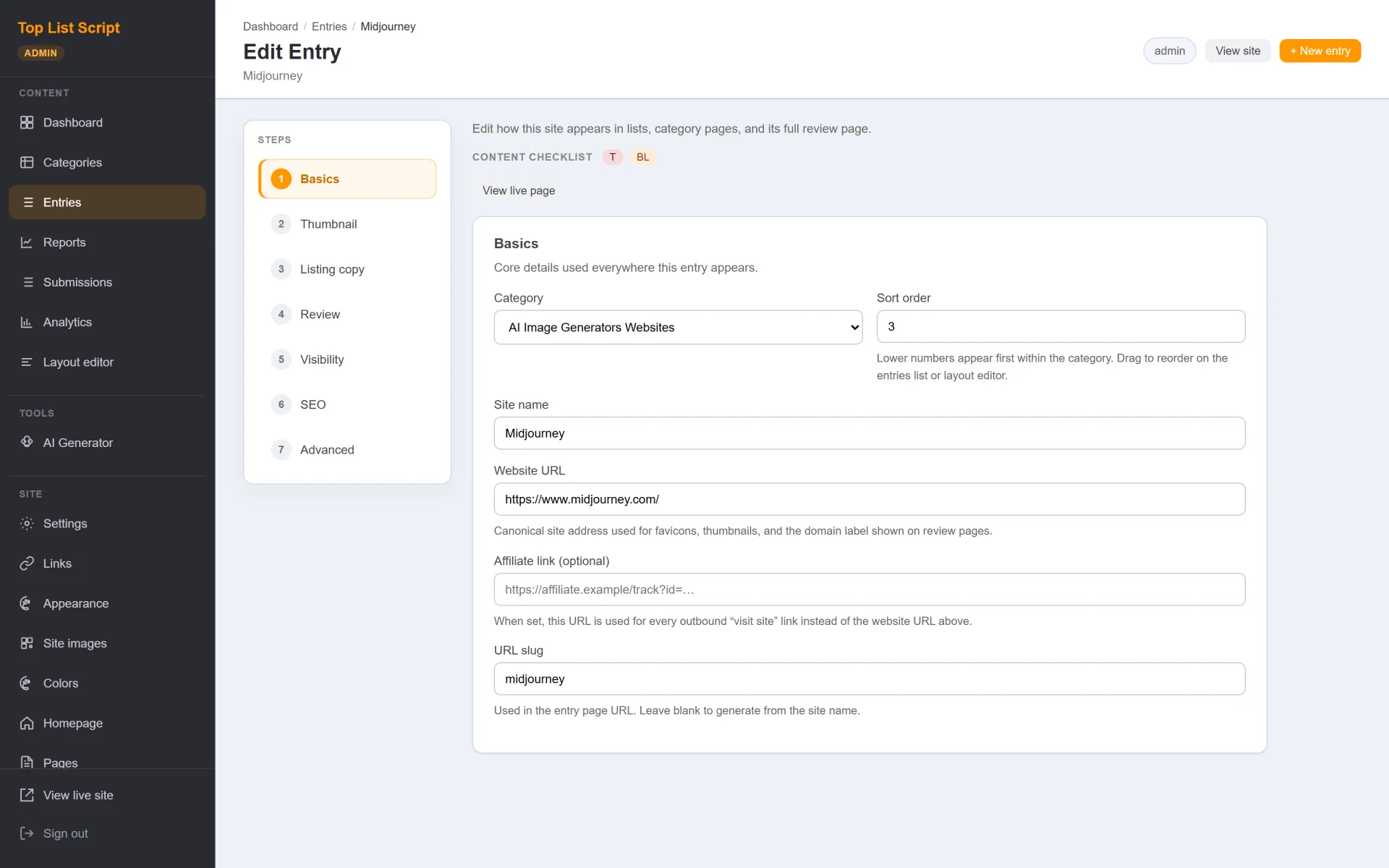
- Affiliate / outbound URL fields — each entry can store a separate affiliate destination (with nofollow controls). Visitor “Visit” links prefer the affiliate URL when set, so comparison and niche sites can earn commissions on clicks.
- Featured badge + manual ranking — mark entries Featured and control
sort_order in admin so you can sell premium placement packages offline (invoice, agency retainer, or partner deals) without bolting on a separate CMS.
- Visitor submissions with moderation — optional
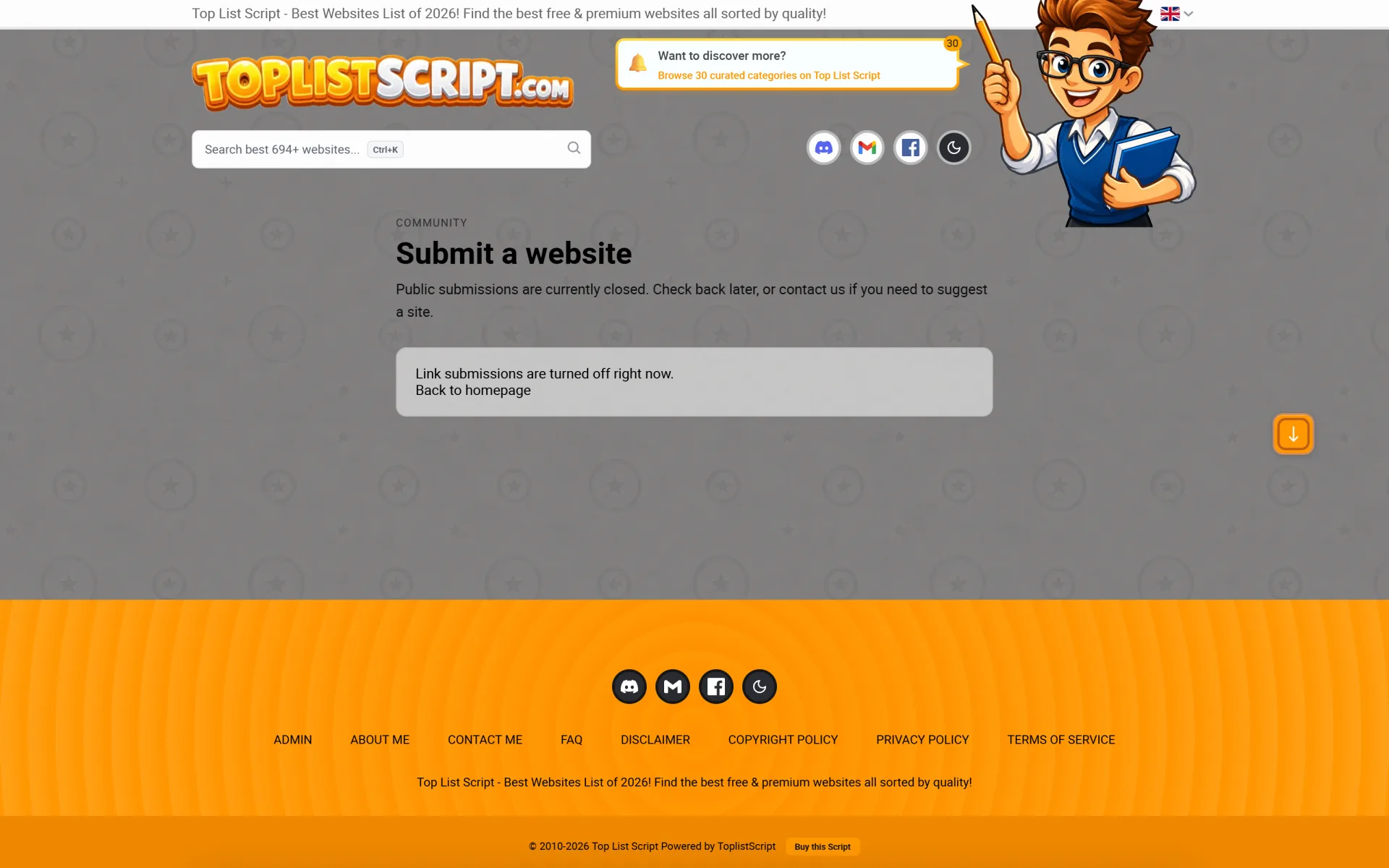
/submit inbox lets you accept paid or free listing requests and publish only what you approve.
- Click / pageview analytics (optional) — rollups help you see which categories and entries convert, so you can raise rates or double down on winning niches.
There is no bundled PayPal “buy a slot” checkout in the core CMS — you monetize through affiliate programs and the placement / submission workflows you sell as the operator. That keeps the product flexible for SEO publishers and agencies.
Who it’s for
Affiliate marketers and SEO publishers who want a dedicated directory product, agencies delivering ranked list sites for clients, and operators who need categories, reviews, thumbnails, and monetization fields without fighting a general-purpose CMS.
What you get
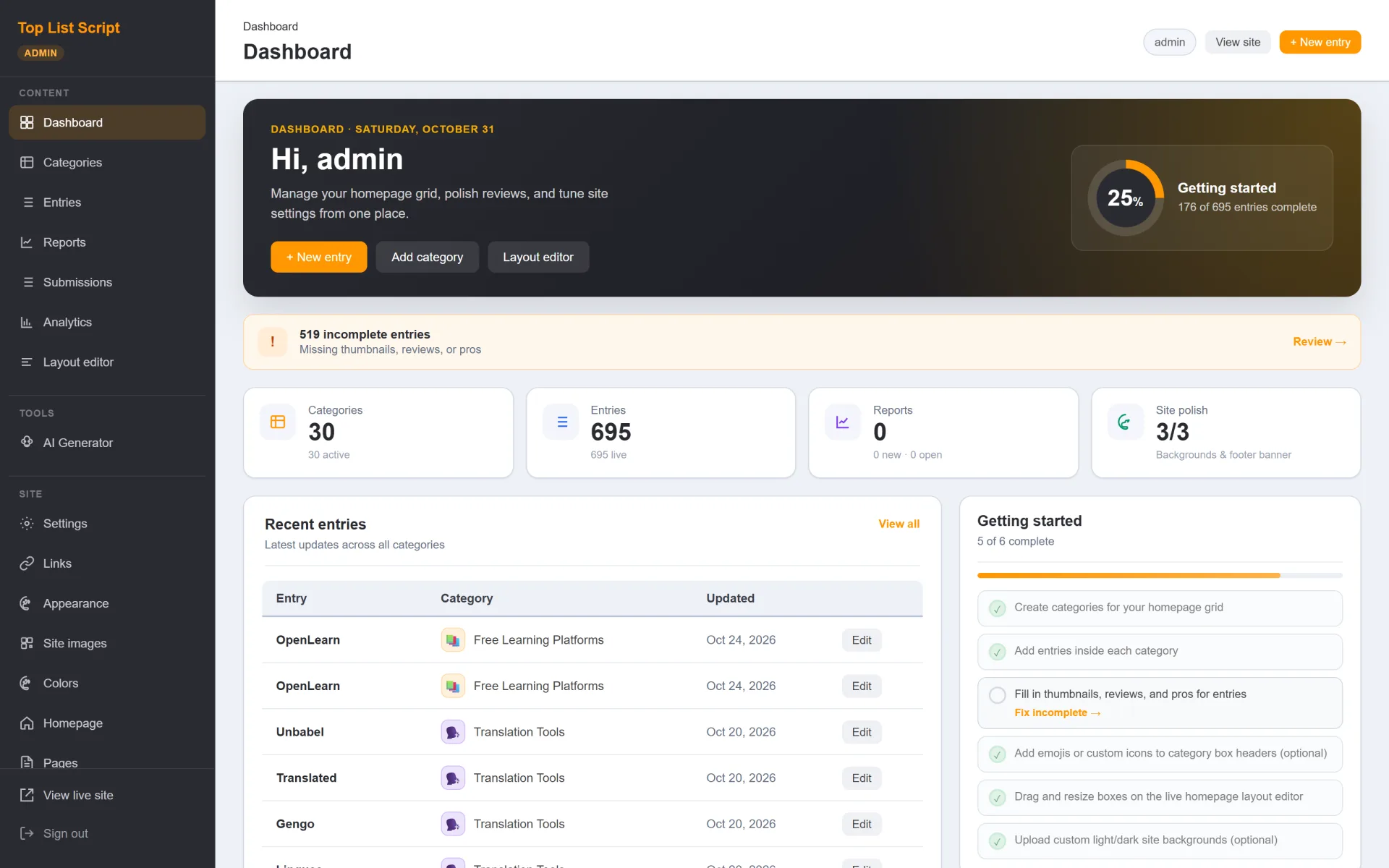
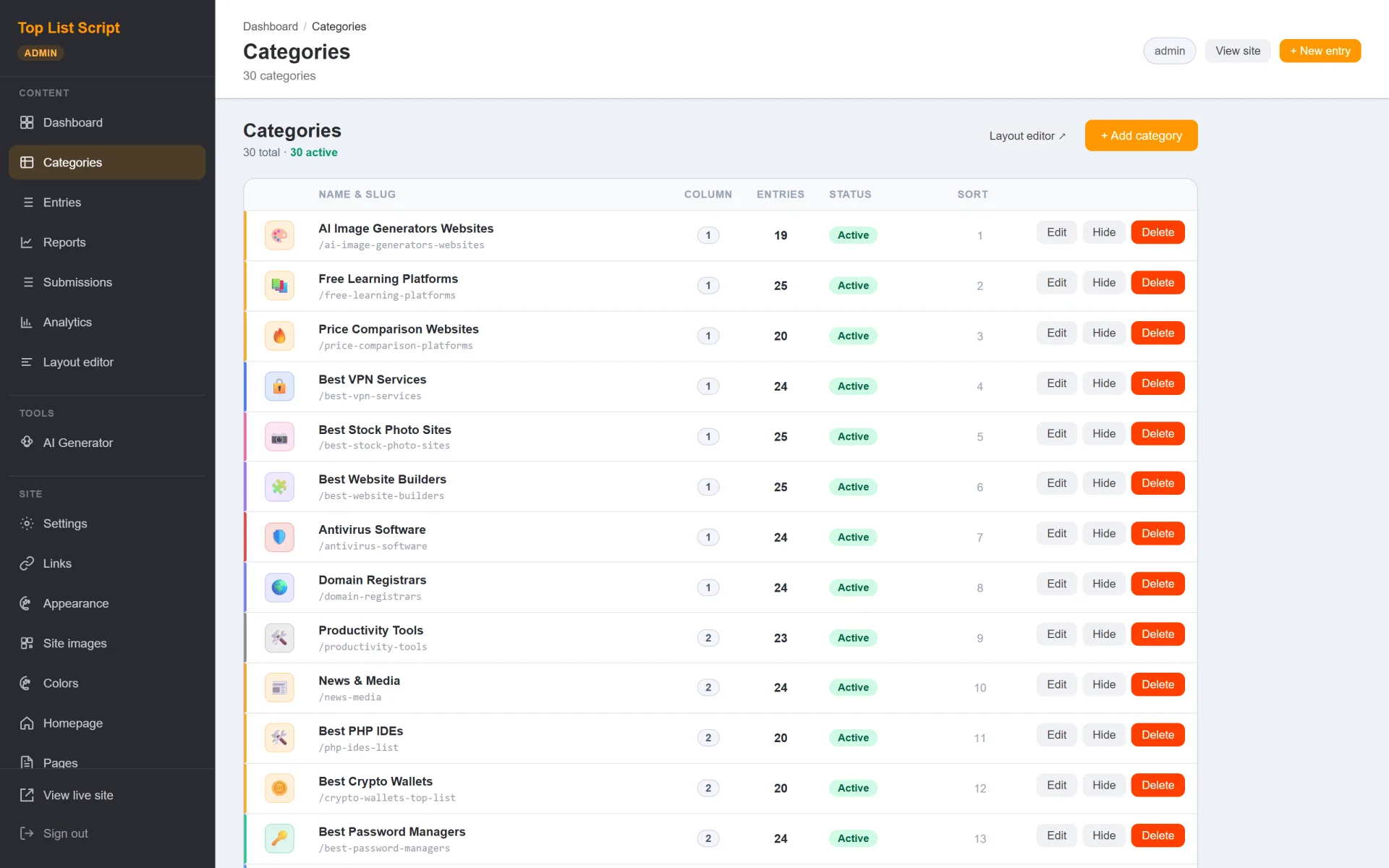
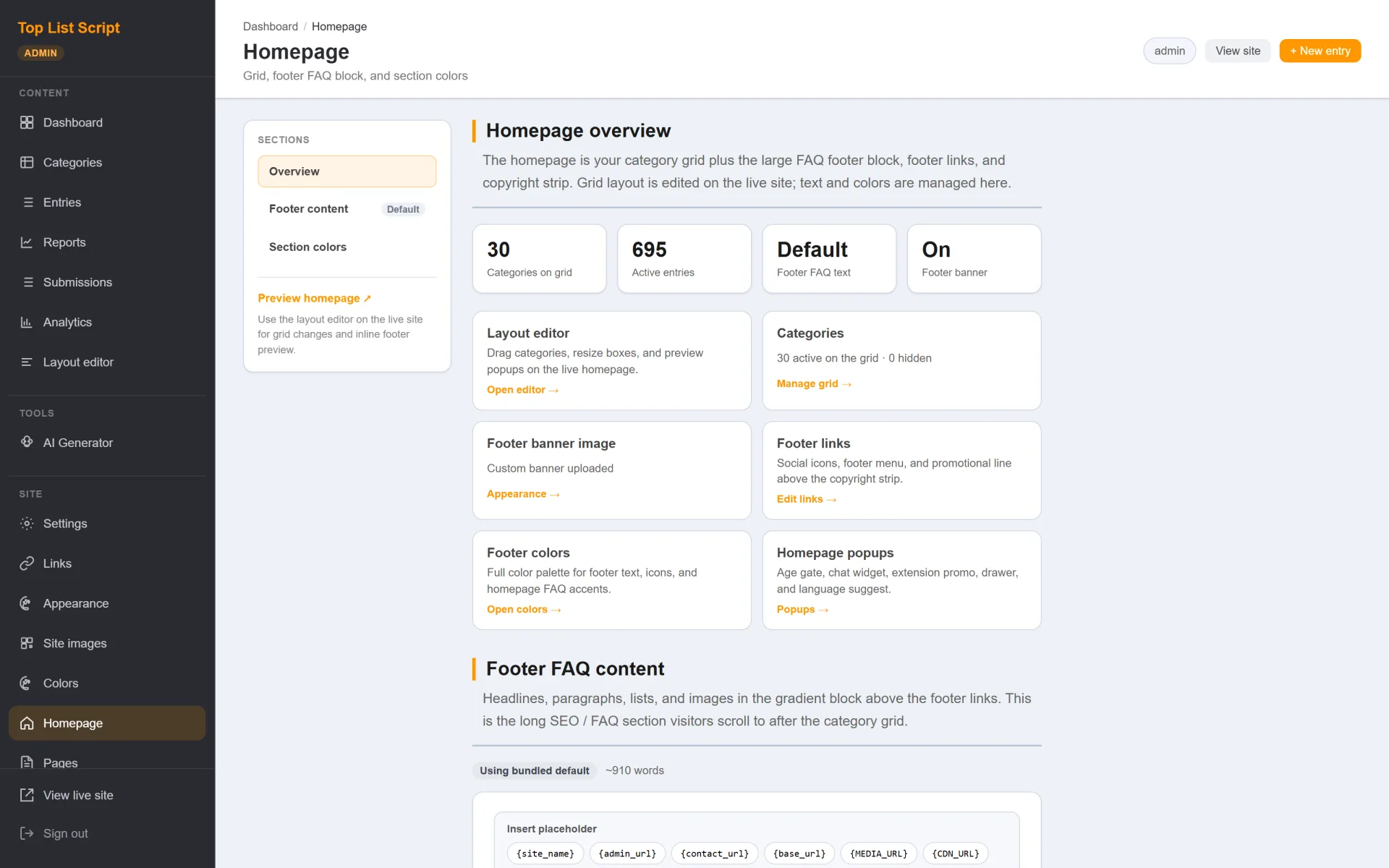
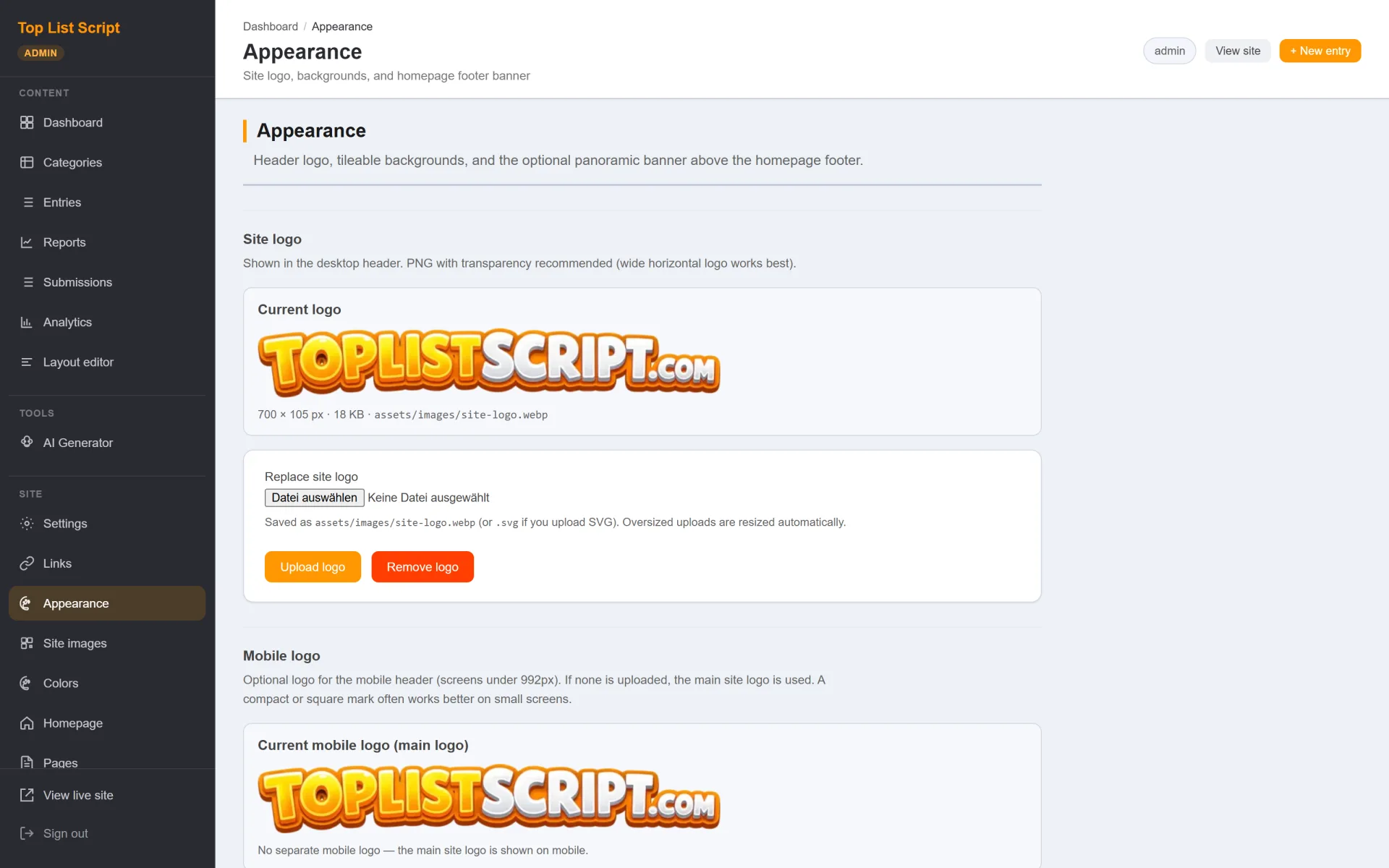
Version 3.76 ships as a complete Apache/PHP package with a browser installer, optional sanitized demo catalog (30 categories, 695 entries), full admin CMS, homepage layout editing, color schemes, branding, screenshots/favicons, optional AI-assisted content (your own OpenAI key), visitor submissions with moderation, and optional analytics.
Install overview
- Extract
toplistscript_v3.76.zip and upload the package contents to your web root (include .htaccess)
- Create an empty MySQL database and user
- Open
/install/, save DB credentials, choose your own admin username/password, optionally import the demo catalog
- Sign in at
/admin/, replace placeholders, then remove or lock down /install/
Full steps live in README.md and INSTALL.md. No shared default admin password is shipped — you create the account during setup.