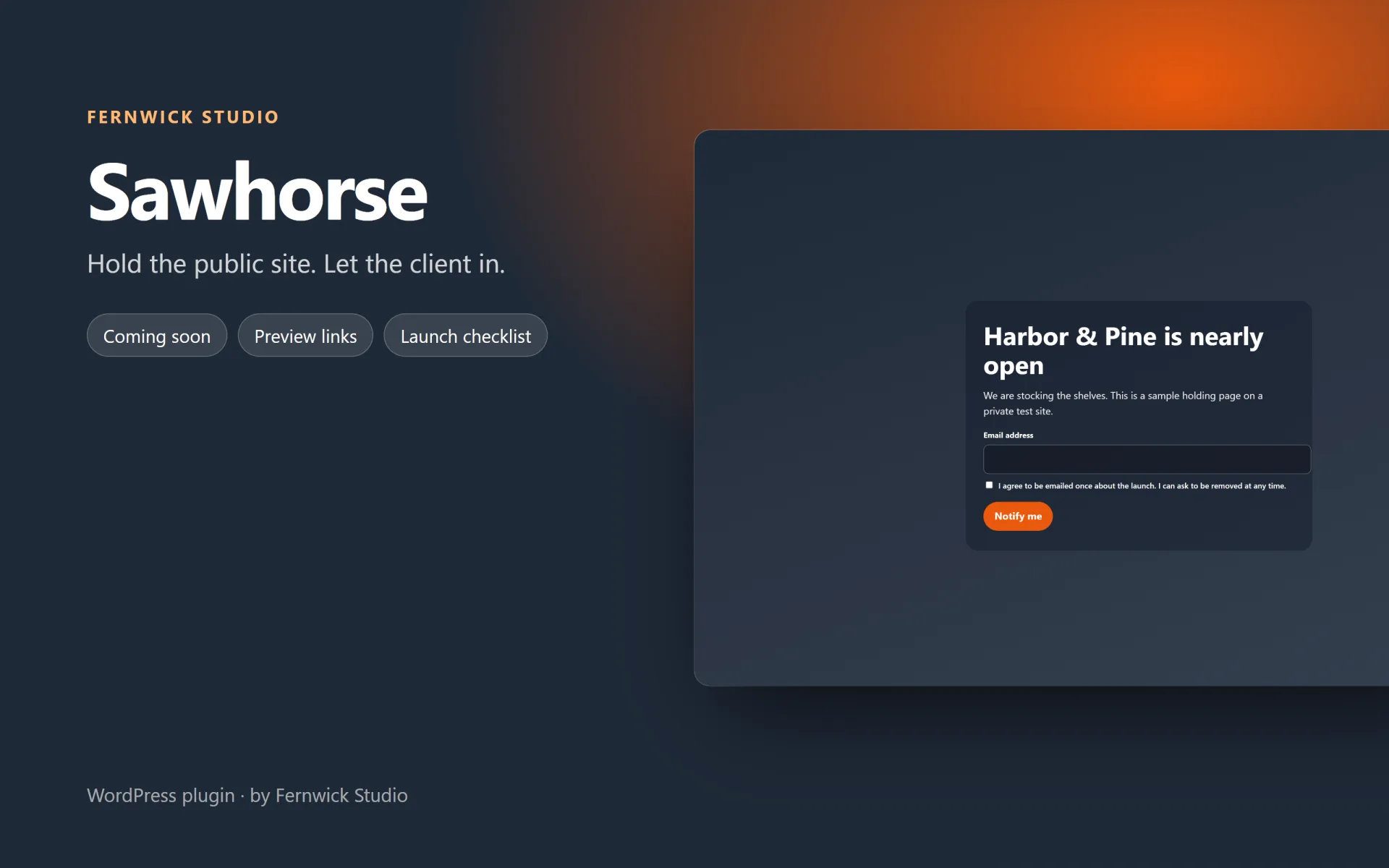
Sawhorse - Coming Soon, Maintenance Mode & Client Preview Links — Hold the public site on a page you design, and send the client a link that gets them in without a password.
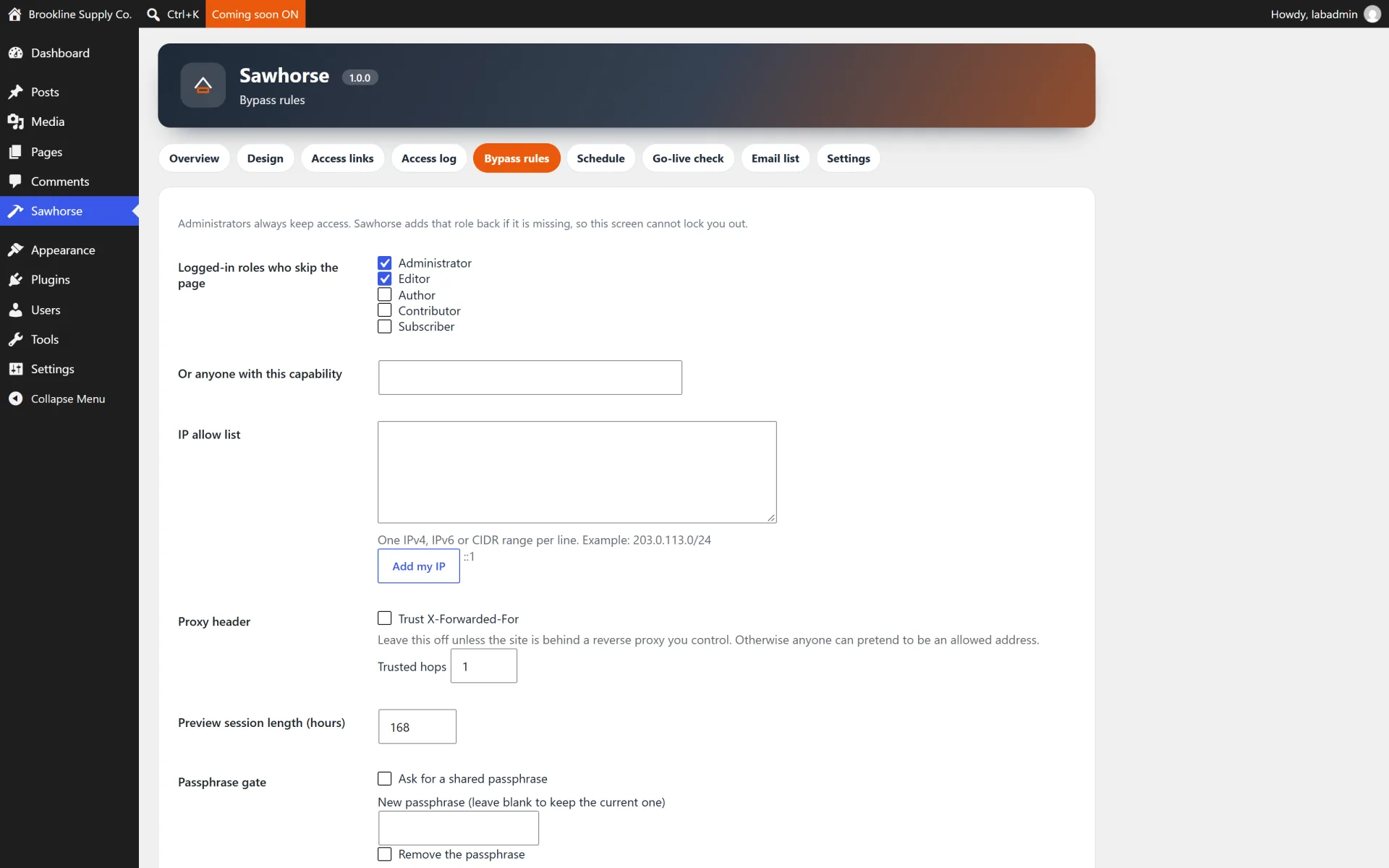
Sawhorse puts the public site behind a coming-soon page or a maintenance page while you keep working in wp-admin. Logged-in roles you choose, listed IP addresses, and a shared passphrase can walk straight through.
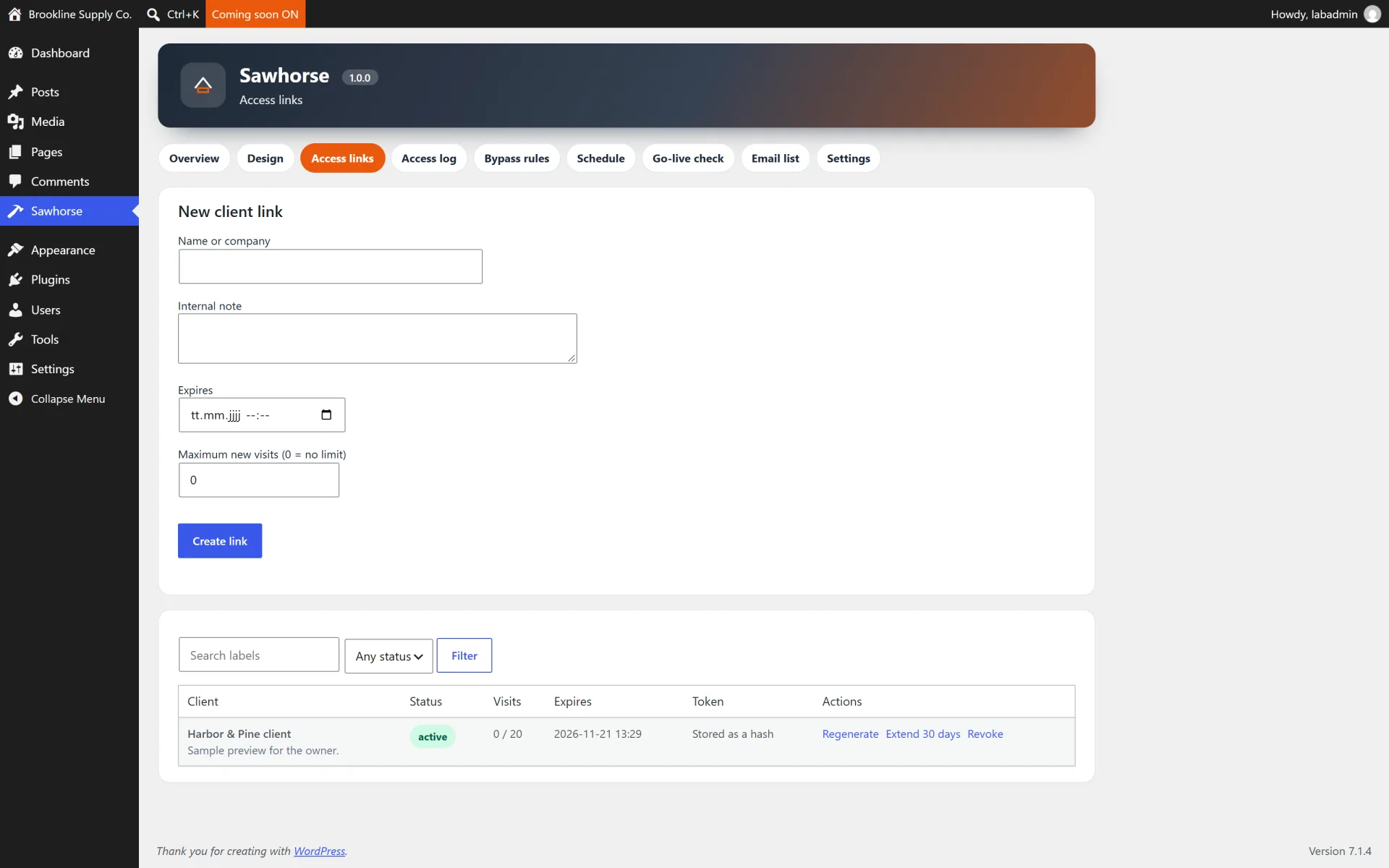
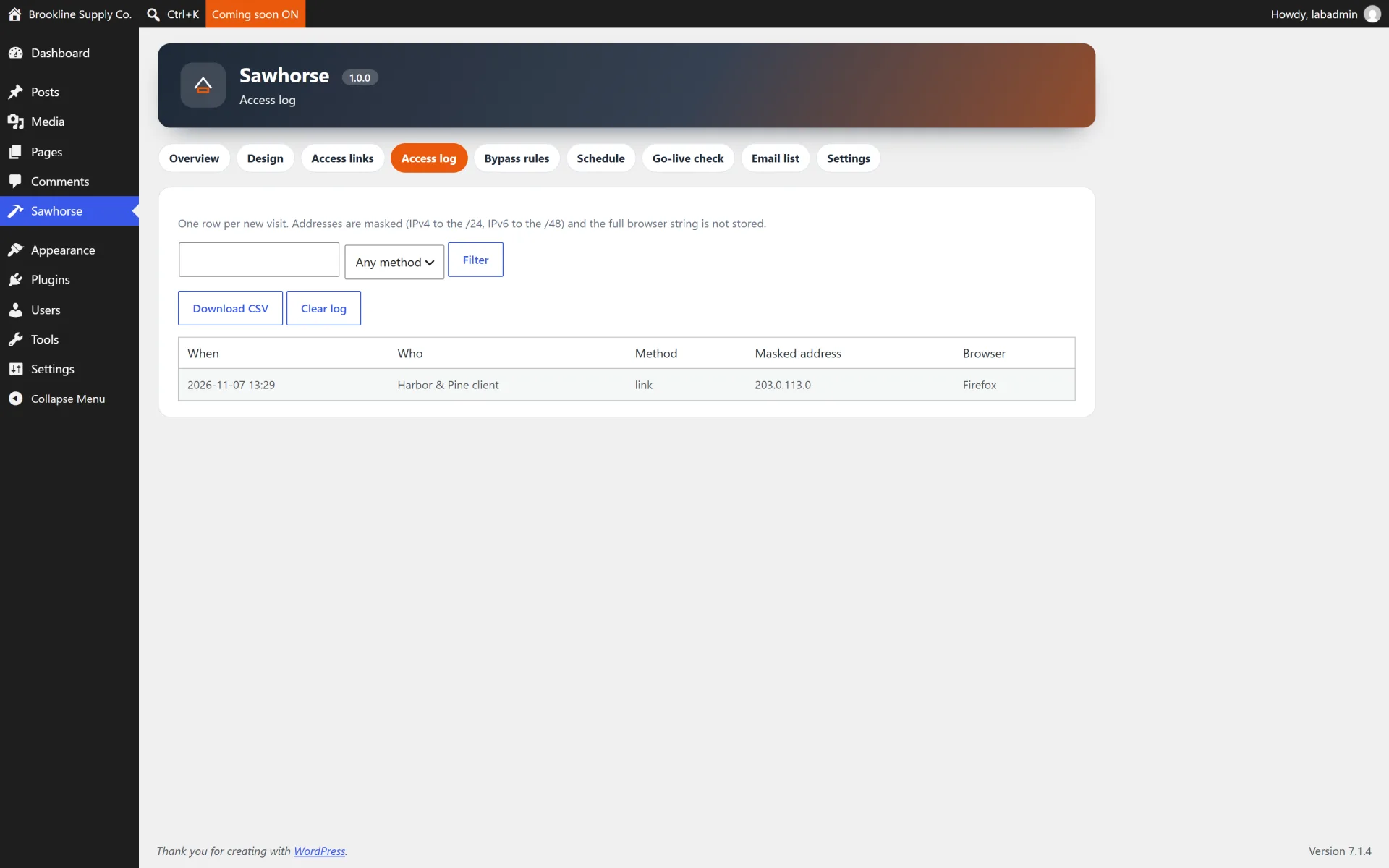
A preview link is a random token. Only its hash is stored. The client opens it once and keeps a cookie until you revoke the link, it expires, or you regenerate it. The access log stores a masked address and a browser family, not the raw IP or the raw user agent.
What you get
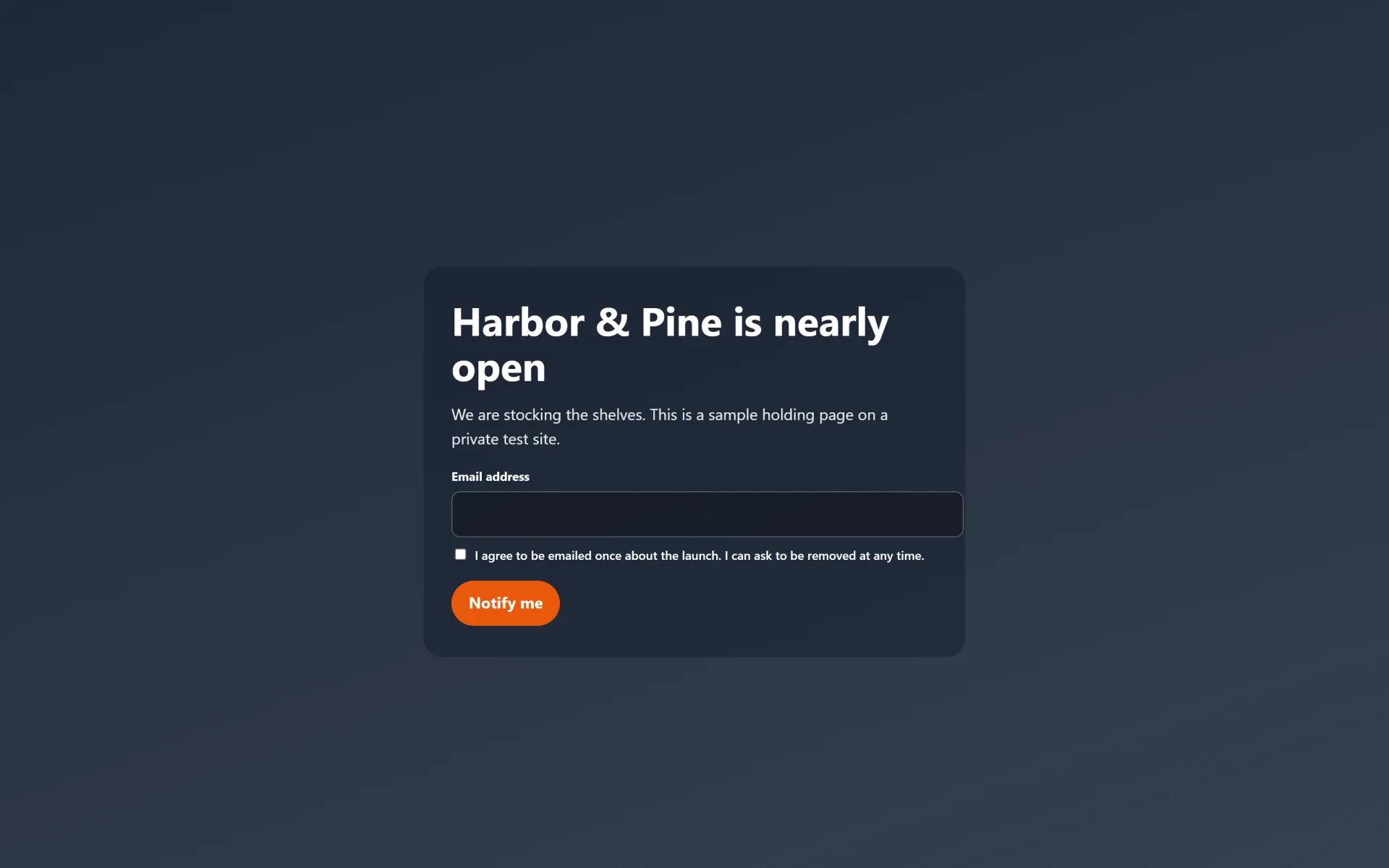
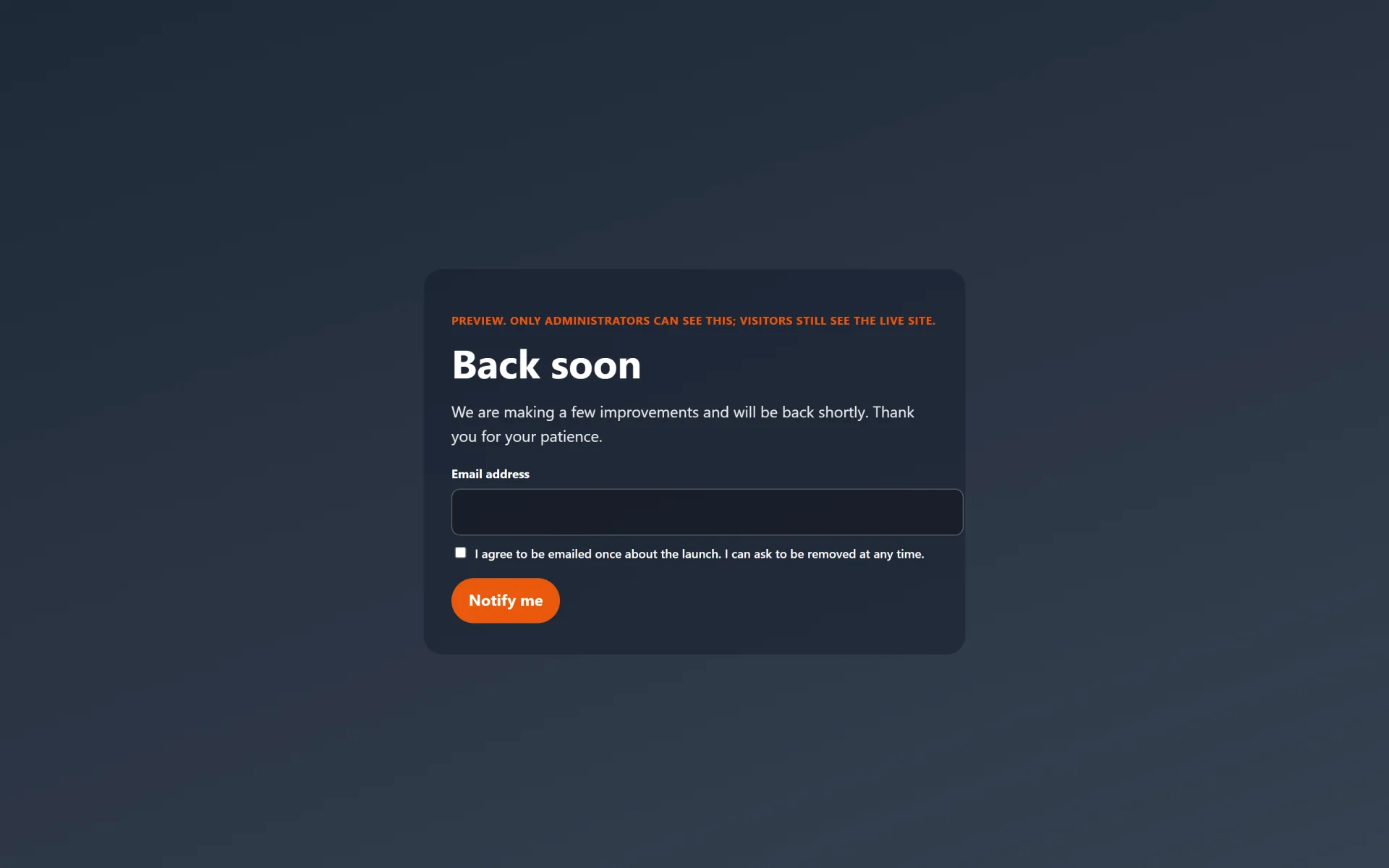
- Coming soon (200, optional noindex) or maintenance (503, Retry-After)
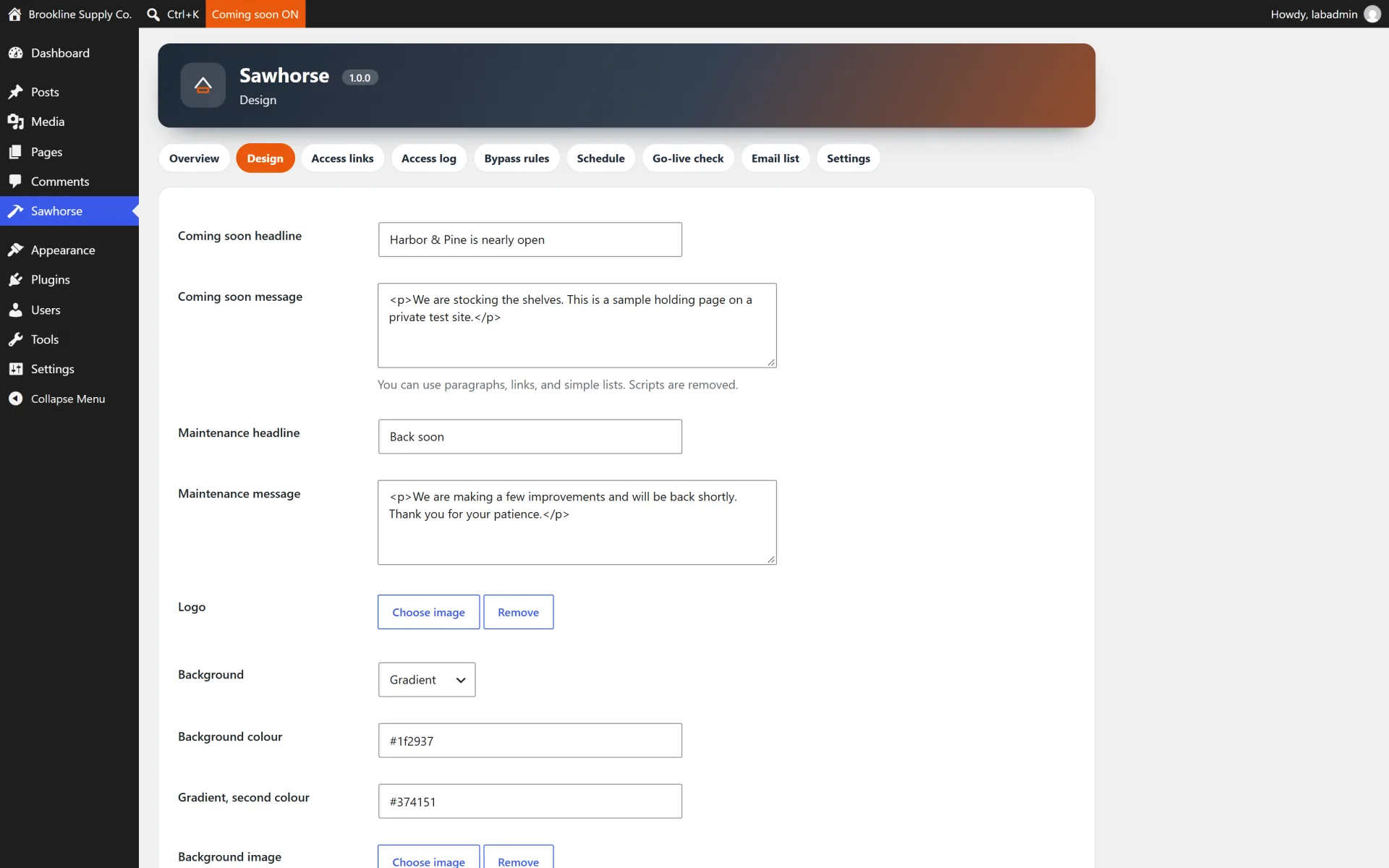
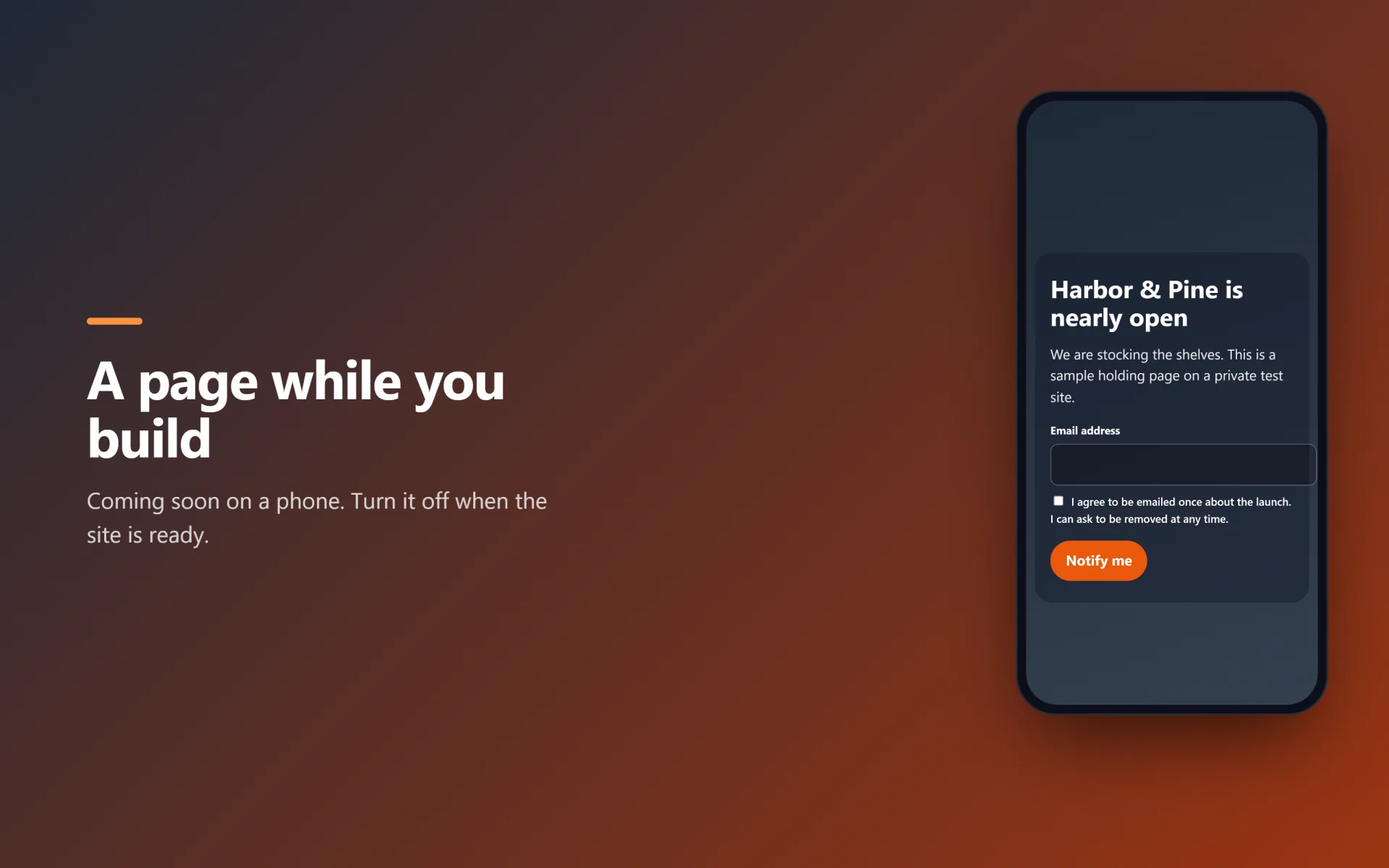
- Design screen for headline, colours, logo, background and a countdown
- Preview links with expiry, a use limit on new visits, revoke and regenerate
- Role, capability and IP bypass, plus a shared passphrase
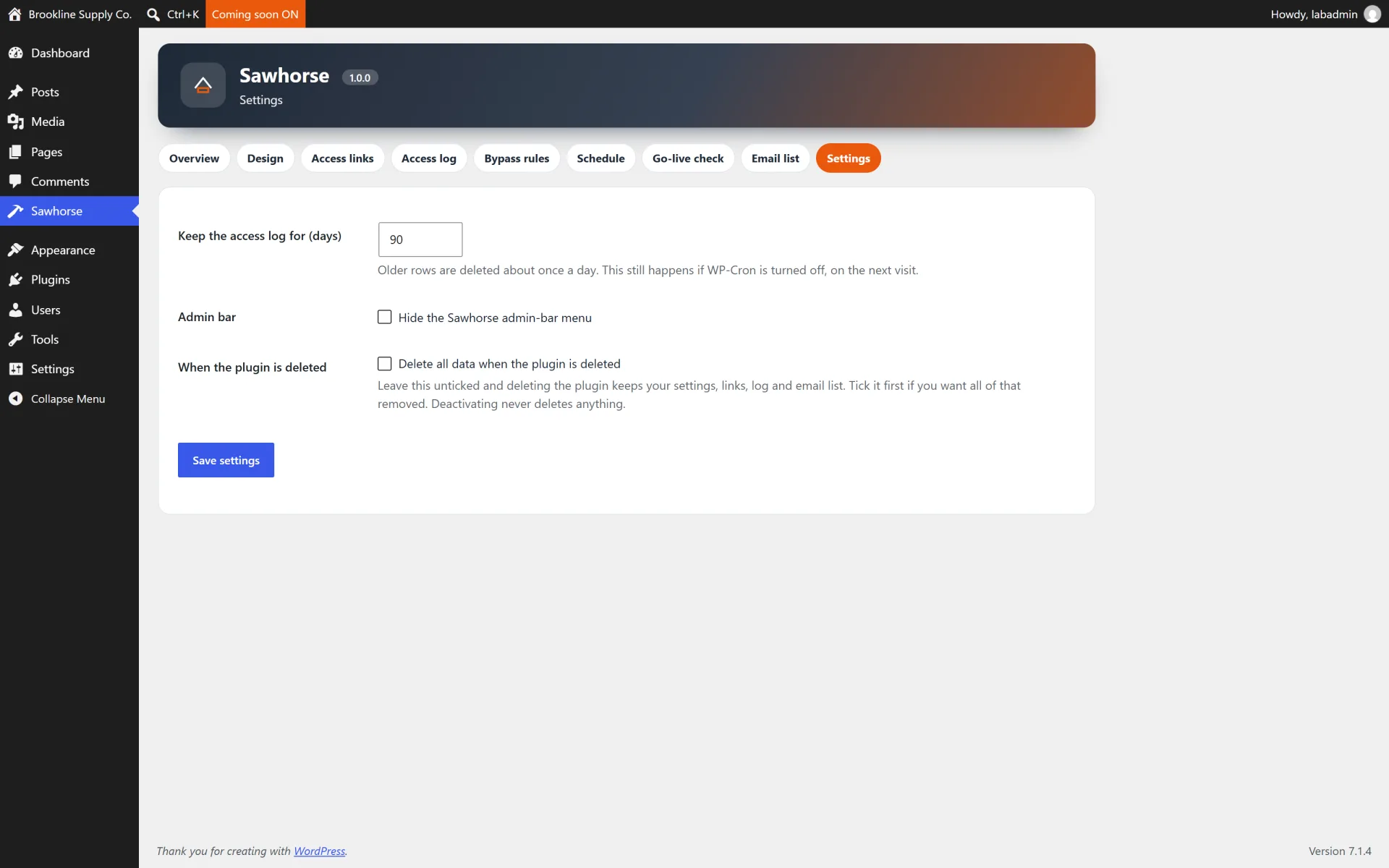
- Admin bar switch, with a lock-out guard so you cannot shut yourself out
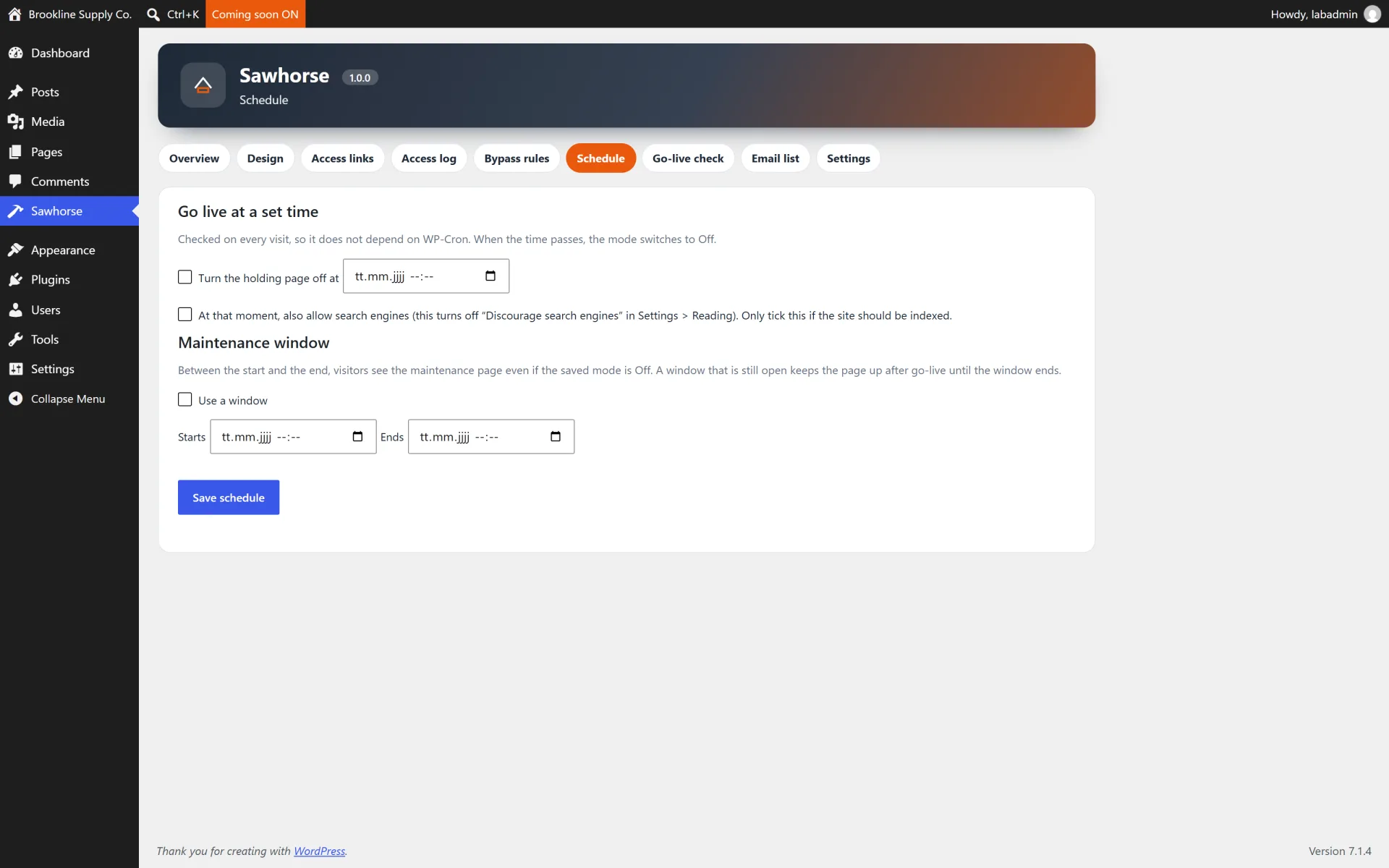
- Schedule a maintenance window and an optional go-live that can set the site public
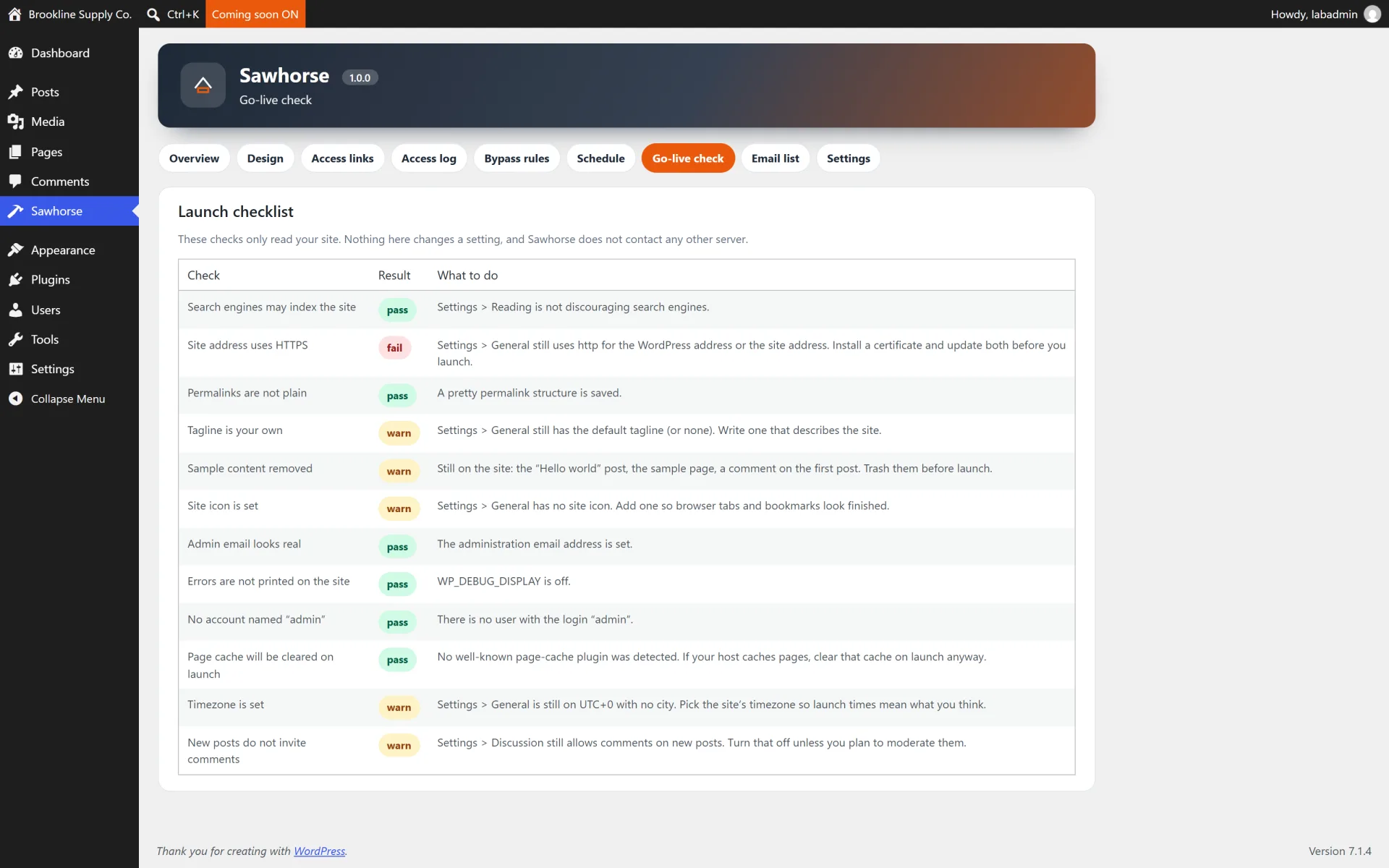
- Launch checklist for the usual leftovers (sample content, permalinks, debug display)
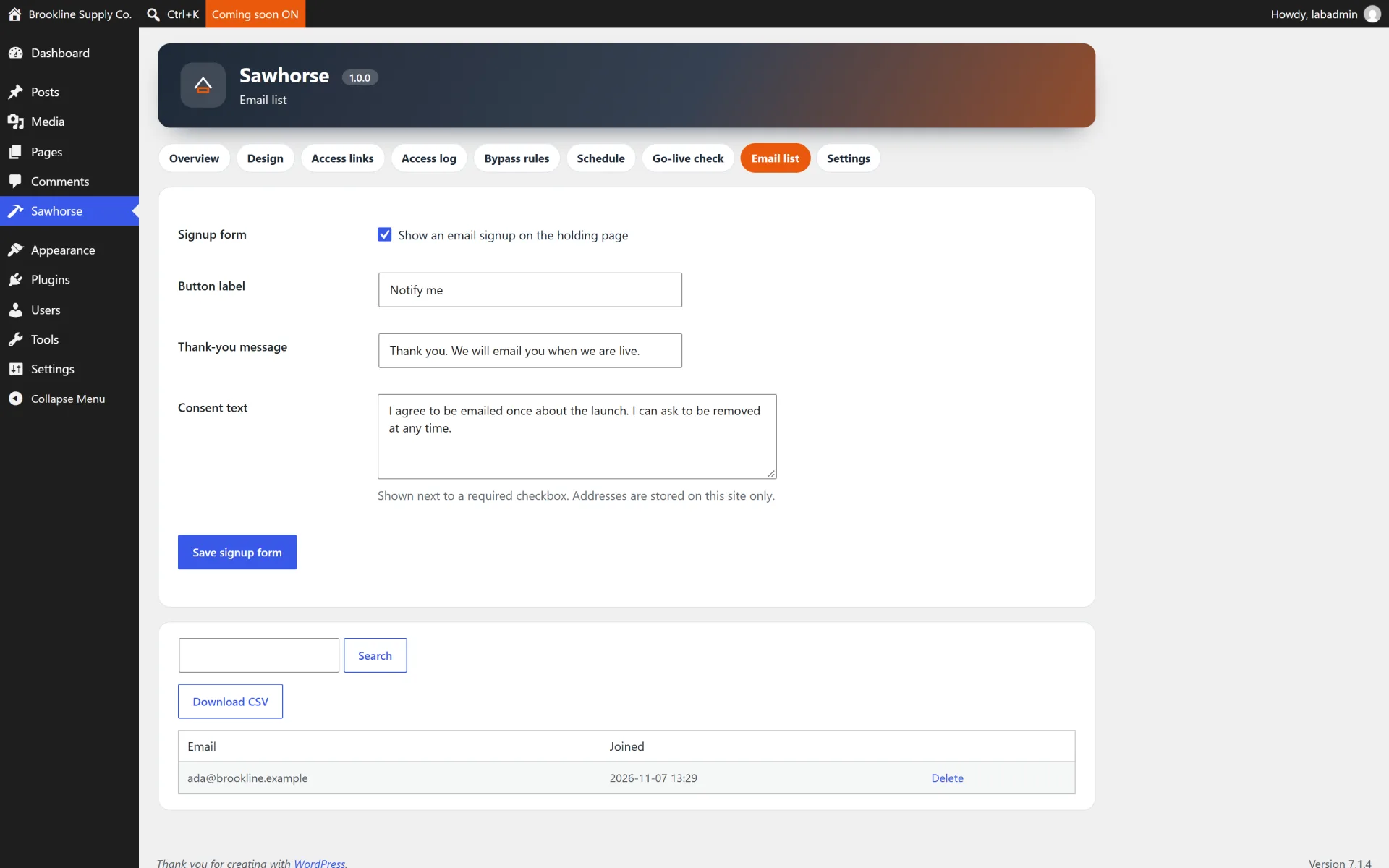
- Email capture with consent, honeypot, time trap and a privacy exporter
- Access log with CSV export that prefixes formula-like cells
- SAWHORSE_DISABLE constant as a recovery switch
- Delete-data option that defaults to keeping your settings and links
How it works
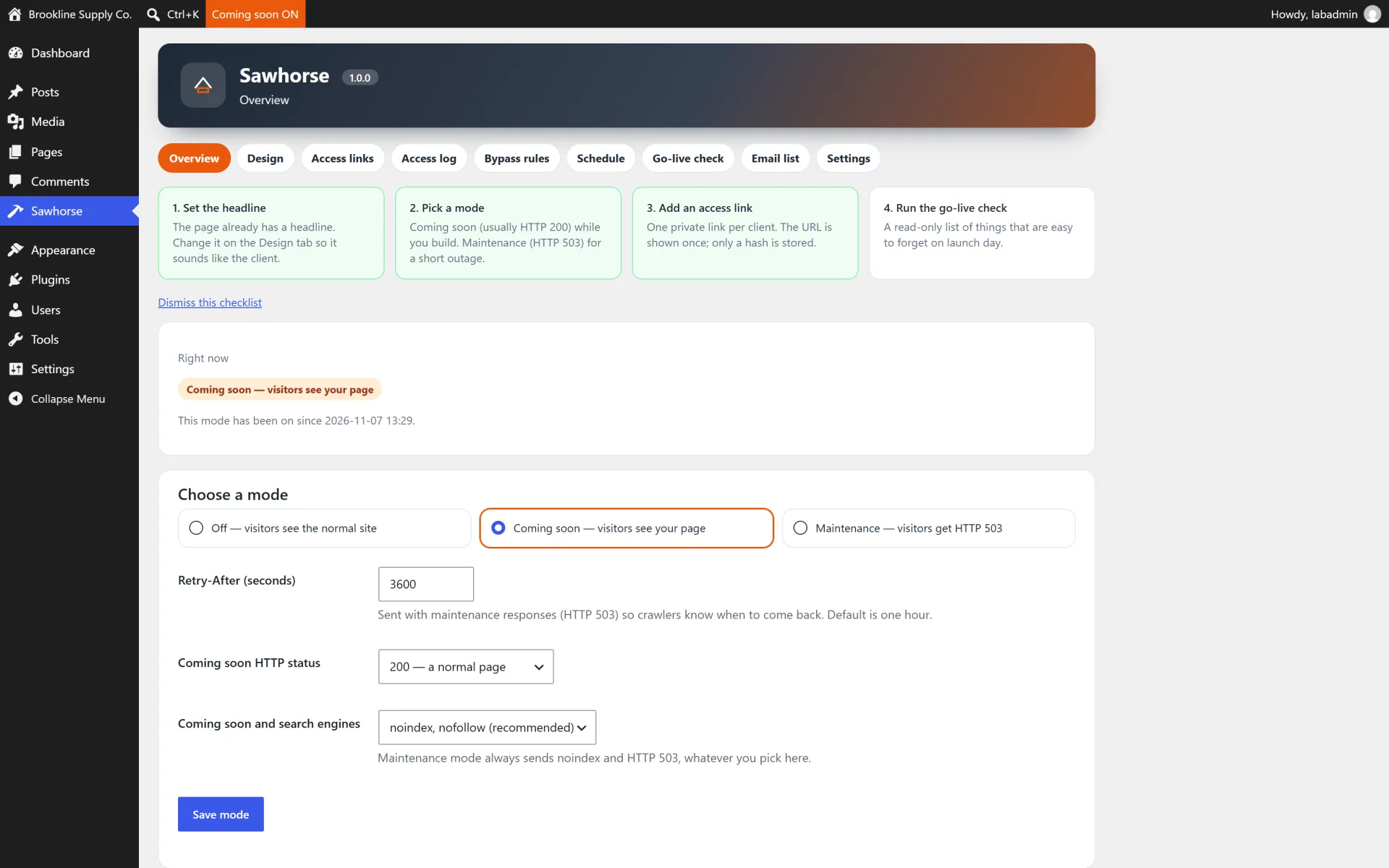
Choose a mode. Coming soon answers 200 and can be noindex. Maintenance answers 503 and sends Retry-After. Both send a no-store cache header. robots.txt is never blocked. wp-admin, admin-ajax, cron and WP-CLI are never blocked.
Let the client in. Create a link under Links. The token is shown once. Opening it sets an HttpOnly cookie. Raising the use count stops new visits; an existing cookie stays valid until the link expires, is revoked, or is regenerated.
Do not lock yourself out. While a mode is on, Sawhorse refuses a save that would lock out your current user, and it always keeps the administrator role allowed. If you turn the login form off, define SAWHORSE_DISABLE in wp-config.php to get back in.
Schedule the window. A start and end time forces maintenance even if the saved mode is off. Go-live can turn the mode off and, if you ask, set the site to public. The window is checked first, so a window that is still open keeps the page up.
Keep or delete data. Deactivating keeps links, the log and the email list and only clears the cron event. Deleting the plugin keeps them too, unless Delete all data was ticked on that site.
Not included (so there are no surprises)
- A drag-and-drop page builder or a template library
- Mailchimp or other mailing-list services
- A multisite network dashboard
- Per-page maintenance
- IP geolocation
- A different password per post
- A hosted live demo
- Network-wide activation (activation stops if you try to network-activate it)
Install in minutes
- Upload the zip and activate it on a single site. Do not network-activate it.
- Open Sawhorse, pick Coming soon or Maintenance, and write the headline.
- Create a preview link and open it in a private window to confirm the cookie lets you through.
- Run the checklist, then switch the mode off when the site should be public. Leave the delete-data box unticked unless you mean to wipe Sawhorse on uninstall.
What is in the download
- The ready-to-upload WordPress plugin (
sawhorse-maintenance-mode), organised in namespaced PHP classes
readme.txt in WordPress.org format, a full HTML documentation page in docs/ and a CHANGELOG.mdlicense.txt (GNU GPL v2) and a translation template in languages/- A careful uninstall: your data is kept when you delete the plugin, unless you tick the "delete data" option in the plugin settings first. Settings, preview links, the access log and the email list are kept unless you tick the delete-data option first.
About the screenshots
The gallery shows Sawhorse on a private test site prepared for these screenshots, with sample copy and a sample preview link. It is not a public demo. The holding page was turned off again after the shots. There is no hosted live demo.
Third-party product and network names mentioned (WordPress, WooCommerce and others) are trademarks of their respective owners. This plugin is an independent product and is not affiliated with or endorsed by them.