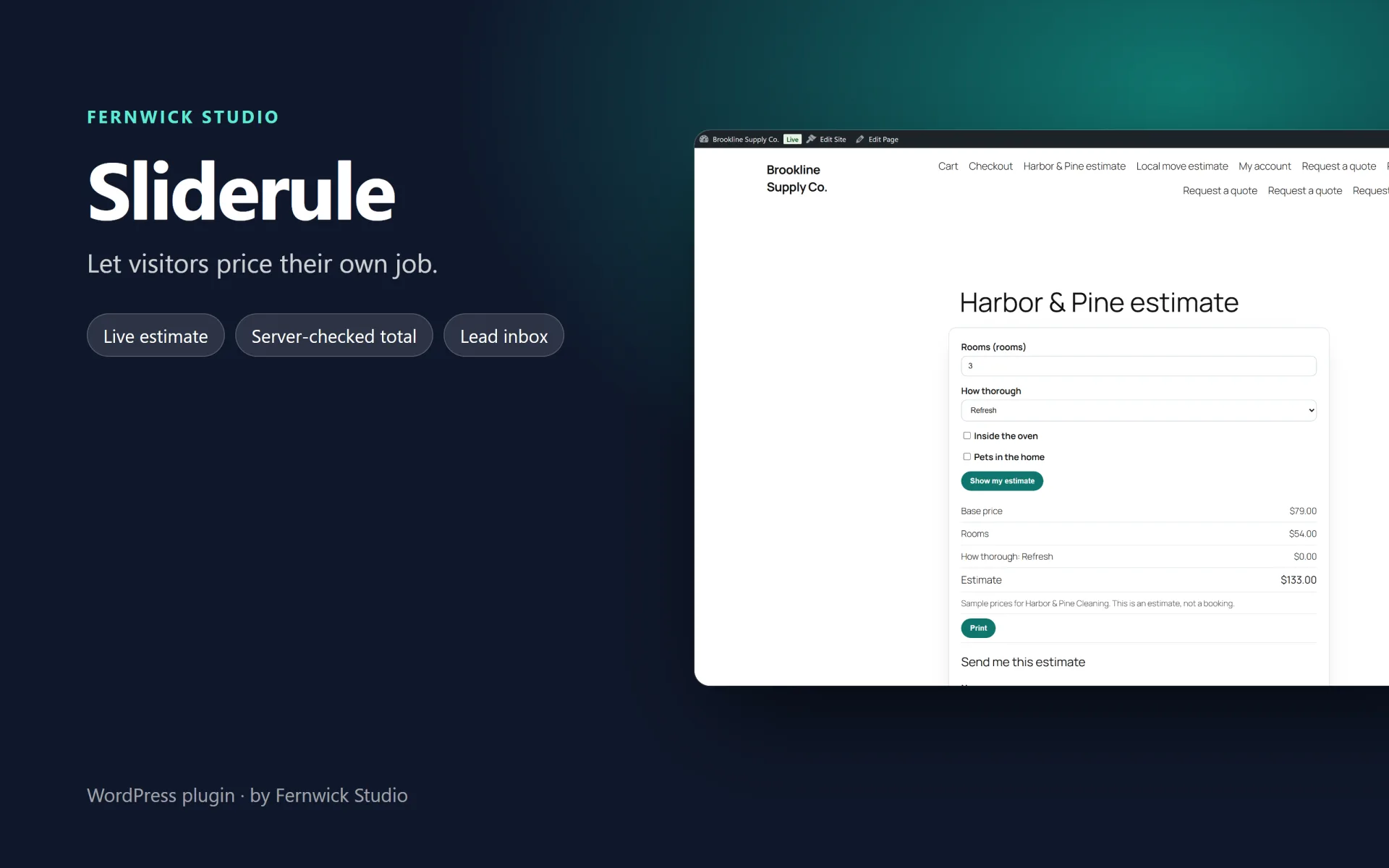
Sliderule - Price Calculator & Instant Estimate Forms — Let visitors price their own job: a live estimate, conditional questions, and the lead in your inbox.
Sliderule is an estimate calculator for service sites: cleaning, painting, photography, a small web project, a local move. Visitors answer the questions, see a total, and send their details. You read the entry in wp-admin.
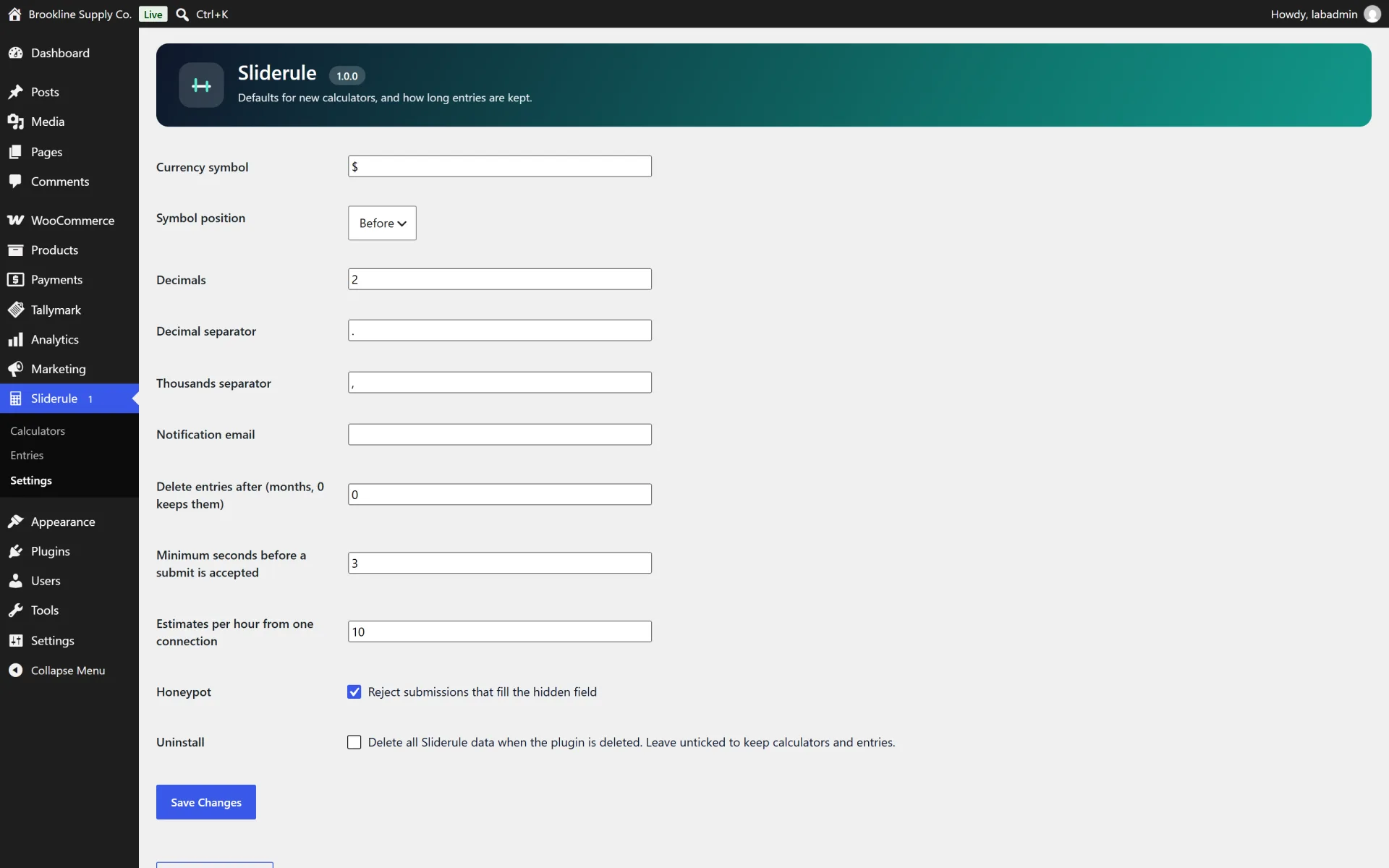
The number in the browser is a preview. Every saved entry is recalculated in PHP. In the locked mode, the price is not in the page at all until a valid submission. Typed numbers follow the calculator's own separators, so 25.252,48 can mean twenty-five thousand.
What you get
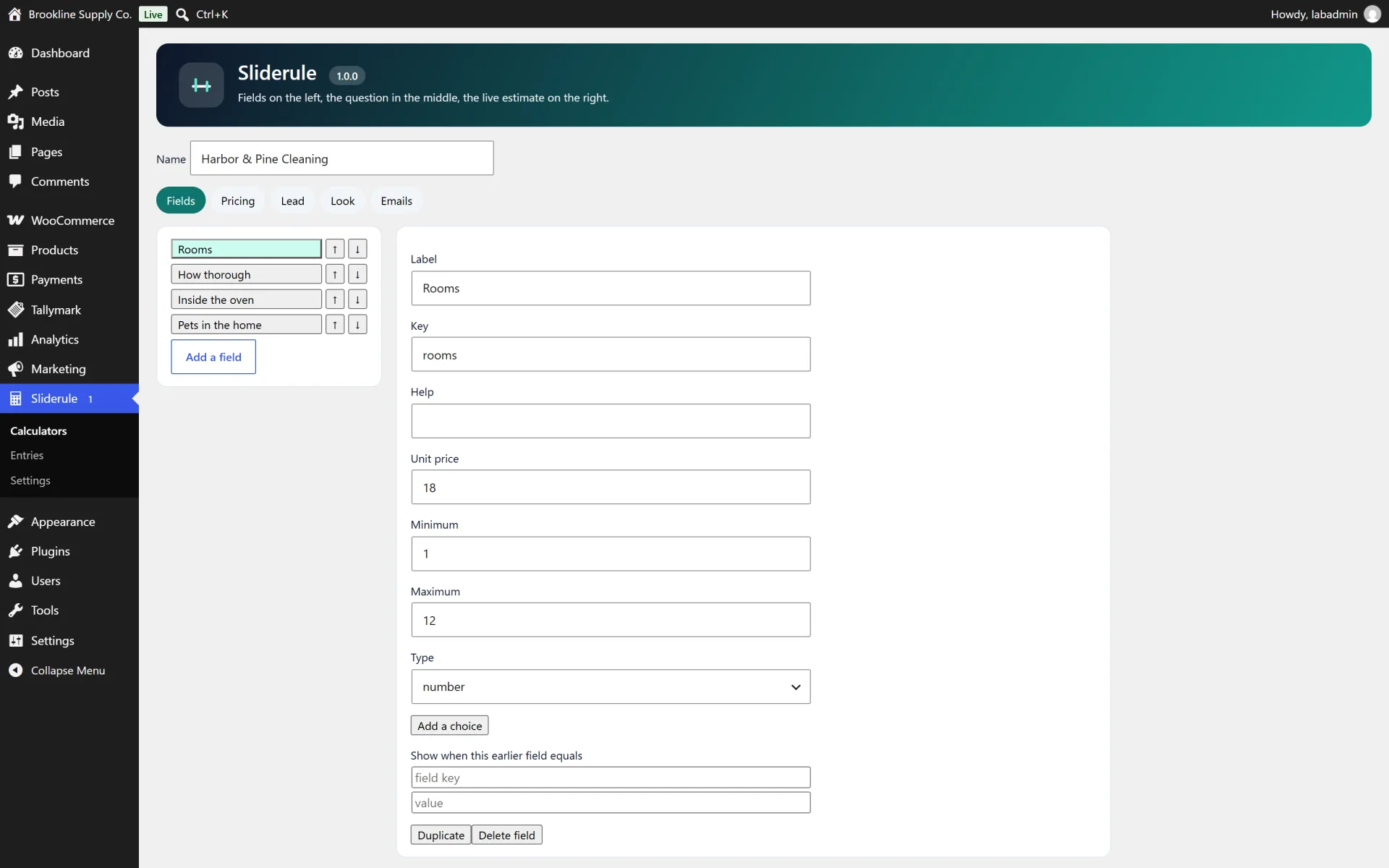
- Calculators as private records, with a builder for fields, prices, the lead form, appearance and emails
- Number, slider, dropdown, radio, checkboxes, toggle, text and content fields
- Price effects: add, amount times another field, percent of the running subtotal, or multiply
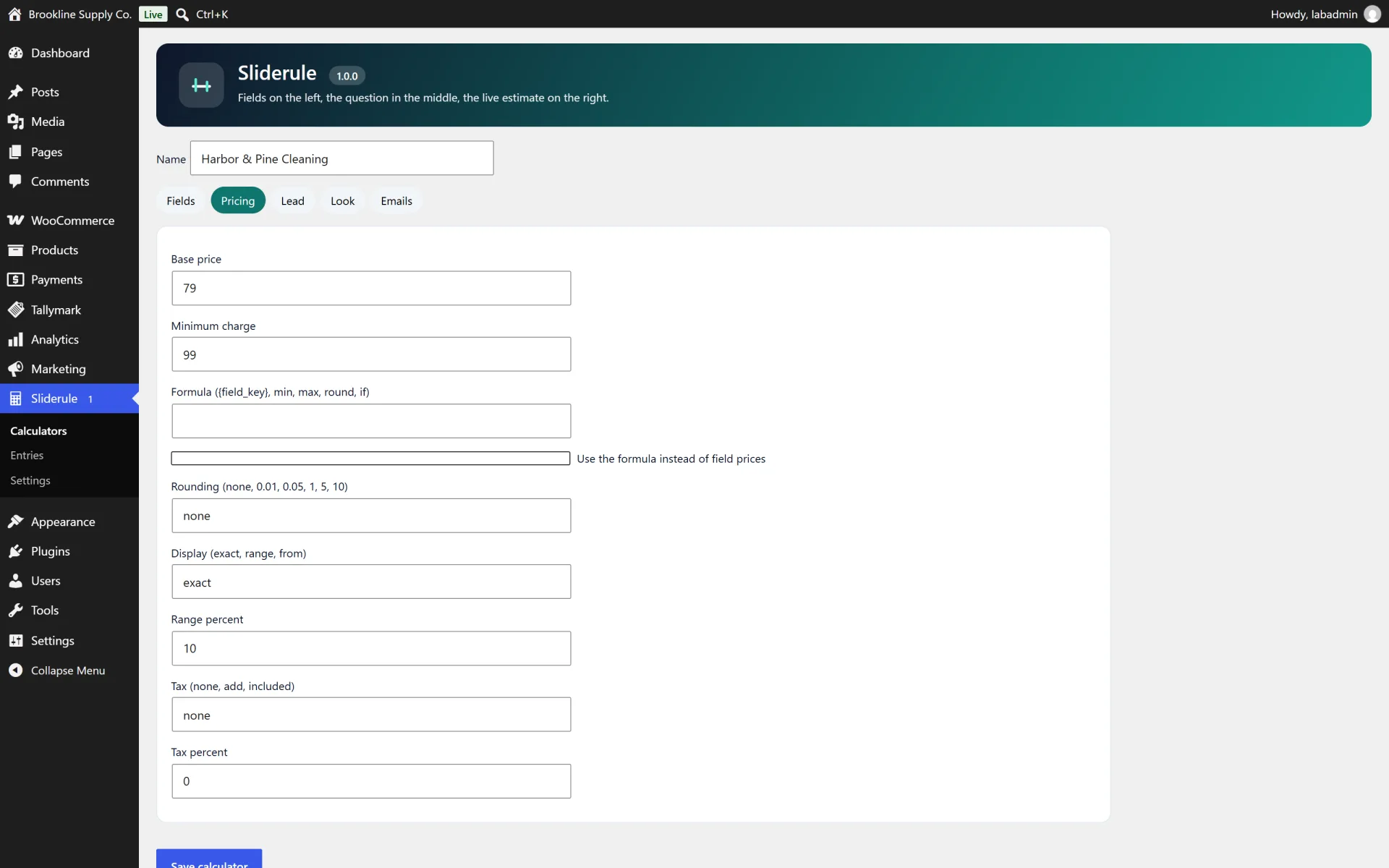
- Tiered unit prices, a base price, a minimum, rounding, tax display, and exact, range or "from" totals
- Optional formula mode with a hand-written parser (no eval) mirrored in JavaScript for the preview
- Conditional visibility, ignored on the server when the field is hidden
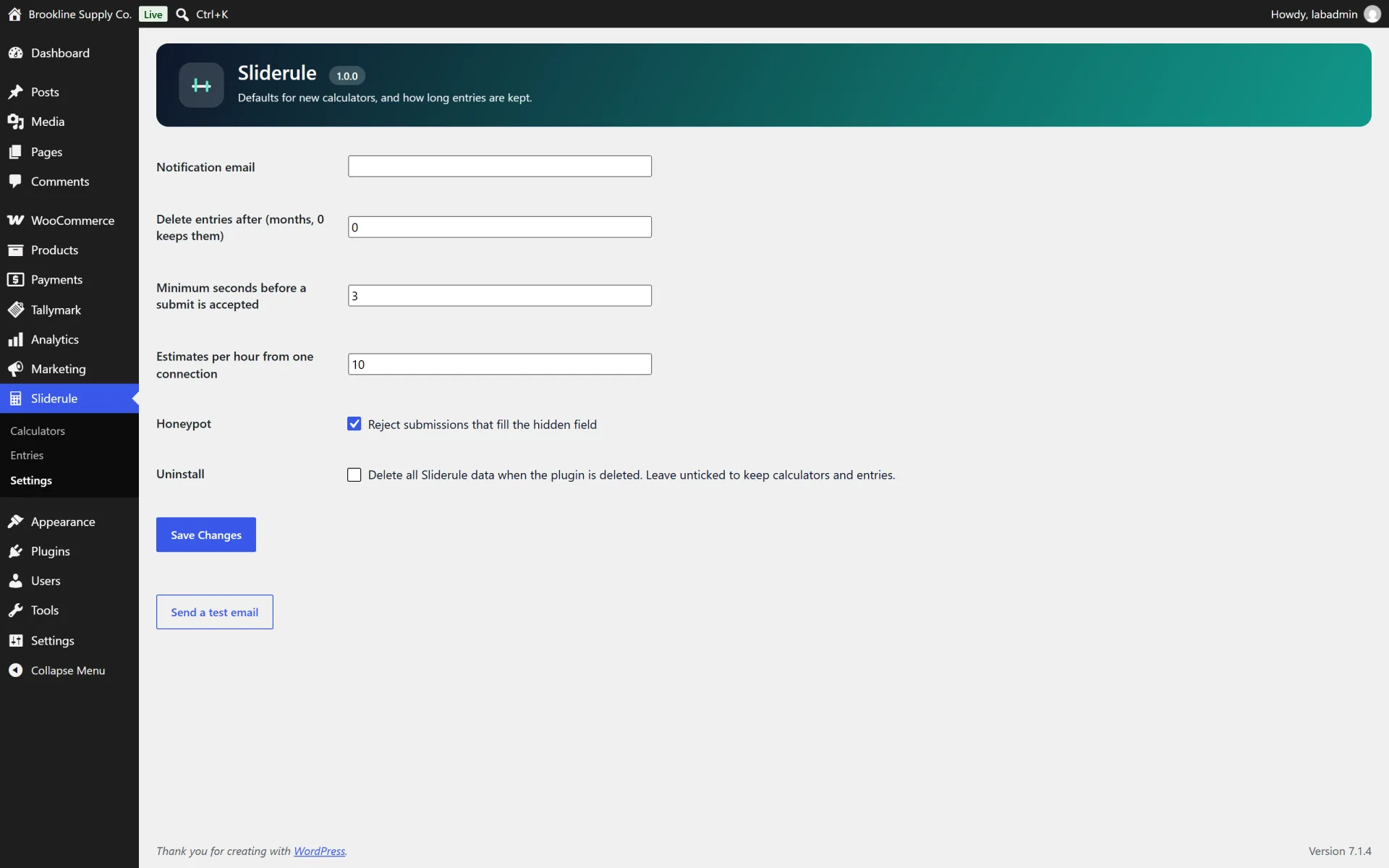
- Lead form with consent, honeypot, time trap and a rate limit that does not store the IP
- Entries inbox with status, notes, search and a formula-safe CSV
- Shortcode and a Sliderule block
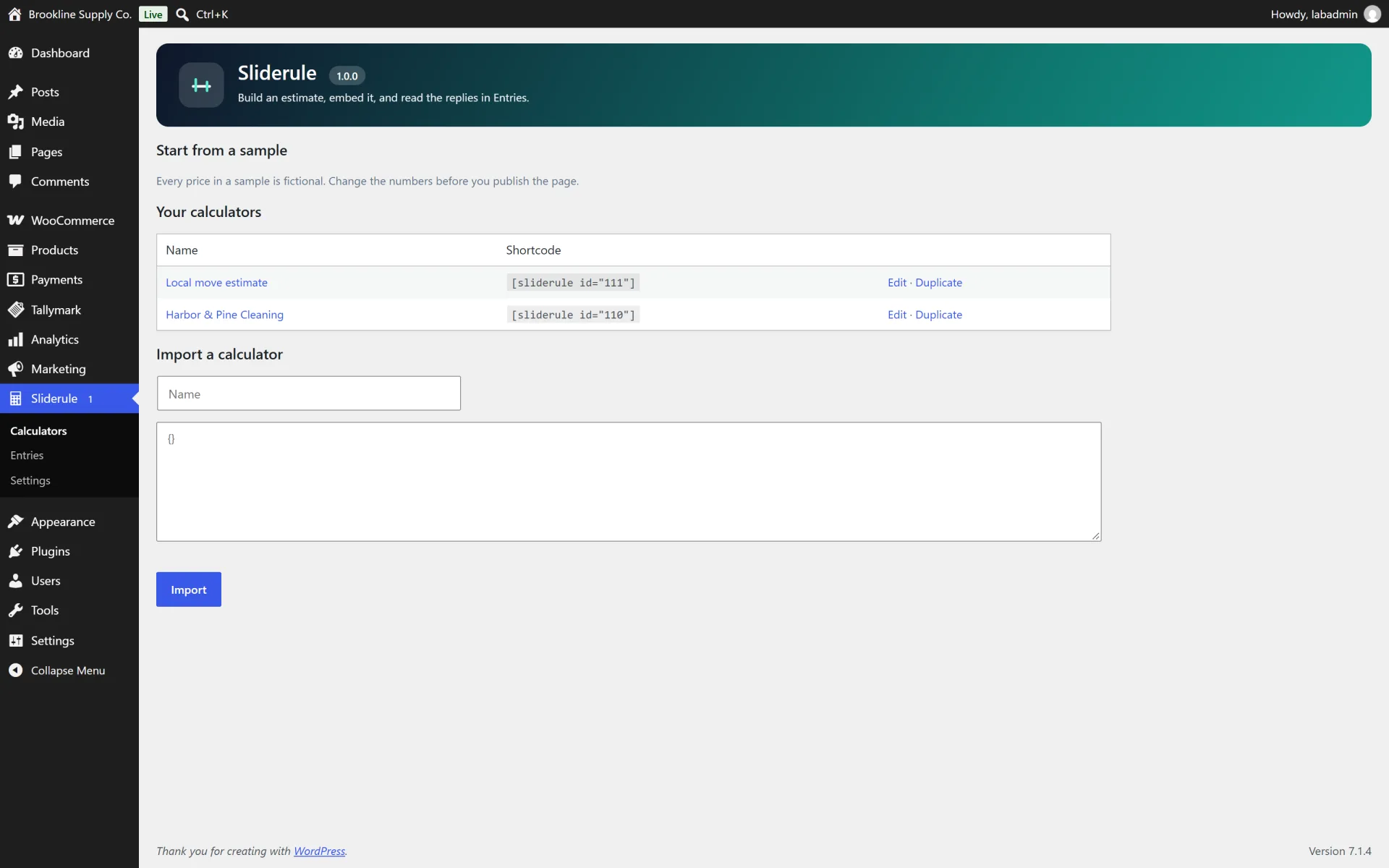
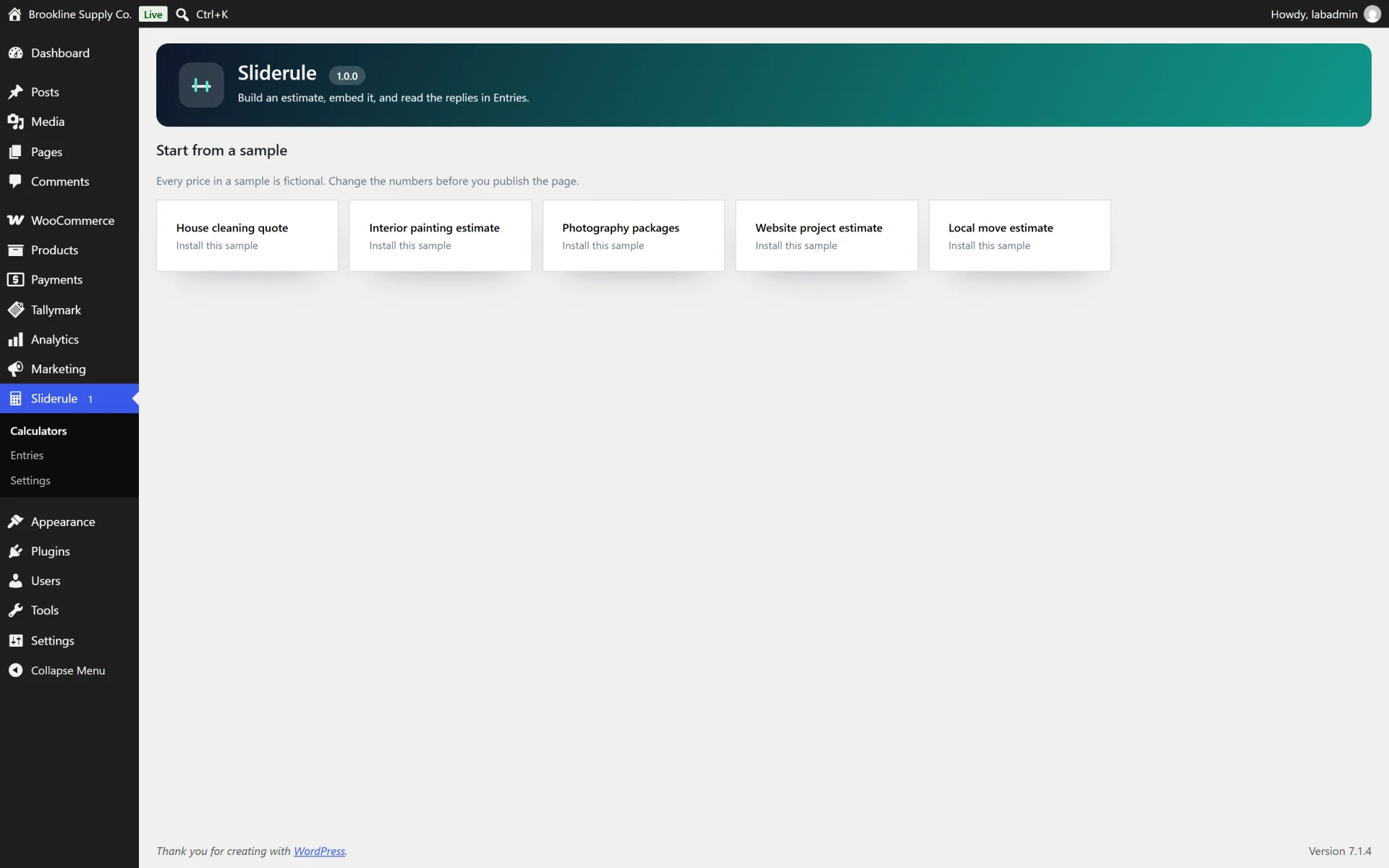
- Five sample calculators with fictional prices
- Privacy exporter and eraser, optional retention, and a delete-data option that defaults to keep
How it works
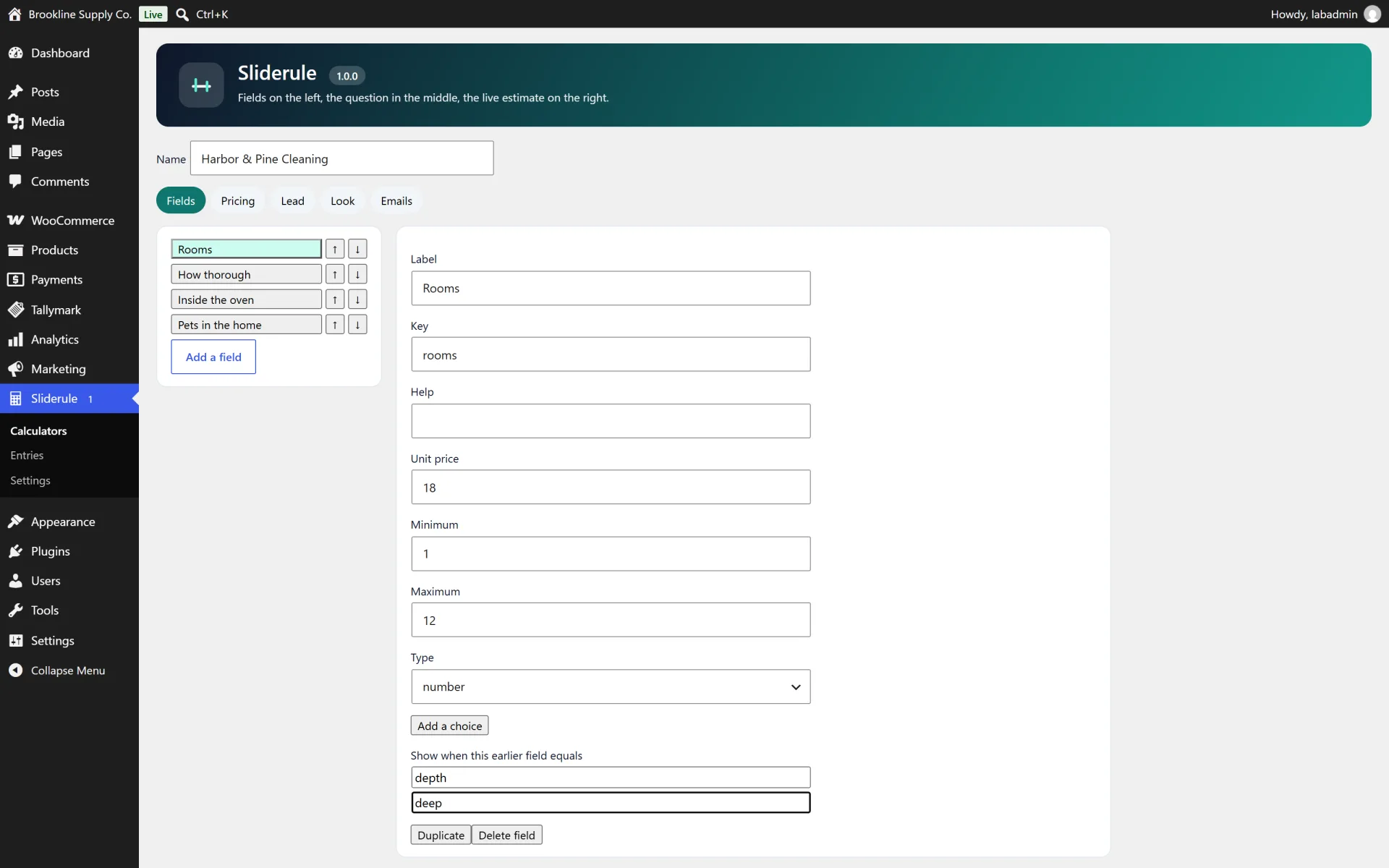
Build the questions. Each calculator has a field list. Reorder with the up and down buttons or by dragging. A choice can add a fixed amount, multiply by another number field, add a percent, or multiply the subtotal.
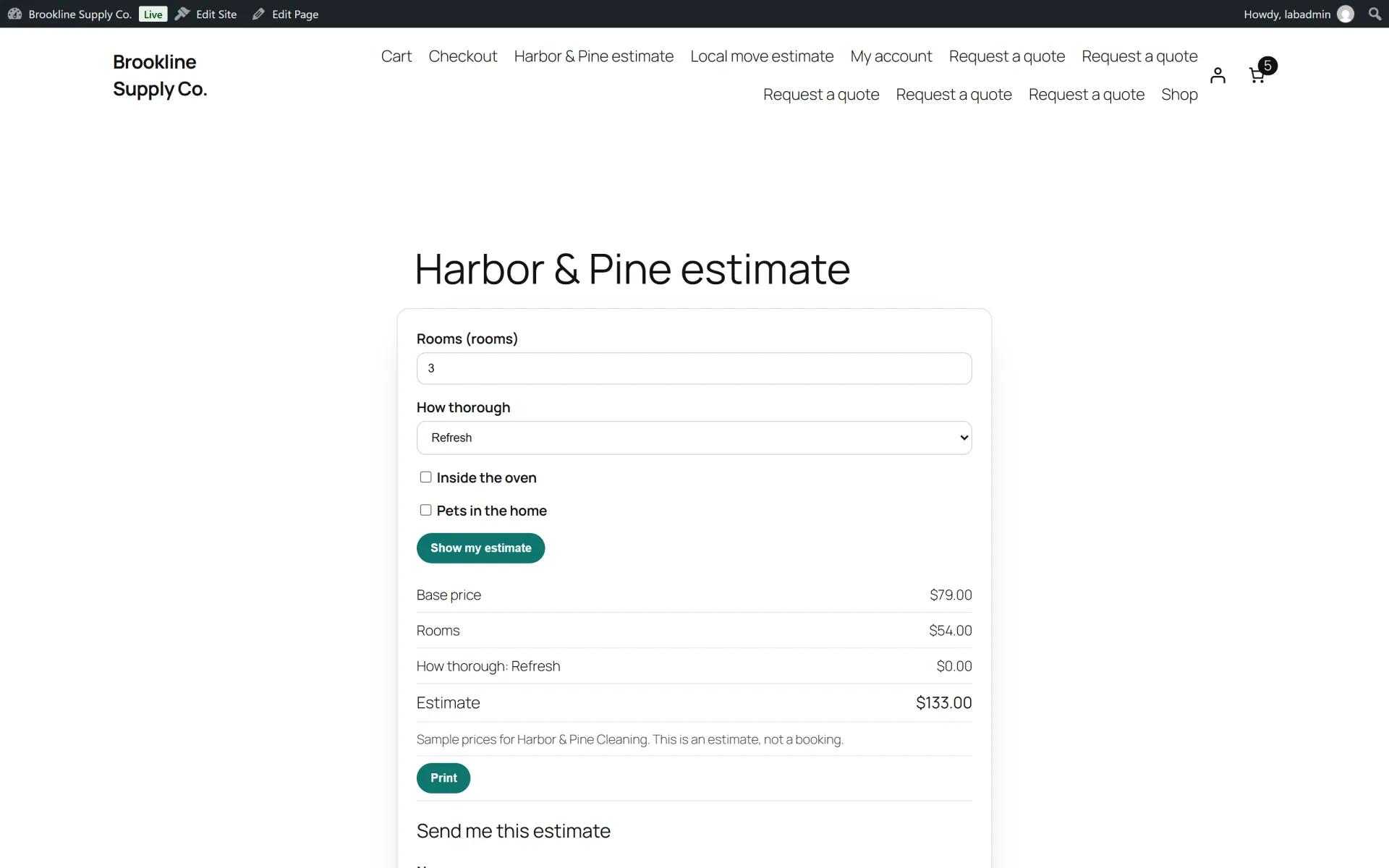
Set the price. Start from a base, apply the fields in order, then percents, then multipliers, then the minimum, then a floor at zero, then rounding, then tax. Formula mode replaces the field effects with one expression such as {rooms} * 18.
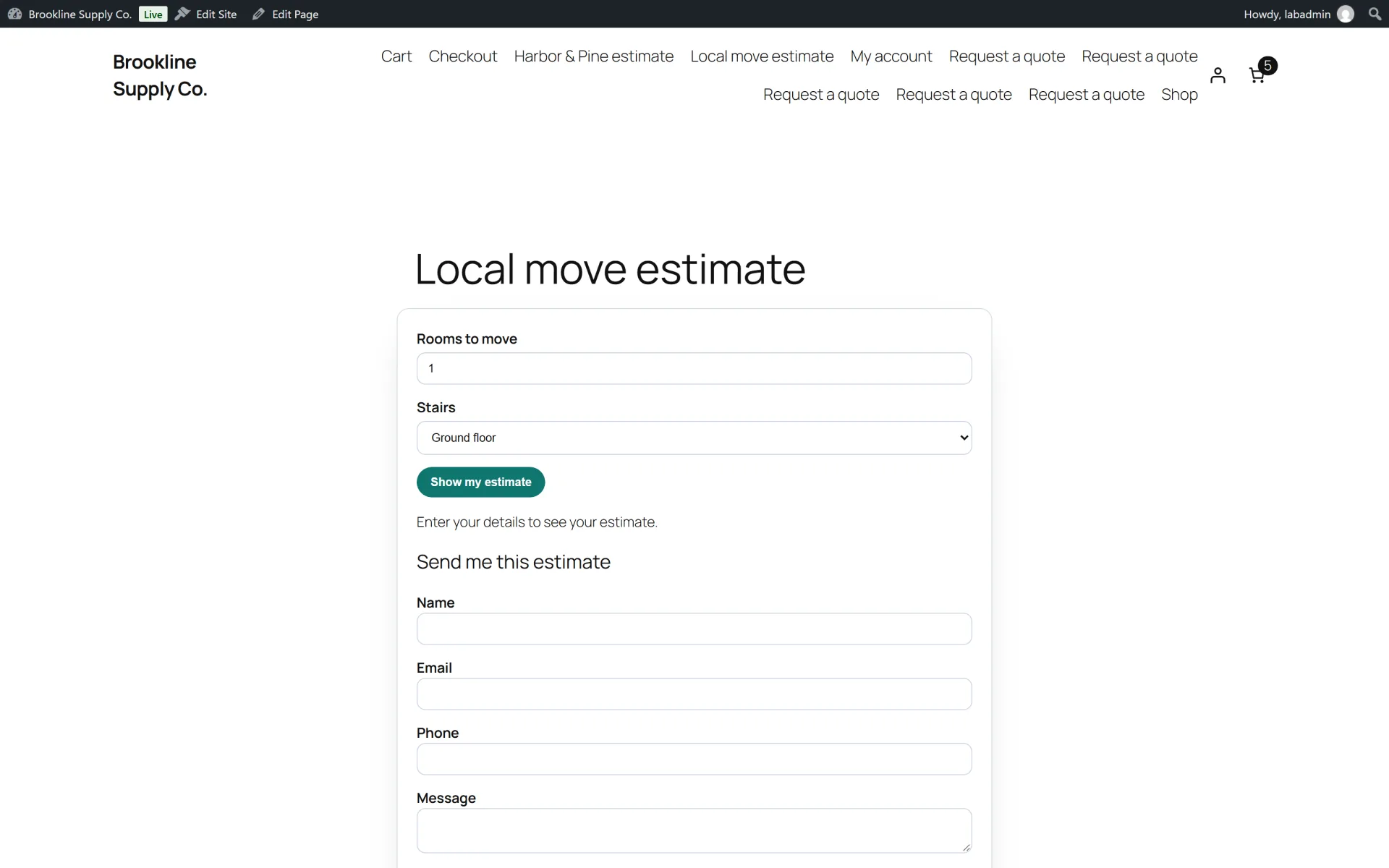
Hide the total. Set reveal to "before" when the visitor should enter their details before they see a number. The page HTML does not include the prices. The server returns the total only after a valid submit.
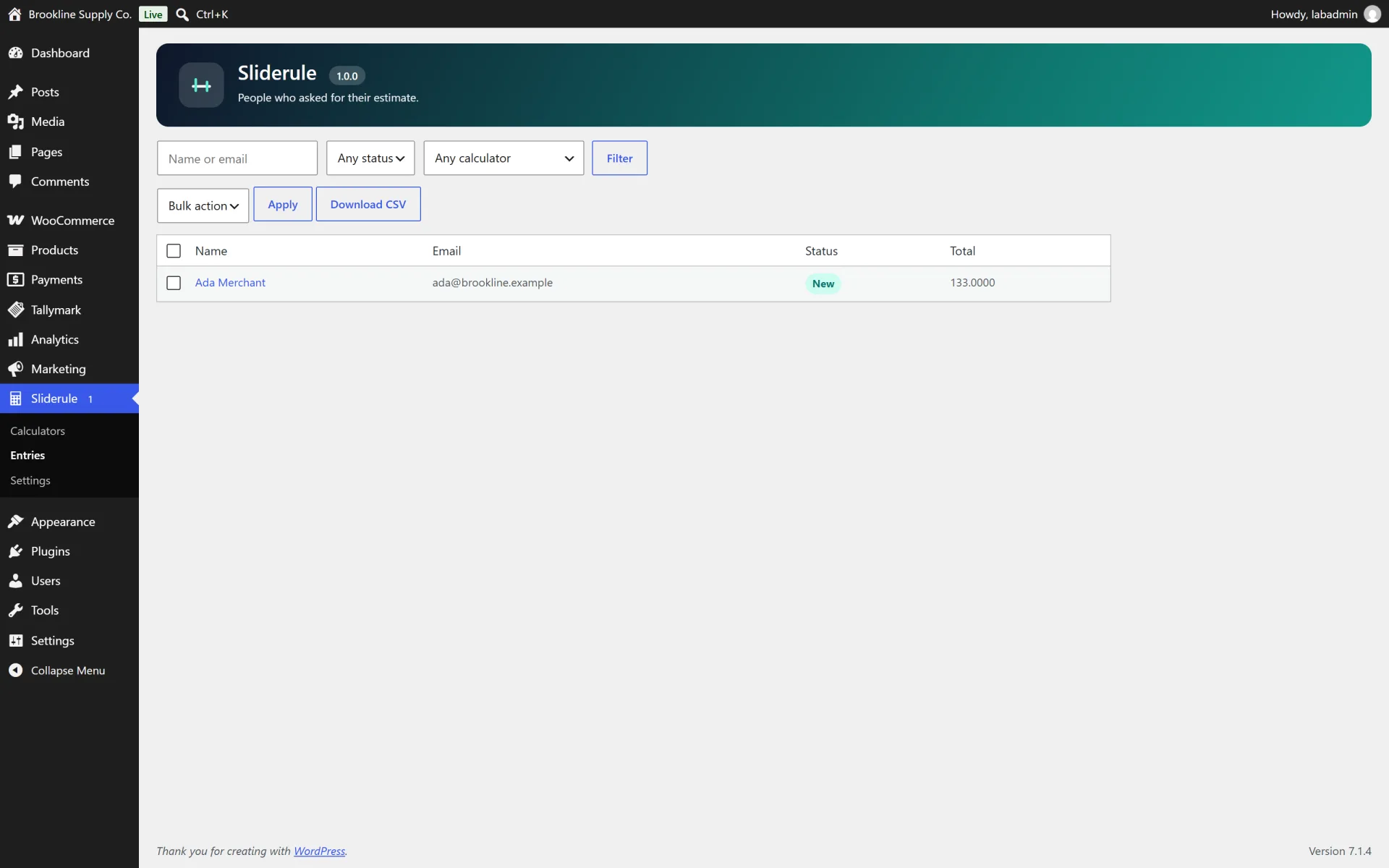
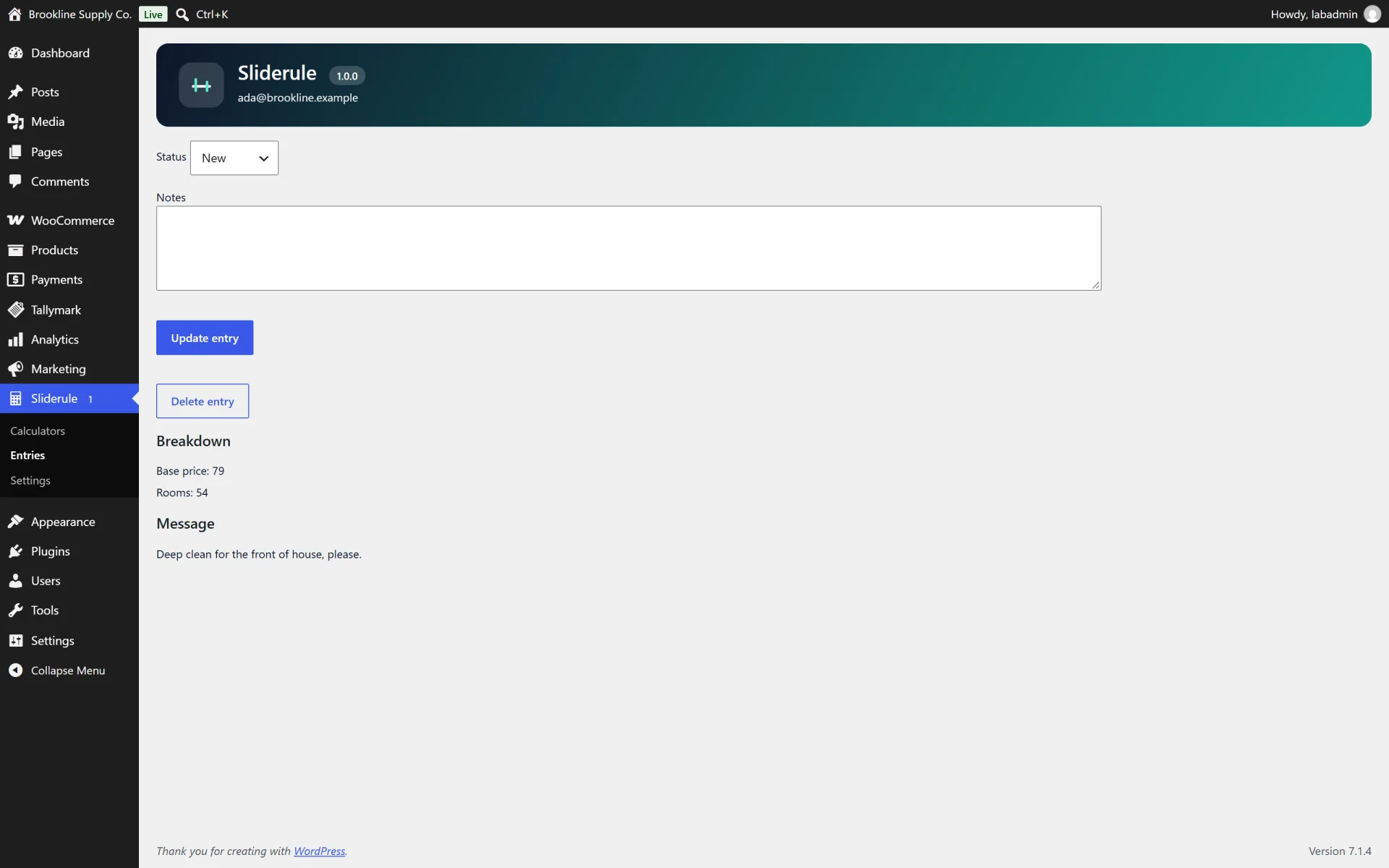
Read the inbox. Entries record the selections, the breakdown and the total the server computed. Statuses are New, Contacted, Won and Lost. CSV export prefixes cells that start with =, +, - or @.
Keep or delete data. Deactivating keeps calculators and entries and clears the retention cron. Deleting the plugin keeps them unless Delete all Sliderule data was ticked on that site.
Not included (so there are no surprises)
- Online payments
- WooCommerce cart integration
- PDF generation
- File uploads
- Maps, distance or geolocation
- Multi-step pages
- reCAPTCHA or hCaptcha (a honeypot, a time trap and a rate limit are included instead)
- CRM, Zapier or webhook integrations
- E-signatures
- A hosted demo
- AI formula generation
Install in minutes
- Upload the zip and activate Sliderule.
- Open Sliderule and install a sample calculator. The prices are fictional. Change them.
- Embed it with the Sliderule block or the shortcode [sliderule id="123"].
- Submit a test estimate and read it under Entries. Leave the delete-data box unticked unless you want uninstall to wipe calculators and entries.
What is in the download
- The ready-to-upload WordPress plugin (
sliderule-price-calculator), organised in namespaced PHP classes
readme.txt in WordPress.org format, a full HTML documentation page in docs/ and a CHANGELOG.mdlicense.txt (GNU GPL v2) and a translation template in languages/- A careful uninstall: your data is kept when you delete the plugin, unless you tick the "delete data" option in the plugin settings first. Calculators and entries are kept unless you tick the delete-data option first. No IP address is stored.
About the screenshots
The gallery shows Sliderule on a private test site with fictional businesses (Harbor & Pine Cleaning, Northfield Painters, Brookline Studio) and sample prices that are not a real quote. There is no hosted live demo.
Third-party product and network names mentioned (WordPress, WooCommerce and others) are trademarks of their respective owners. This plugin is an independent product and is not affiliated with or endorsed by them.