Tallymark - Request a Quote for WooCommerce — Let shoppers ask for a price, then accept it and pay through the normal WooCommerce checkout.
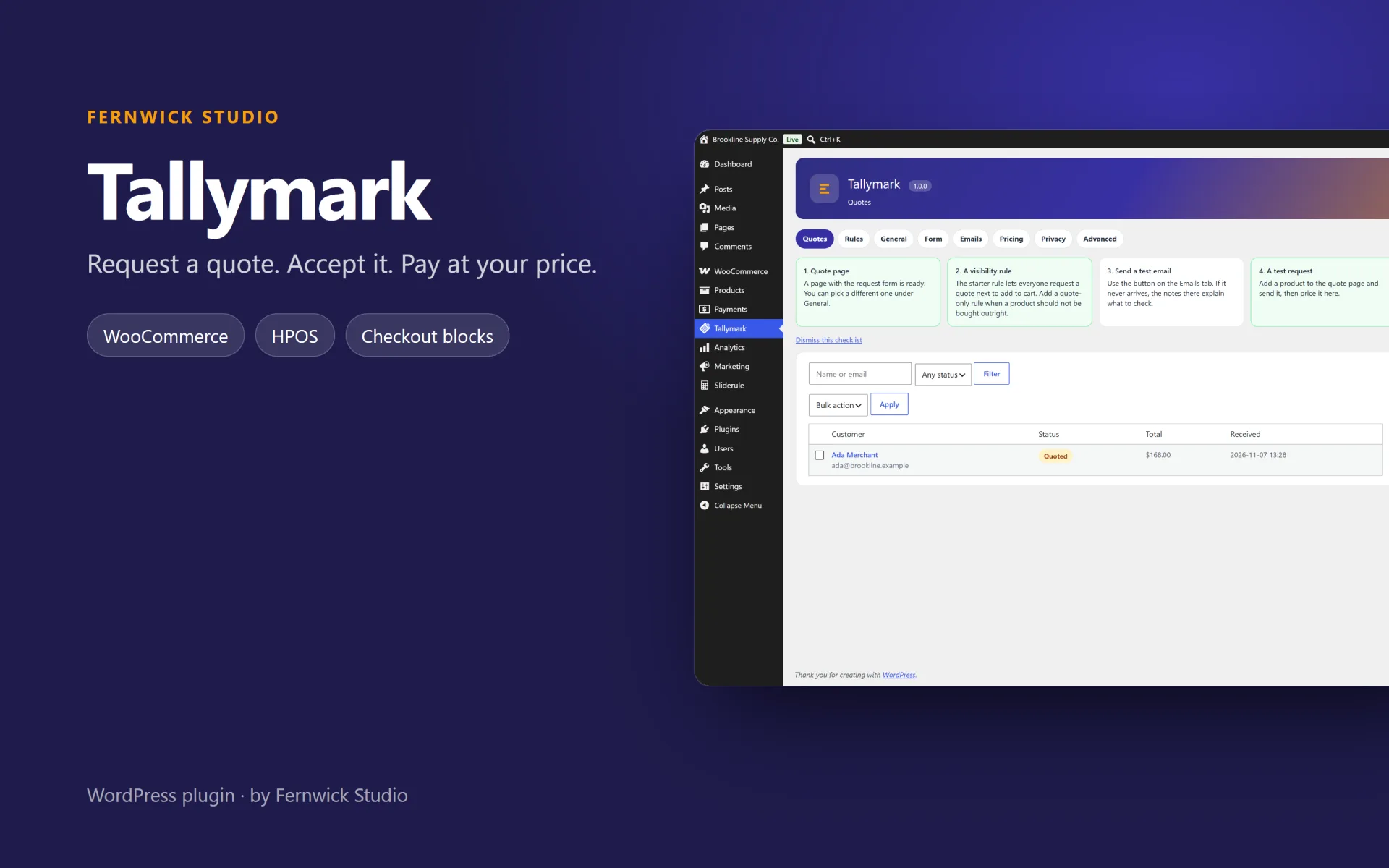
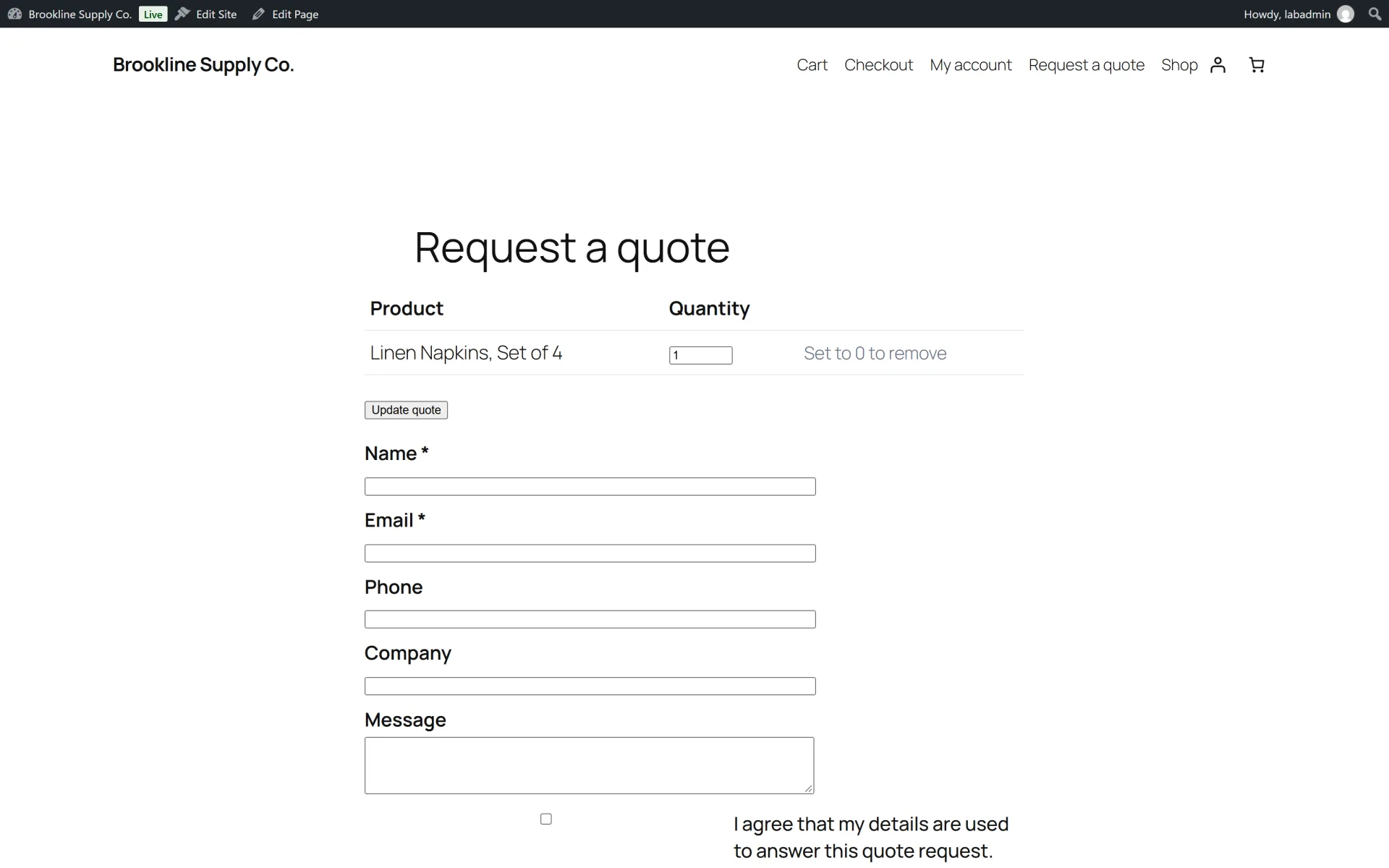
Tallymark adds a request-a-quote basket next to the WooCommerce cart. A shopper collects products, sends a request, and you reply with a price from the quote desk. They accept or decline from a private link, and an accepted quote checks out at the prices you set.
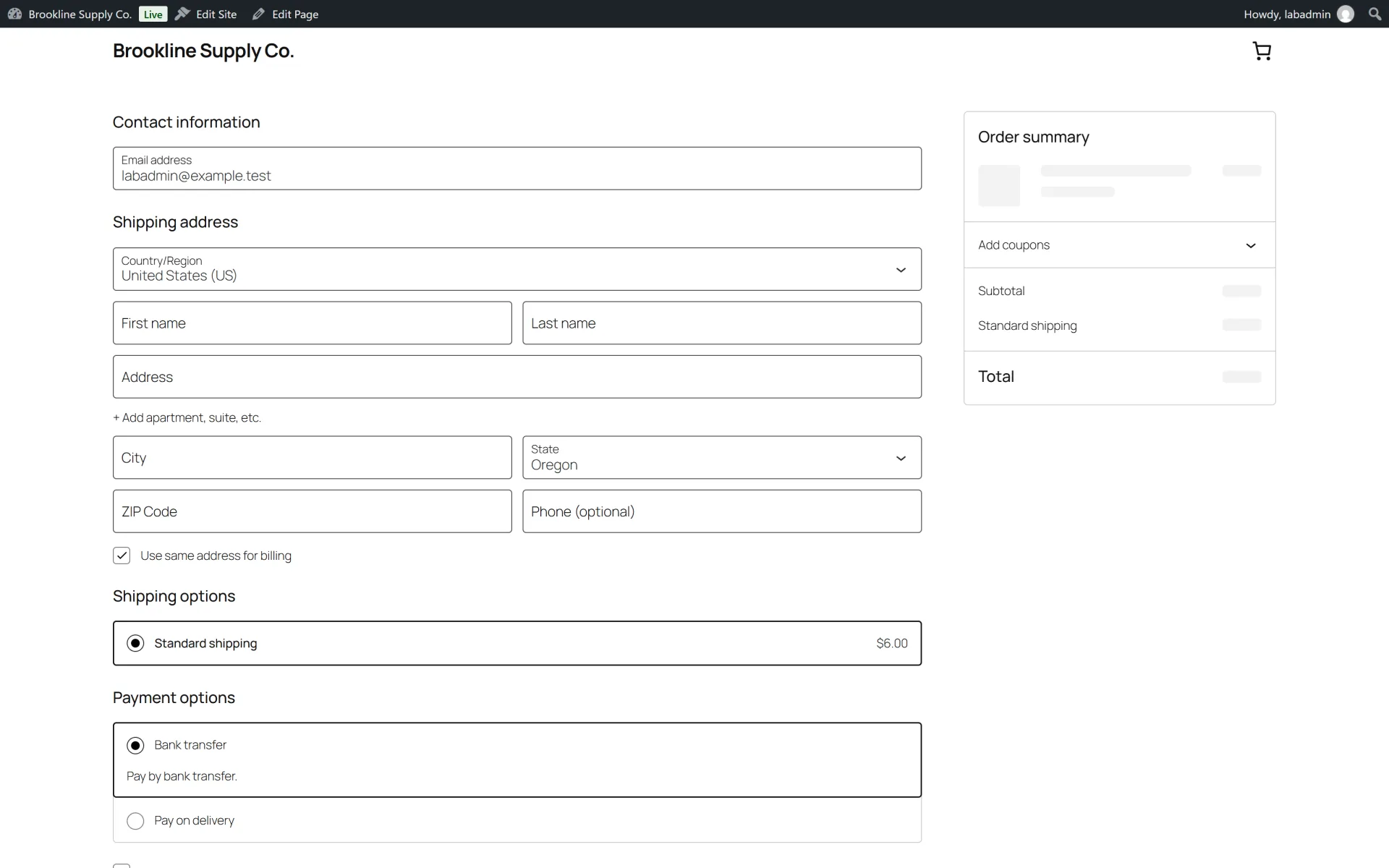
The quoted price is applied in both the classic cart and the Cart and Checkout blocks. High-Performance Order Storage is supported. The plugin does not call any external service.
What you get
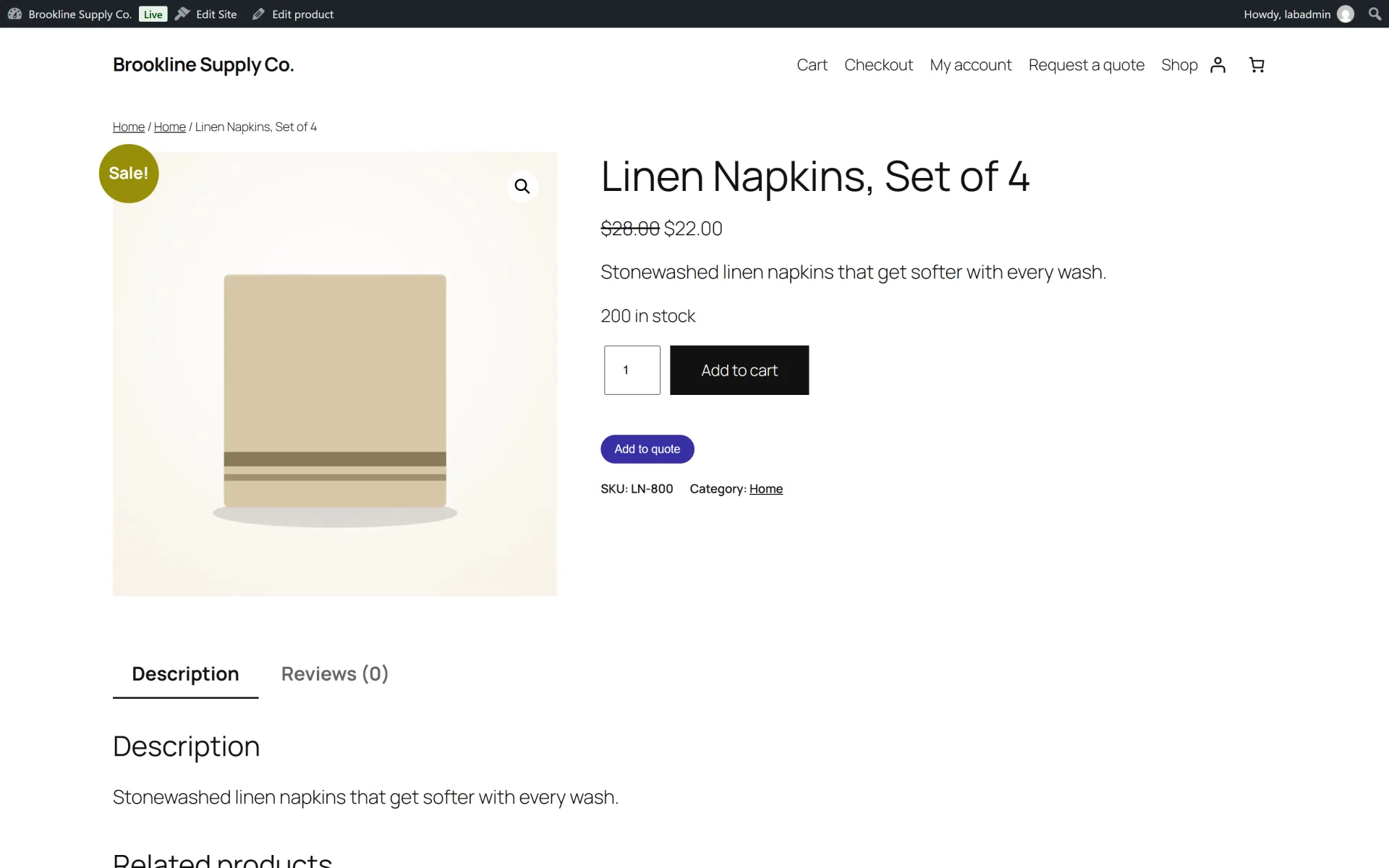
- Quote basket on simple and variable products, in the loop and on the single product page, including the product button block
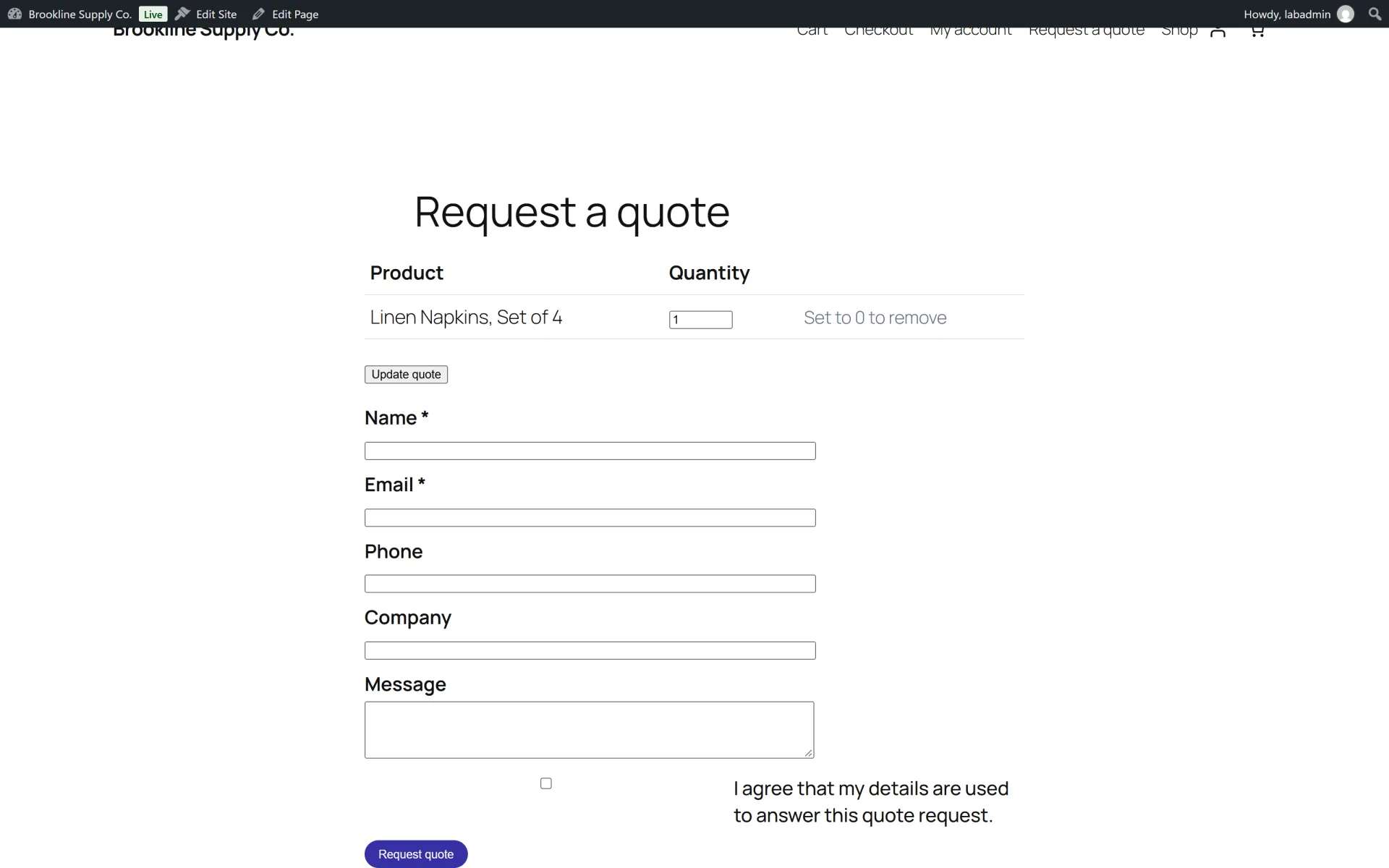
- Request form with required fields, consent, a honeypot, a time trap and a rate limit
- Private customer link with a one-time token stored only as a hash
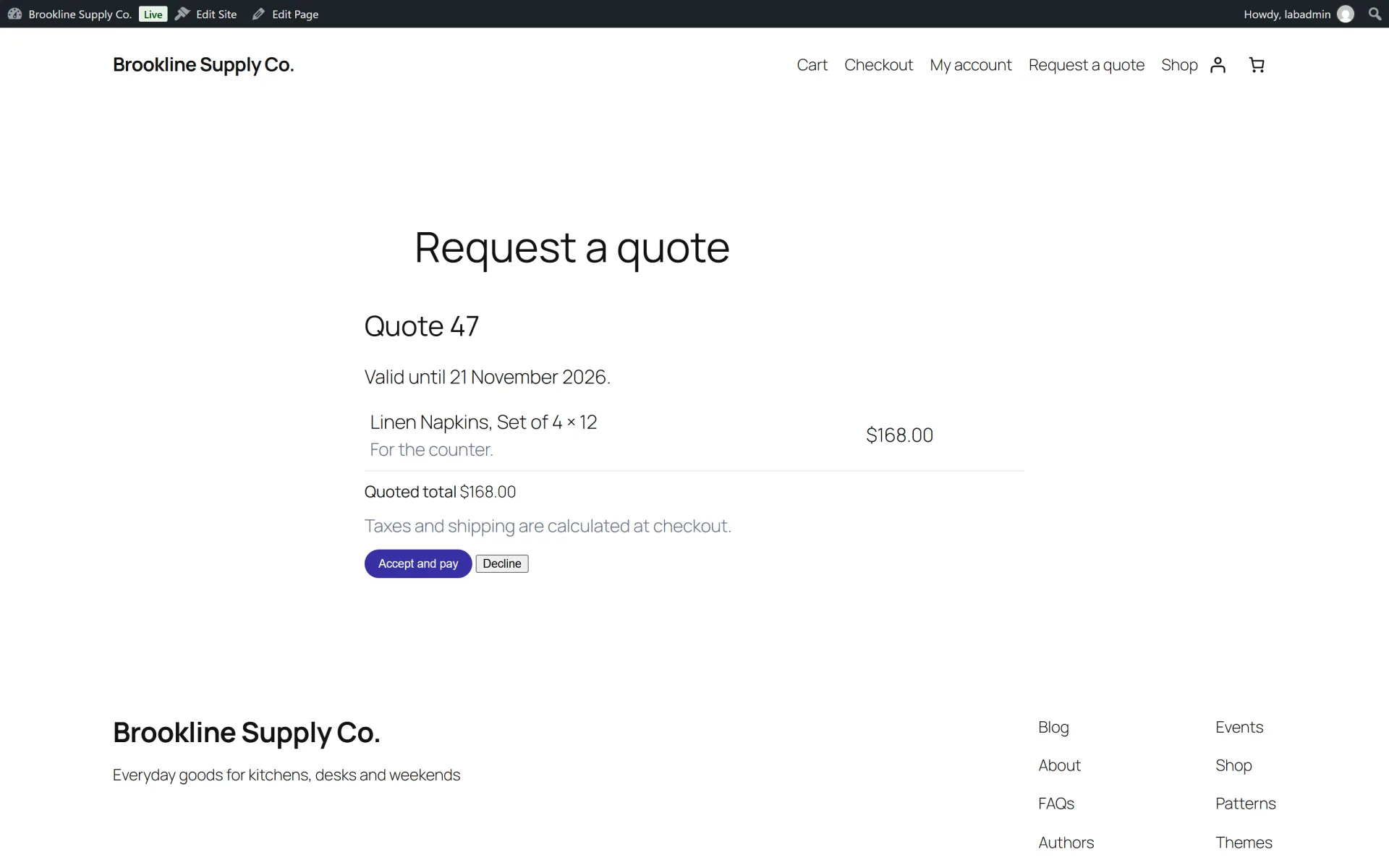
- Accept fills the cart at the quoted price and locks the quantity; decline closes the quote
- Quote-only products stay out of the normal cart, including the Store API
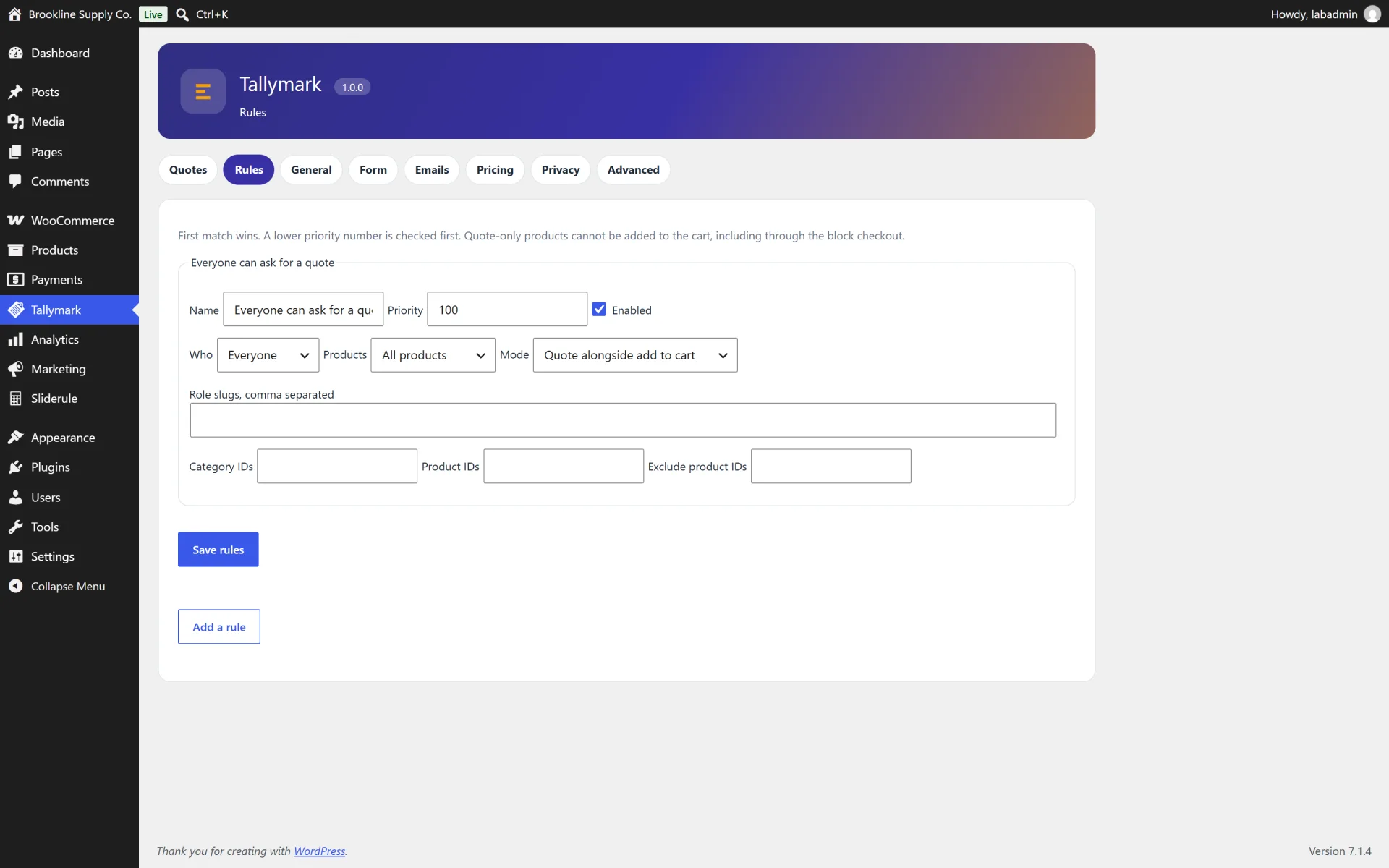
- Rules by product, category, tag, user role or guest
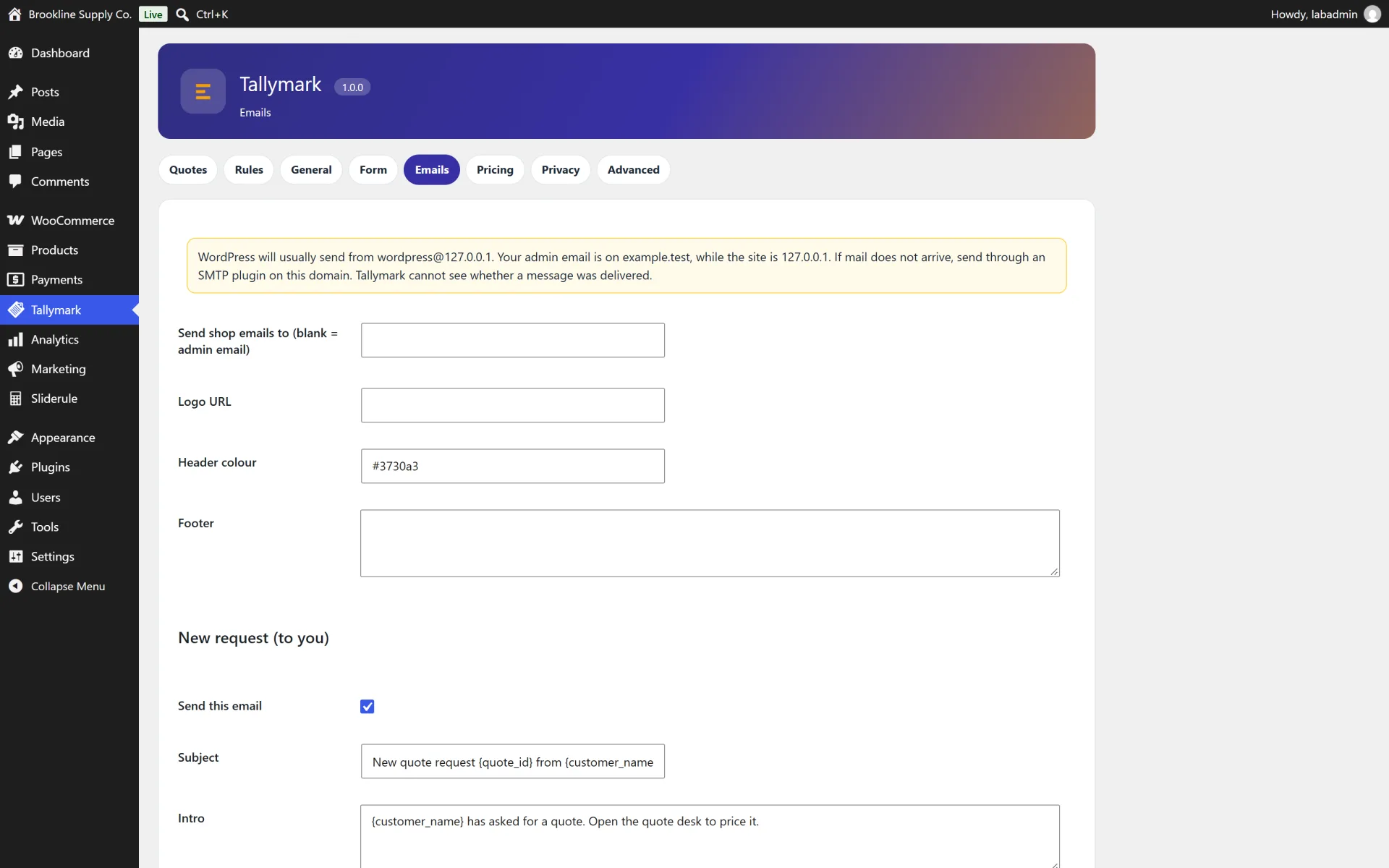
- Email to the shop and the customer, with editable subjects
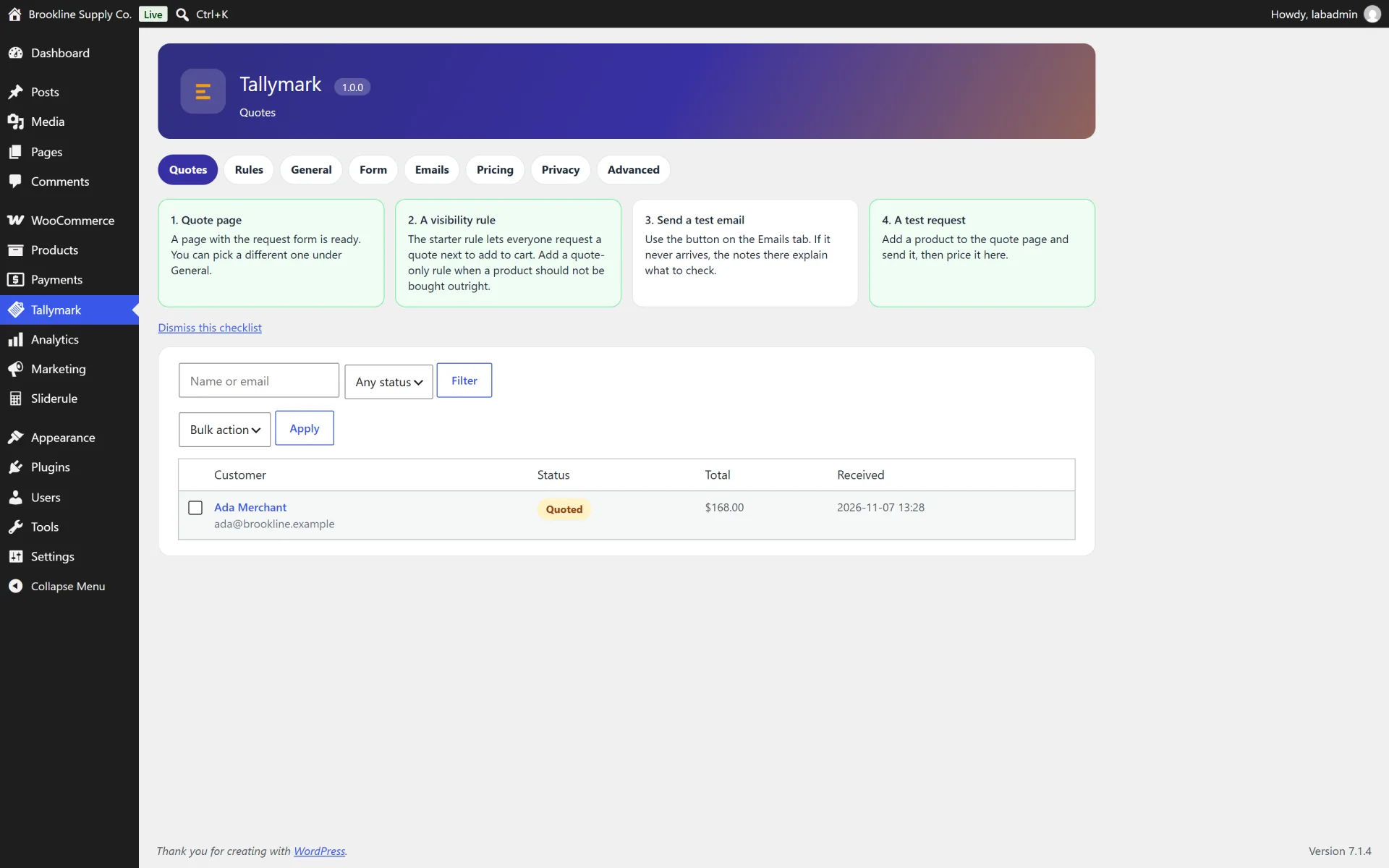
- Activity log, expiry, retention, CSV-free inbox with search and bulk status
- Privacy exporter and eraser by email
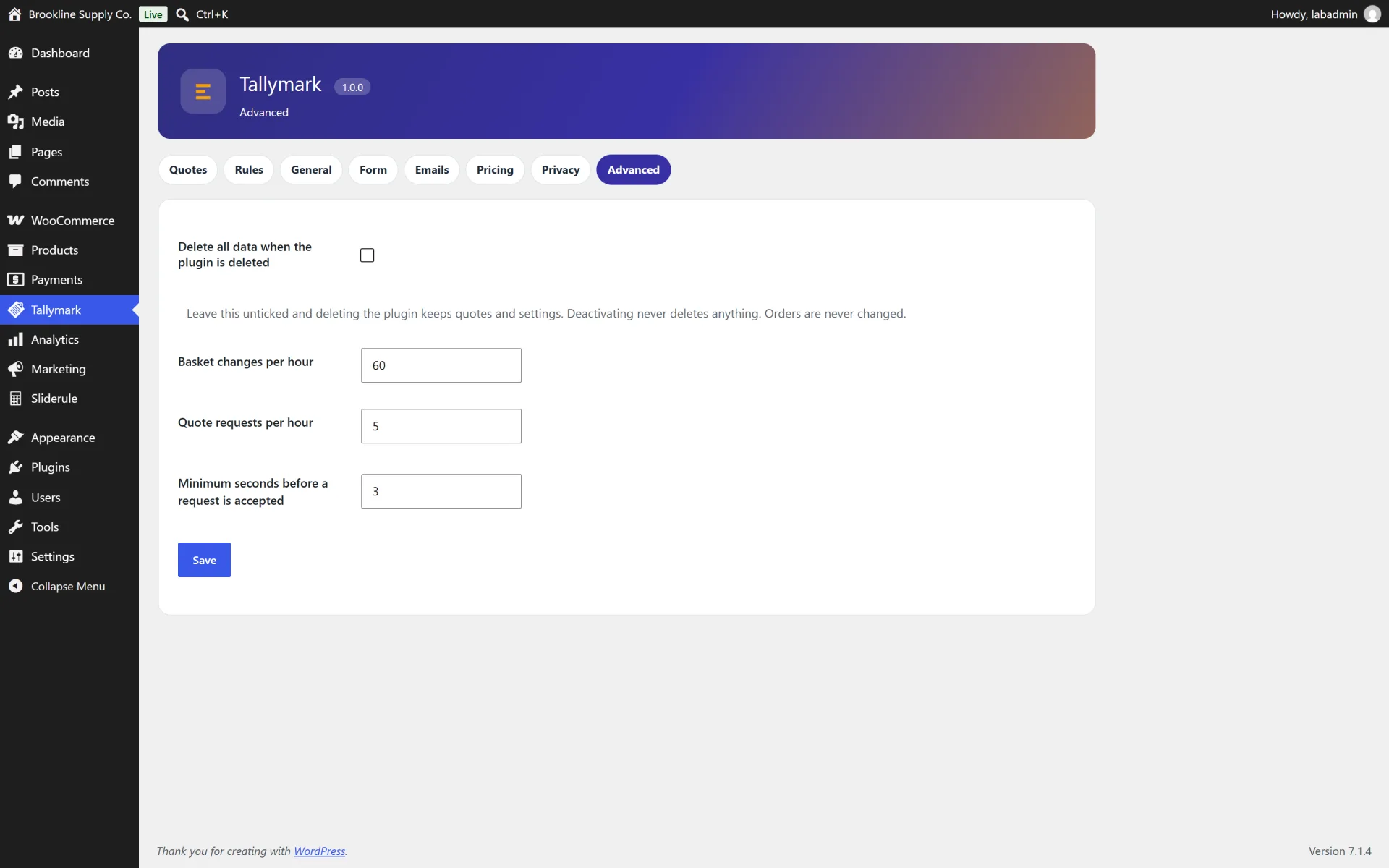
- Delete-data option that defaults to keeping quotes
How it works
Collect a quote. Shoppers use Request a quote instead of, or next to, Add to cart. The basket lives in the WooCommerce session until they submit the form on the request page.
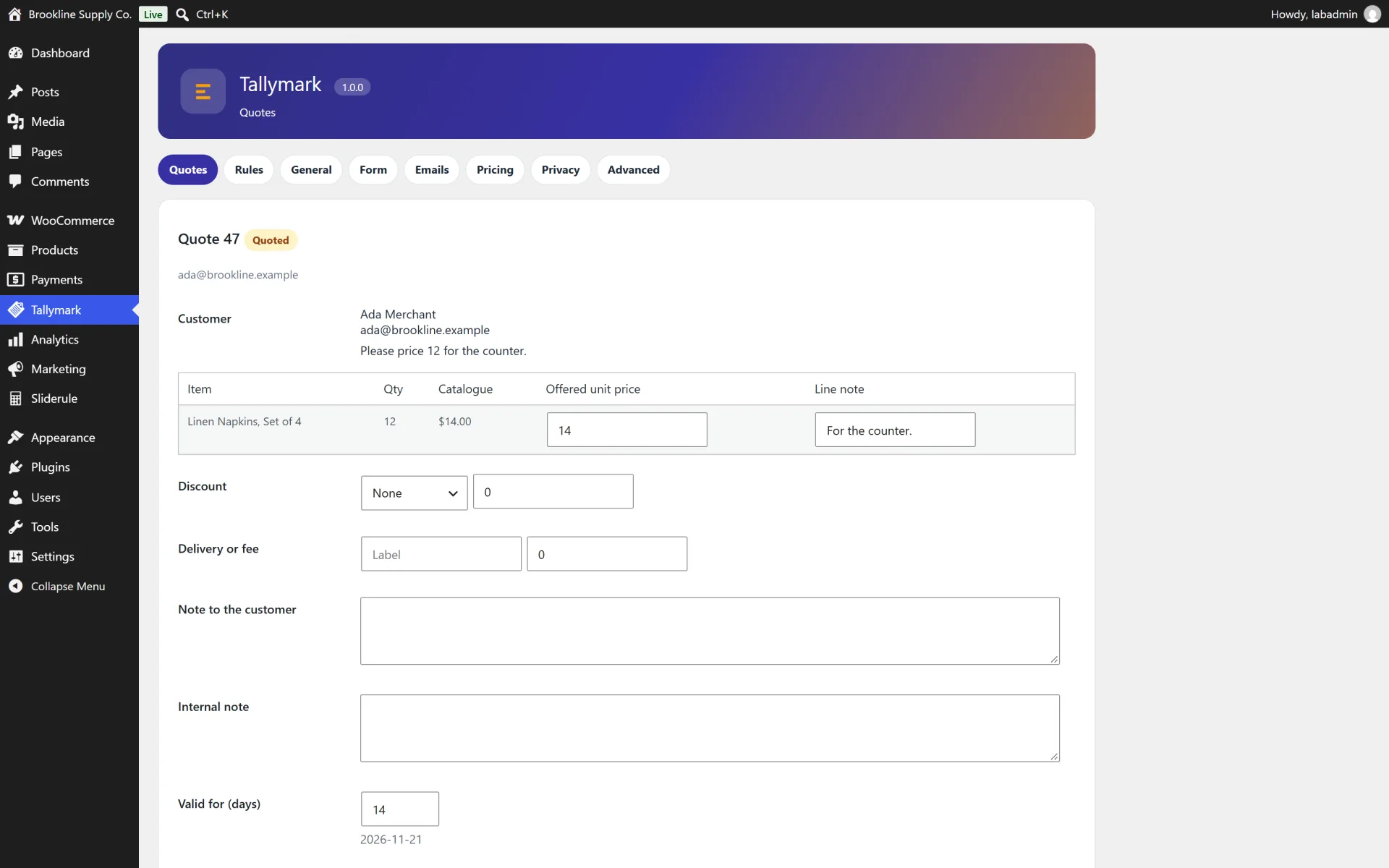
Price it. In Tallymark, Quotes, open the request, set the offered price, an optional discount or delivery fee, and a validity period, then send it. The customer receives a private link.
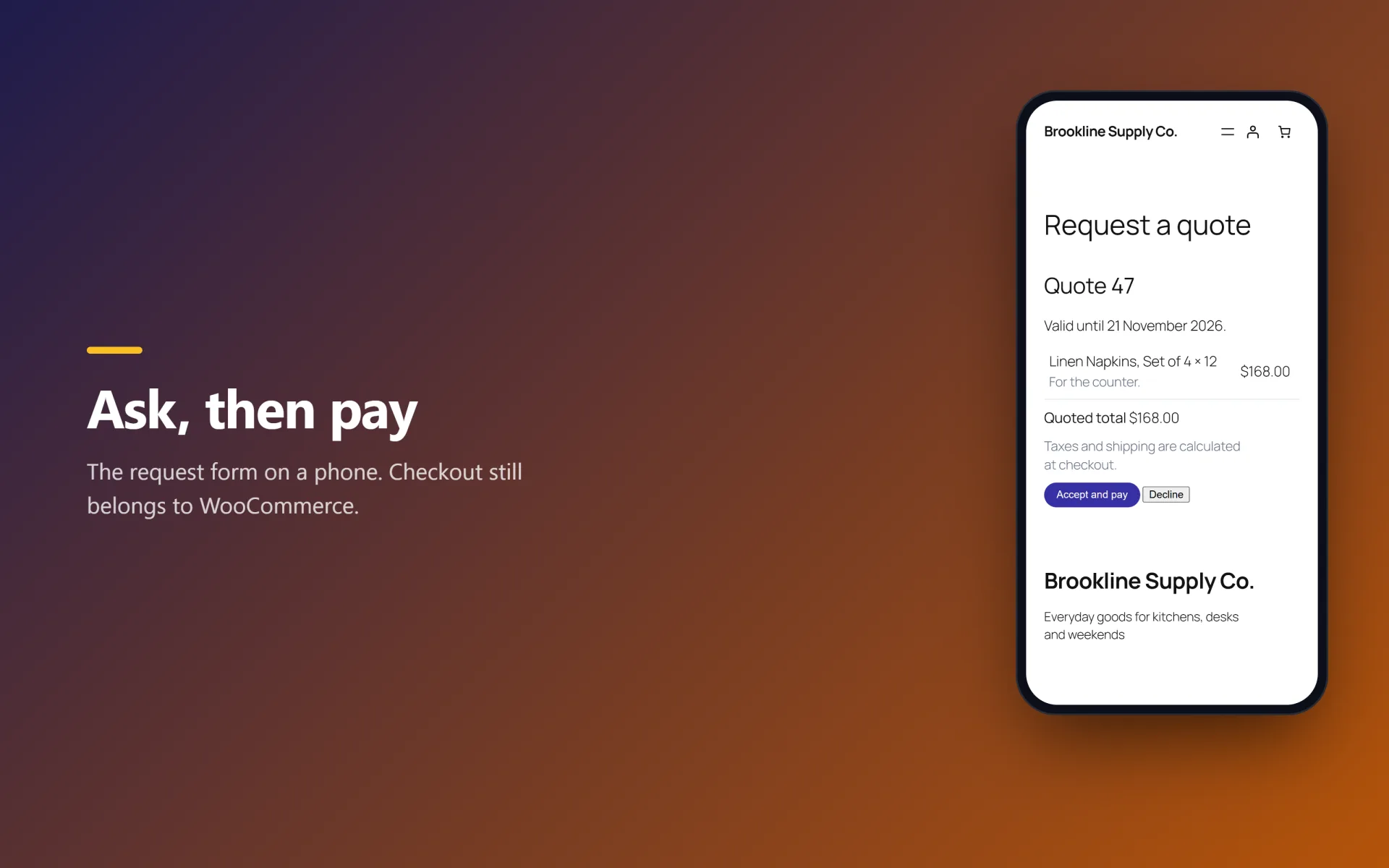
Accept and pay. Accept puts the quoted lines into the cart at your prices and sends the shopper to checkout. Tax and shipping still come from WooCommerce. The quote is marked converted when the order is created.
Hide the cart. A rule can make matching products quote-only. Those products are not purchasable in the classic cart or through the Store API until a quote adds them.
Keep or delete data. Deactivating the plugin keeps every quote. Deleting the plugin also keeps them unless you first tick Delete all Tallymark data in the settings. Orders are left as they are.
Not included (so there are no surprises)
- PDF quotes
- Taking payment inside the quote itself
- E-signatures
- Multi-currency
- Revision history beyond the activity log
- File attachments
- Partial acceptance of a quote
- Subscriptions
- Product bundles or composites
- Multi-vendor marketplaces
- Decimal quantities (WooCommerce cart quantities stay whole numbers)
Install in minutes
- Upload the zip in Plugins, Add New, Upload Plugin, and activate it. WooCommerce must already be active.
- Open Tallymark and confirm the request page, or set another page under Settings.
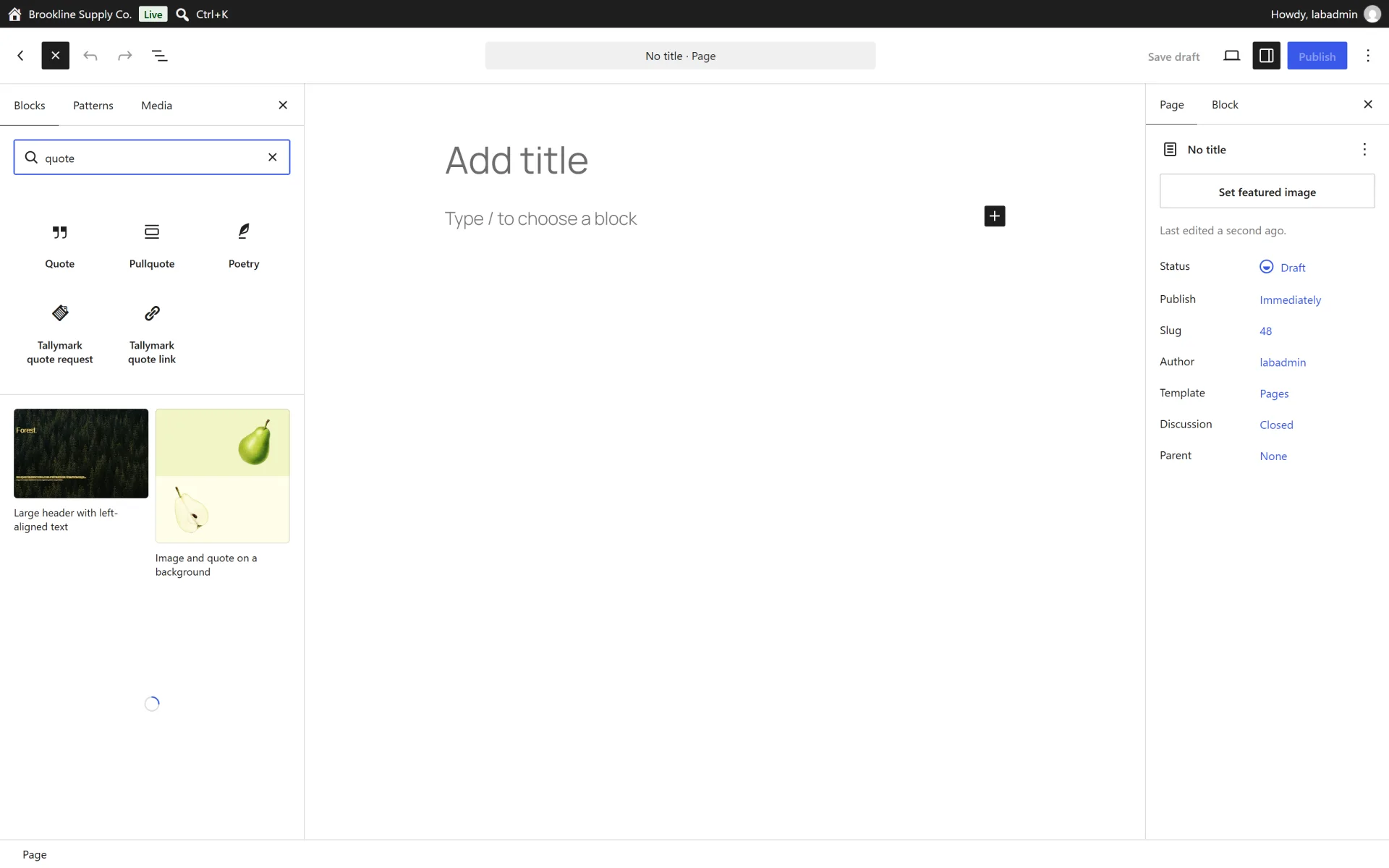
- Add a "Request a quote" button by leaving the default placement on, or place the Tallymark block or shortcode yourself.
- Send a test request from the shop, price it, and accept it through the customer link.
What is in the download
- The ready-to-upload WordPress plugin (
tallymark-request-quote), organised in namespaced PHP classes
readme.txt in WordPress.org format, a full HTML documentation page in docs/ and a CHANGELOG.mdlicense.txt (GNU GPL v2) and a translation template in languages/- A careful uninstall: your data is kept when you delete the plugin, unless you tick the "delete data" option in the plugin settings first. Quote records are removed only if you tick the delete-data option. WooCommerce orders are never changed.
About the screenshots
The gallery shows Tallymark on a private test shop ("Brookline Supply Co.") with sample products, a sample quote and generated placeholder pictures. It is not a public demo. There is no hosted live demo.
Third-party product and network names mentioned (WordPress, WooCommerce and others) are trademarks of their respective owners. This plugin is an independent product and is not affiliated with or endorsed by them.