

How to launch a game server list website: a step-by-step plan
A practical order of work for a server list site: pick one game and one angle, choose software you can maintain, write the rules first, and add real listings before you ask for traffic.

A server list is a directory where players find game servers and server owners find players. The software is the easy part. What decides whether the site is useful is a narrow focus, accurate listings, and the unglamorous work of keeping them current.
This guide is the order of work we would follow for a first launch, from picking a niche to the first month of upkeep. It assumes you are buying a ready-made directory script rather than writing one. Nothing here depends on a particular game, but the examples lean on Minecraft because that is where most server lists start.
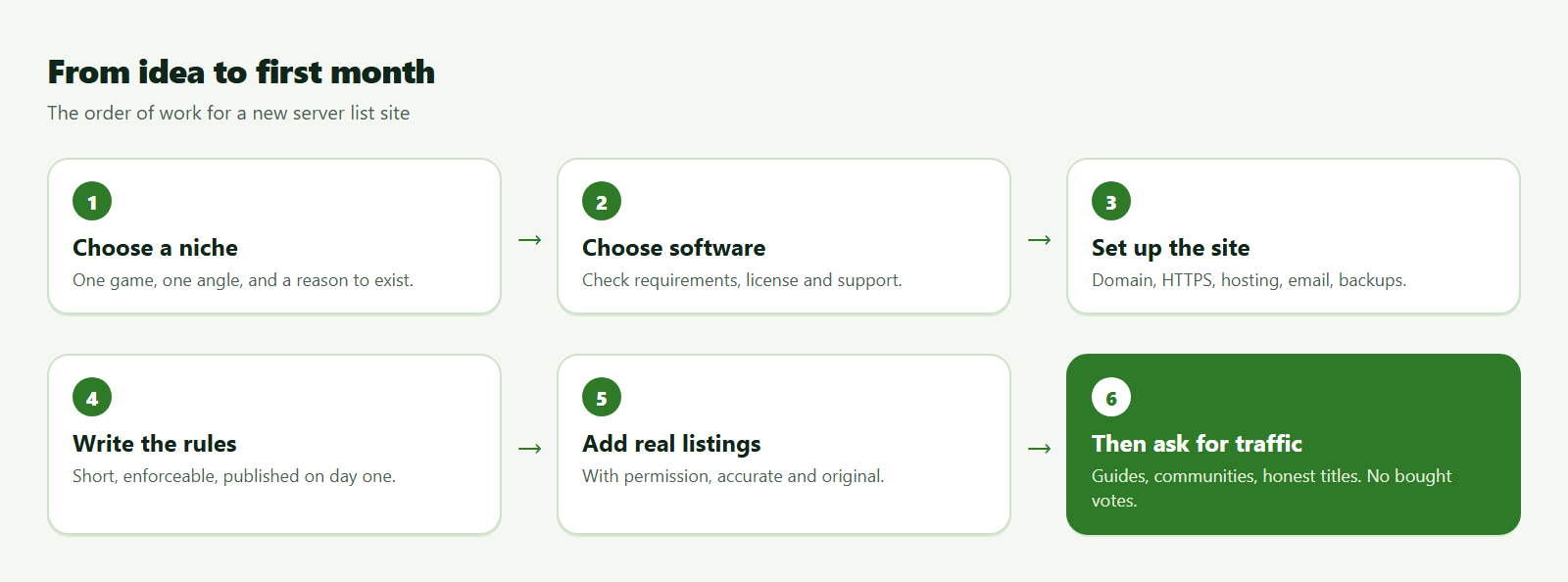
Step 1: pick one game and one angle
"Every game" is a hard place to start, because players search for a specific game and a specific kind of server. Choose one game you know well and one clear angle: a game mode, a region, a language, a version, or a play style. A list for "survival servers on the current version" has a reason to exist. A general list has to out-compete sites that have been around for years.
A quick way to test an idea before you spend anything:
- Write your list's purpose in one sentence that starts with "Players come here to find…". If it takes two sentences, the angle is still fuzzy.
- Search for the phrases a player would type and read the first page of results. Look for lists with dead servers, broken vote buttons, thin pages or outdated versions.
- If the first page is full of weak pages, there is room for a tidier one. If the angle is well covered, change the angle instead of copying the leader.
Do not start from a number you read somewhere ("this game has so many players, so a list must earn a lot"). Player counts say nothing about whether server owners will use your site.
Step 2: decide what the list must do on day one
Write the requirements down before you look at any software. A useful minimum:
- A page per server with name, address, version, description and tags.
- Search and filters for what players actually choose by: version, mode, country or language.
- Owner accounts, so server owners can add and edit their own entries without you.
- Moderation: an approval queue, a report button, and a way to remove dead or abusive listings.
- Voting or ranking, only if you truly want a ranking. It brings abuse that you will have to handle (see how to moderate a server list).
- A live status check, if the game offers a query protocol and the script supports it. This usually needs a scheduled job on your server.
Step 3: choose software you can maintain
Compare scripts against your list rather than against screenshots. On the marketplace you can read each listing's requirements line, version, last update date, changelog, license and support terms. Three kinds of script cover most server lists:
| Kind of script | Good fit when | Examples on the marketplace |
|---|---|---|
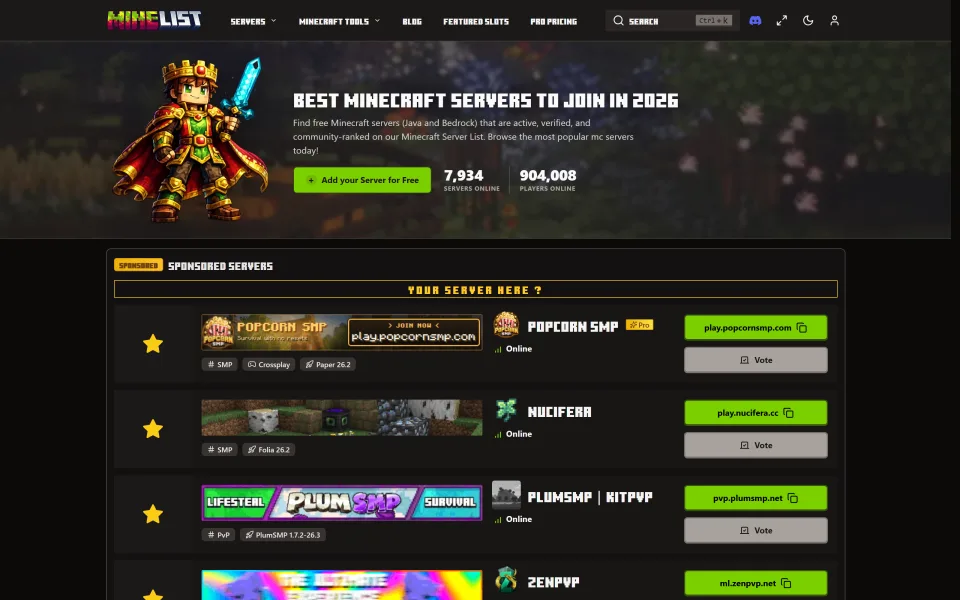
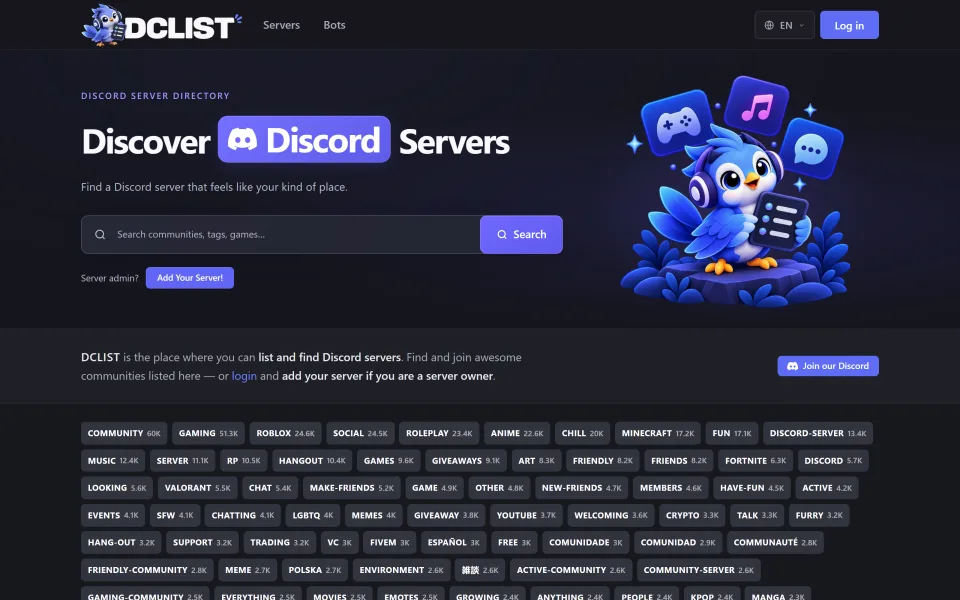
| Single-game server list | You are building for one game and want its specifics (editions, query protocol, voting rewards) built in | Minelist for Minecraft, DCLIST for Discord servers and bots |
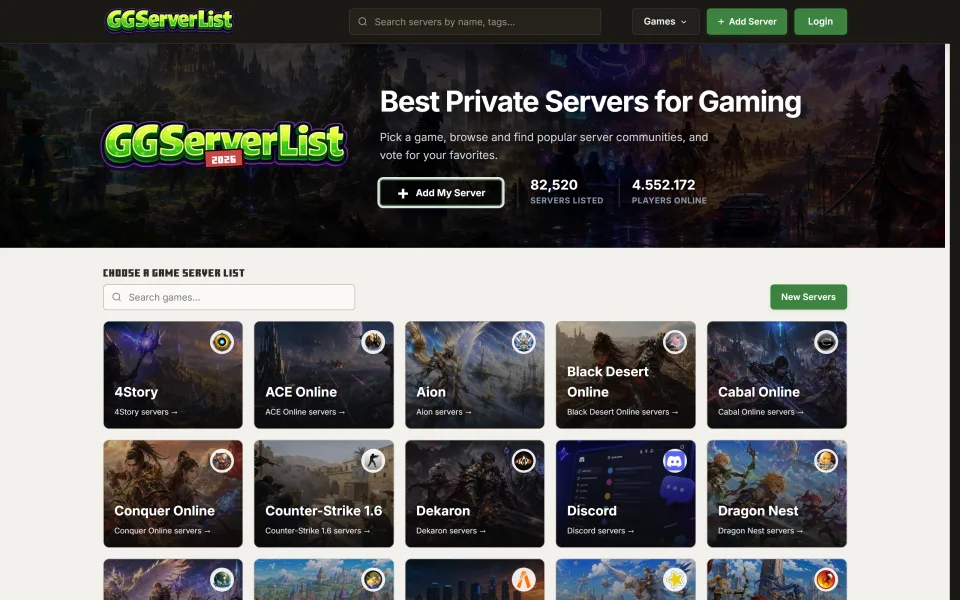
| Multi-game server list | You want one site covering several games | GGServerList |
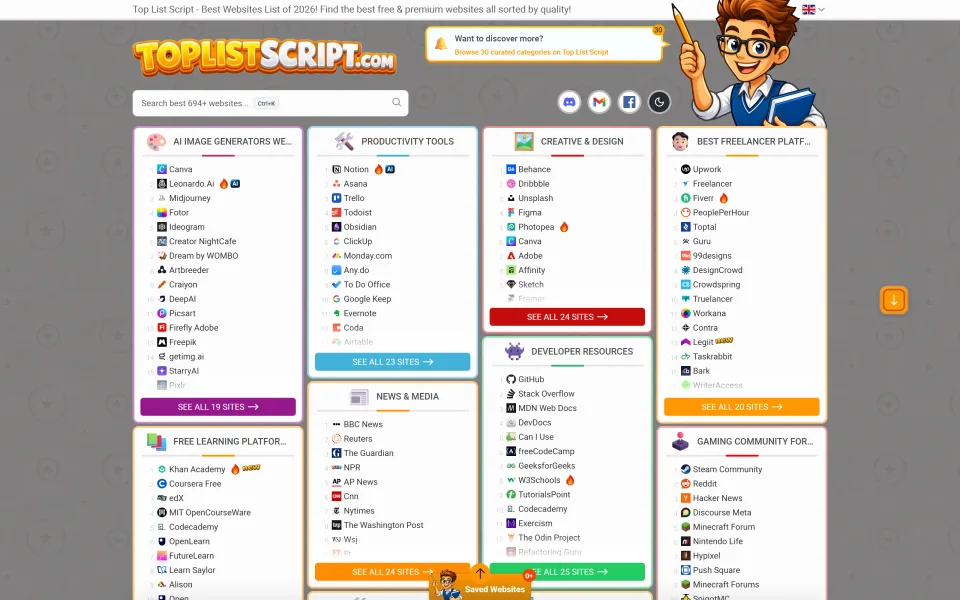
| General directory or toplist | Your list is not a game server list at all, or you want ranked "best of" pages | ToplistScript |
Other single-game scripts exist for Hytale, Rust and Minecraft-focused lists, and one for AI tool servers; browse the PHP category to see the current range. Whichever you pick, check these four things on the listing:
| What to check | Where to find it | Why it matters |
|---|---|---|
| Requirements | The listing's compatibility line | Your hosting has to run it, including any cron jobs |
| Version and last update | The listing and its changelog | Shows whether anyone still maintains it |
| License | The licenses page and the listing | Decides whether you may charge owners or sell the finished site |
| Support | The author's support terms and the support policy | Tells you who helps when something breaks |
If you plan to charge server owners for featured placement, read what the regular and extended licenses allow before you buy: Regular vs Extended license, explained.
Pick the script you are able to host, update and fix. A simpler script you understand is a better start than a feature-rich one you are afraid to touch.
Step 4: get the foundations right
- Domain and HTTPS. Use a name that says what the list is about, and serve everything over HTTPS from the start. Many scripts need HTTPS for login providers and payments.
- Hosting. Match the hosting to the script's stated requirements. Some scripts run on shared hosting, others expect a VPS, and anything that pings servers needs scheduled jobs. See installing a PHP script: the basics and hosting a directory script.
- Email. Registration and password-reset mail has to arrive. Set up a sending service or your host's mail properly, with SPF and DKIM records.
- Backups. Take a database and file backup before launch, and again before every update.
- Security. Work through the security checklist before the site is public.
Step 5: write the rules before the first listing
Publish the listing rules on day one. They should be short and enforceable:
- The address and description must be accurate and the server must actually exist.
- No misleading descriptions and no manipulation of votes or rankings.
- What happens to servers that stay offline, for example: hidden after repeated failed checks, removed after a longer period.
- How an owner can ask for a listing to be changed or removed, and how you can be reached.
You will also need a terms page, a privacy policy and a way to handle takedown requests. The moderation guide covers the basics and the limits of a template.
Step 6: add real listings yourself first
An empty directory gives nobody a reason to sign up. Before you promote the site, add enough real servers for your angle that the filters return something, so a visitor sees variety. Ask server owners for permission, enter accurate details by hand, and write your own descriptions instead of copying another list's.
Step 7: make each listing page worth landing on
Search engines index one page per server, so the content of those pages matters. Encourage owners to write a real description of what makes their server different, add a few clear screenshots, and use the tags consistently. Thin pages with only an IP address rarely help a player decide. The SEO guide for server lists goes into the details.
Step 8: then ask for traffic
Only now start promoting. Write guides that help your audience, take part honestly in the communities where your players already are while following each community's rules, and make sure the titles and descriptions on your pages say what is on them. Do not buy votes or traffic: it damages the one thing a list sells, which is trust.
If you want the site to earn something later, read how a directory site can earn money first. Decide the model before you have regular visitors, but wait for the visitors before you ask anyone to pay.
Your first month
| When | What to do |
|---|---|
| Before launch | Backups working, rules and legal pages published, a test listing submitted and approved end to end, error log checked |
| Week 1 | Add listings you have permission for, fix anything owners find confusing, check that scheduled jobs actually run |
| Weeks 2 to 3 | Review every report, remove dead listings, write your first two guides, ask owners for better descriptions |
| Week 4 | Read your logs and search queries, update the rules where real cases exposed a gap, take a backup before any update |
Keep it healthy
A list decays when nobody looks at it. Review reports regularly, remove dead servers, apply script updates after testing them on a copy (see testing on staging and reading the changelog), and keep your backups current. If you do these four things steadily, the site stays useful, and a useful list is the one that grows.
Frequently asked questions
Do I need a VPS to run a server list?
It depends on the script. Some list their platform as shared hosting or VPS; scripts that ping many servers or run background jobs are easier on a VPS. The requirements line on the listing is the authority, and the hosting guide explains how to size it as you grow.
How many listings should I have before launch?
There is no magic number. You need enough that a visitor can apply a filter and still see several results. Real, accurate listings you added with permission beat a large number of copied ones.
Can I charge server owners from the first day?
You can, but owners rarely pay to join a site with no visitors. Most lists build an audience first and add paid options once owners ask for more visibility.
Is it allowed to list servers for a game I do not own?
Listing servers is generally fine, but you are using the game's name to describe what you list. Follow the game publisher's brand and community guidelines, and do not imply that your site is official.
What happens if a server owner asks me to remove their listing?
Have a written process before you need it: who can ask, how you verify they own the server, and how quickly you act. Put the contact route in your rules.
Game and platform names mentioned here (such as Minecraft, Discord, Rust and Hytale) belong to their respective owners. CodeMercio and the sellers on it are independent and are not affiliated with or endorsed by them. Names are used only to say what a script works with.
Scripts mentioned in this post
PHP
Minelist — Minecraft Server List Script
Self-host a Minecraft server list like minelist.io: Java & Bedrock listings, votes, featured slots, Pro monetization, admin panel, and SEO-ready pages on PHP + MySQL.
- Plain PHP
- minecraft
- server list

Regular license price
USD 149.99
, was
USD 199.99
New listing Updated
PHP
DCLIST — Discord Server & Bot List Script
Self-host a Discord server & bot directory like dclist.gg: votes, reviews, bumps, claims, Discord OAuth, owner dashboard, admin panel, and 23 languages on plain PHP + MySQL. Earn with PayPal-sponsored placements on /advertise.
- Plain PHP
- discord
- server list

Regular license price
USD 224.99
, was
USD 299.99
New listing Updated
PHP
GGServerList — Multi Game Server List Script
Self-host a multi-game private server list like ggserverlist.com: 50+ games, votes, reviews, premium ads, owner dashboard, admin panel — plain PHP + MySQL. Earn with credits, Premium, Top/Sticky ads, and video campaigns.
- Plain PHP
- server list
- multi game

Regular license price USD 299.99
New listing Updated
PHP
ToplistScript — Website Directory & Toplist CMS
Self-host ranked website directories and review hubs: SEO categories, affiliate entries, appearance CMS, optional AI, submissions, plain-PHP installer. Earn via affiliate URLs, Featured placements, and moderated submissions.
- Plain PHP
- directory
- toplist

Regular license price
USD 224.99
, was
USD 299.99
New listing Updated
Comments
Sign in or create an account to comment.
No comments yet. Be the first.